🏭 Real Project Workflow — WinFusion 2025
Real 5-Axis Customer Project —
CAD Model Se Machine Trial Tak WinFusion! 🏭
Component Analysis | CAM Strategy | Machine Simulation | Post Processor | Controlled Trial
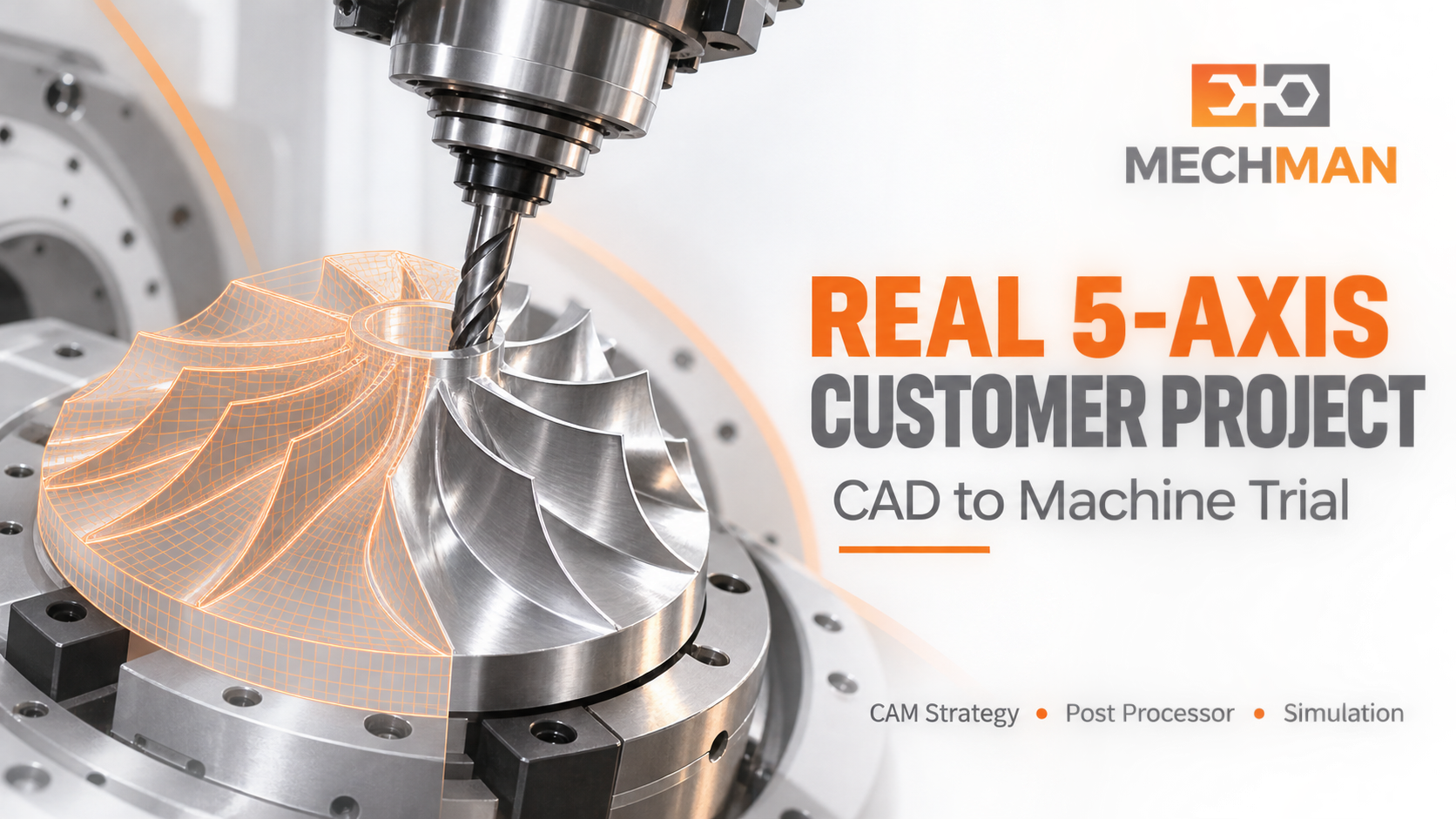
5-Axis machine purchase karna bada investment hai — lekin machine ke baad real challenge ye hai ki customer ka component safely aur consistently is machine par kaise banega? WinFusion mein complete workflow: CAD model se controlled machine trial tak!
Nayi 5-axis CNC machine purchase karna manufacturing business ke liye bada investment hota hai! Lekin machine installation ke baad ek practical challenge saamne aata hai — customer ka real component is machine par safely aur consistently kaise banega? Sirf CAD model aur CAM software hona enough nahi hai. WinFusion approach mein focus poore workflow par hota hai!
“5-axis machine aane ke baad production tab start hota hai jab CAM strategy + machine-specific post processor + machine simulation + controlled trial ek complete workflow bane!” ✅
WinFusion: Component Understanding → CAM Programming → Machine Simulation → Machine-Specific Post → Controlled Machine Trial → Production Handover! ✅
📋 Project Start Karne Se Pehle — Kya Information Chahiye?
Do machines dono “5-axis” ho sakti hain — lekin har ek ki requirements bilkul alag hoti hain!
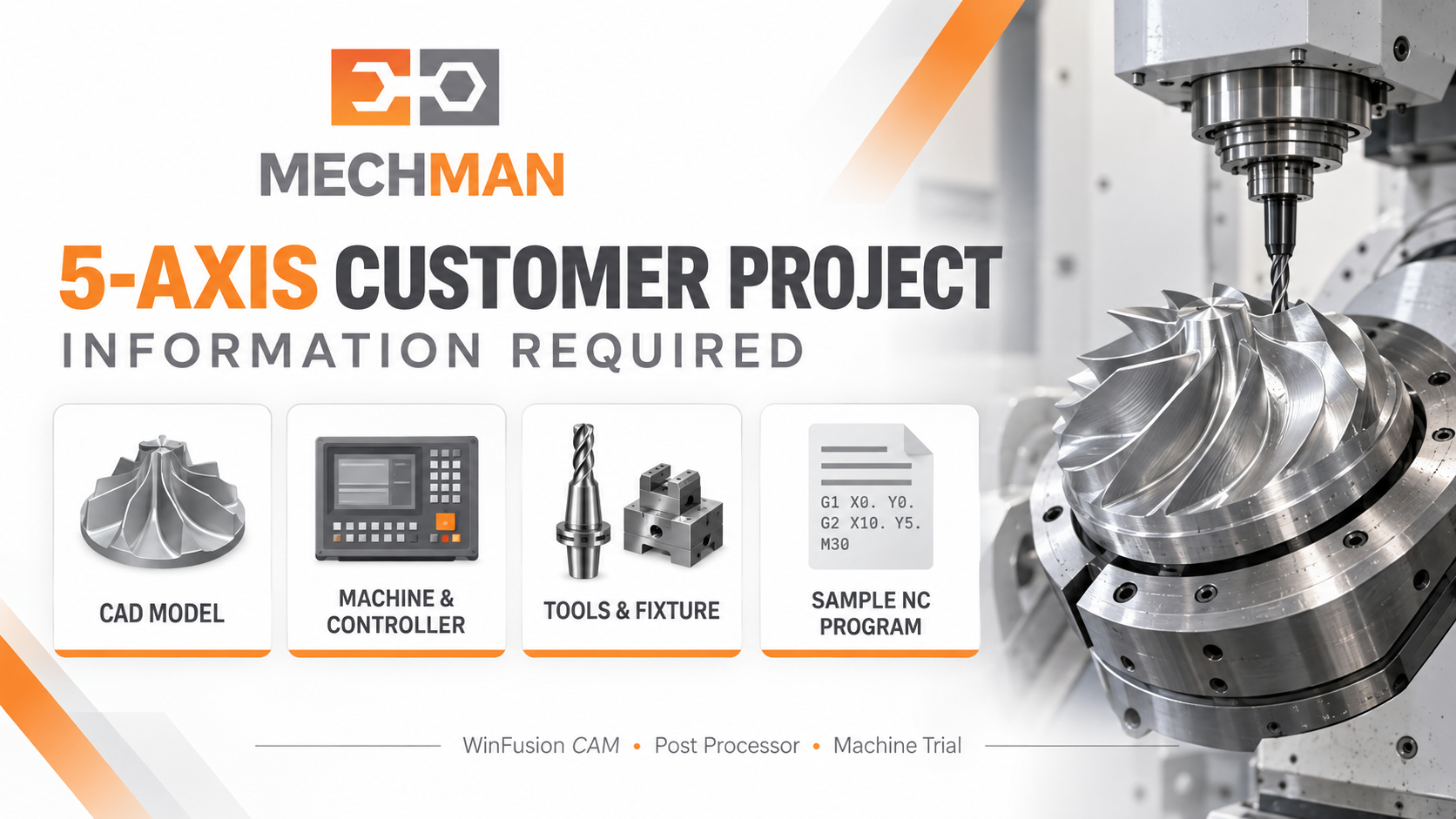
Project start se pehle complete information collect karna zaroori — component details, machine specs, controller, tooling, fixture, expected output. Ye sab define karta hai ki WinFusion workflow exactly kaise design hoga!
- 3D CAD model + drawing ⭐
- Critical dimensions
- Surface finish requirement
- Material + stock size
⚙️ Machine: (Most Critical!) ⭐
- Make, model, axis config ⭐
- Controller model ⭐
- Available cycles/options
- Axis travel limits
- Fixture + clamping location
- Work offset / WCS
- Cutter + holder list ⭐
- Tool length
- Sample NC program ⭐
- Inspection plan
- Production quantity
- Programmer training?
“Post available hai” aur “is exact machine par post proven hai” — ye bilkul alag baatein hain! ✅
⚙️ WinFusion 5-Step Implementation Workflow
1
Component & Setup Analysis — Foundation! ⭐
3+2 ya simultaneous? Kitne setups? Tool holder clearance? Sab pehle decide karo!
3-Axis areas identify ⭐
3+2 indexed features
Simultaneous surfaces ⭐
Fixture clearance
Setup count minimize
2
CAM Strategy Banana — Operation Sequence! ⭐⭐
Sirf toolpath shape nahi — tool reach, holder clearance, rotary limits, finish bhi dekho!
a
Raw stock + WCS define → Accessible areas roughing ⭐
b
Rest machining → Angled features 3+2 → Complex surfaces 5-axis
c
Drilling, chamfering, remaining features → Cycle time optimize! ✅
3
Machine Simulation — Actual Movement Verify! ⭐
CAM screen + Machine simulation = 2 different things. Dono dekhna zaroori!
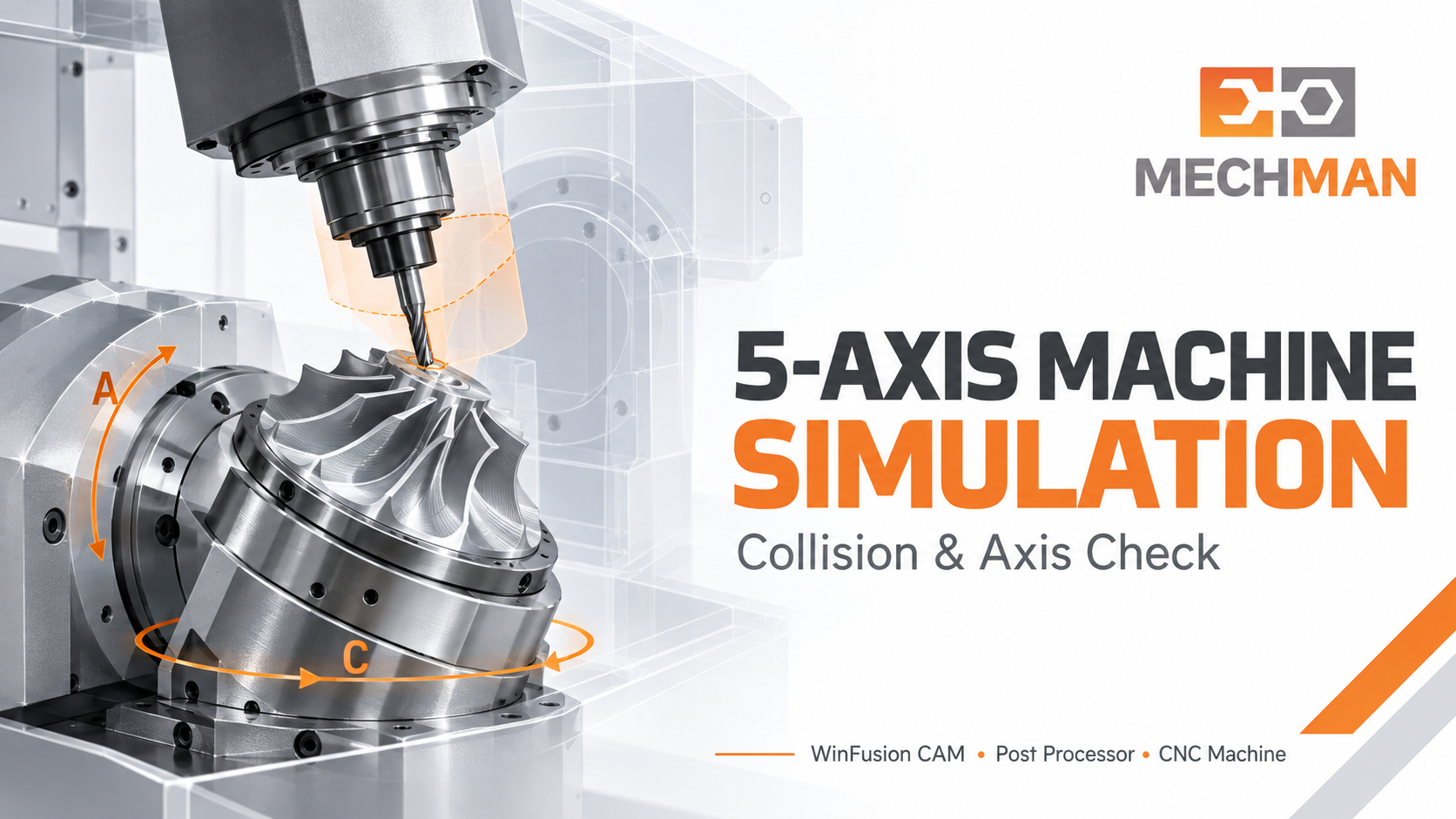
Machine Simulation: Table, spindle, tool, holder, stock aur fixture planned movement mein kaise interact karte hain — sab virtually verify karo production se pehle!
✓Collision verify ⭐
✓Axis overtravel check ⭐
✓Rotary limits safe
⭐Rapid movements safe!
4
Machine-Specific Post Processor — NC Output! ⭐⭐
“Post available” ≠ “Is machine par proven” — verify karo!
PROVEN ⭐
Post Review Points: ⭐
- Rotary direction + format
- Work offset + tool change
- Safe approach/retract
- TCP/RTCP (if applicable)
Target: ✅
- Controller compatible ⭐
- Correct NC format
- Min manual editing
- Proven on trial ✅
✅
Controlled Machine Trial → Production Handover! 🚀
Setup verify → Controlled run → Observe → Correct → Production release!
1Setup + tooling verify → Operator ke saath controlled run ⭐
2Approach, retract, rotary movement, cutting behavior observe ⭐
3Issues → Identify → CAM/post correction → Re-verify ✅
✅Machine trial + part inspection acceptable = Production release! 🚀
✅ Customer Ko Kya Answers Milte Hain?
WinFusion structured implementation se customer ko clear answers milte hain:
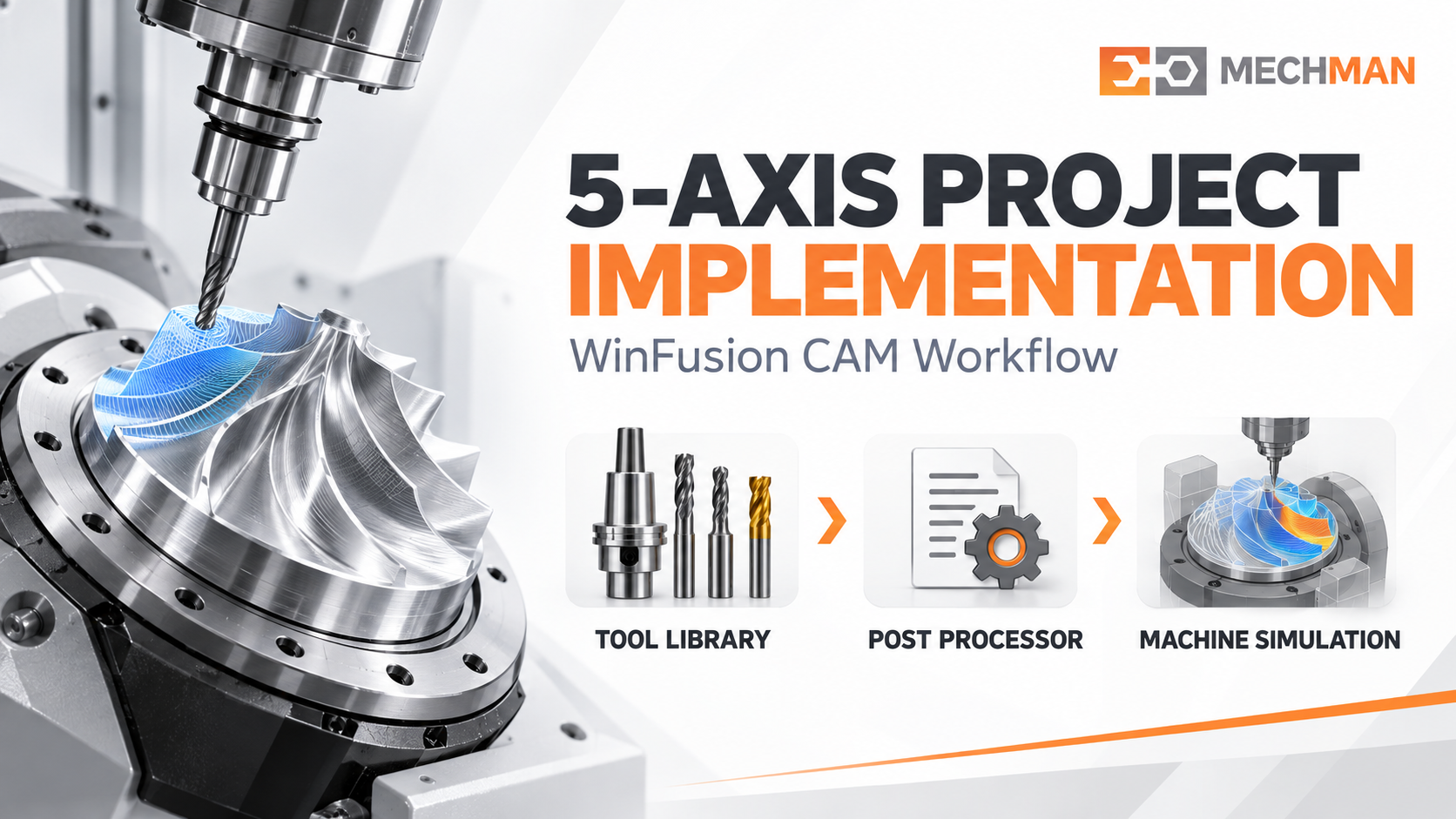
WinFusion = Fusion CAM programming + Post processor setup + Machine simulation + Trial support + Programmer training — ek connected implementation framework!
✅3+2 better ya simultaneous? ⭐
✅Existing tools use ho sakte hain?
✅Machine limits ke andar program? ⭐
✅NC format controller match? ⭐
✅Repeat jobs ka process? ⭐
🏭Production ready! ✅
🏭 WinFusion ke saath 5-Axis Project Start Karo — 4 Details Bhejo!
1Machine make/model ⭐
2Controller model ⭐
3Component 3D model / photo ⭐
43+2 ya simultaneous need ⭐
WinFusion — Machine Se Production Tak Complete Support! 🏭
Machine kharidne ke baad real journey shuru hoti hai — WinFusion mein complete implementation support!
Machine Trial
🏭 Verified!
WinFusion: CAM Programming + Machine Simulation + Proven Post + Trial Support + Training = 5-Axis Production Success! 🏭🚀
🏭
5-Axis CAM | Post Processor | Simulation | Machine Trial
Mechman Solutions — WinFusion
Autodesk Authorized Partner | Vadodara, Gujarat | Since 2015
www.mechmansolution.com
© 2025 Mechman Solutions | WinFusion — Real 5-Axis Customer Project Workflow | Vadodara, Gujarat