Expert CNC Programming Guide 2025
Expert CNC Programmers Ke 18
Best Tips — Better Programs! 💻
Faster Machining | Minimum Risk | Maximum Machine Utilization
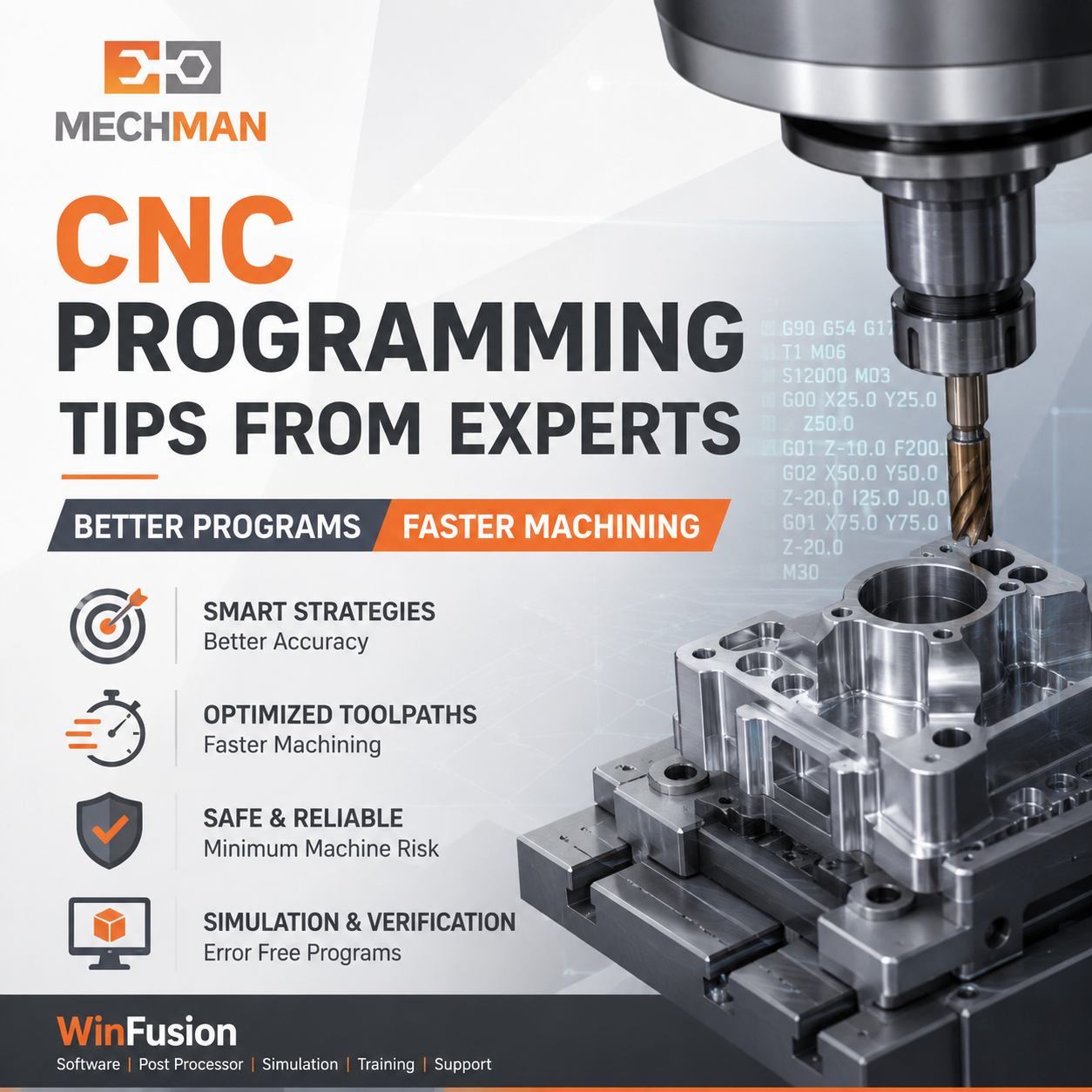 Expert CNC programmer sirf toolpath nahi banata — machine, controller, tool, fixture, post processor sab samajhta hai. Yeh 18 tips aapke programs safer, faster aur better banayenge.
CNC programming sirf toolpath generate karna nahi hai. Expert programmer ko machine capability, cutting tool, workholding, material, post processor, controller aur actual machining condition sab samajhna padta hai.
CAM mein program technically correct dikhta hai — lekin machine par unnecessary retract, wrong approach, excessive cycle time, collision ya alarm aa sakta hai. Isliye practical machine experience must hai!
18 Expert CNC Programming Tips 💡
📋 Group 1: Setup & Planning — Tips 1 to 4
1
Programming Start Karne Se Pehle Complete Setup Samjho
Expert programmer directly strategy select nahi karta — pehle machine aur setup samajhta hai:
→Machine type (3/4/5X)
→Controller type
→Component holding
→Tool reach check
→Rotary axis limits
⭐Work offset verify
2
Correct Tool Selection — Cycle Time aur Quality Dono Better
Wrong tool = cycle time suffer + tool life suffer + surface finish suffer. Check karein:
✓Tool overhang minimum
✓Holder type correct
✓Spindle RPM limit check
✓Machine power consider
⚠️ Long tool = vibration, chatter, breakage risk. Jitna short possible, utna better!
3
Tool Library Standardize Karein 🔧
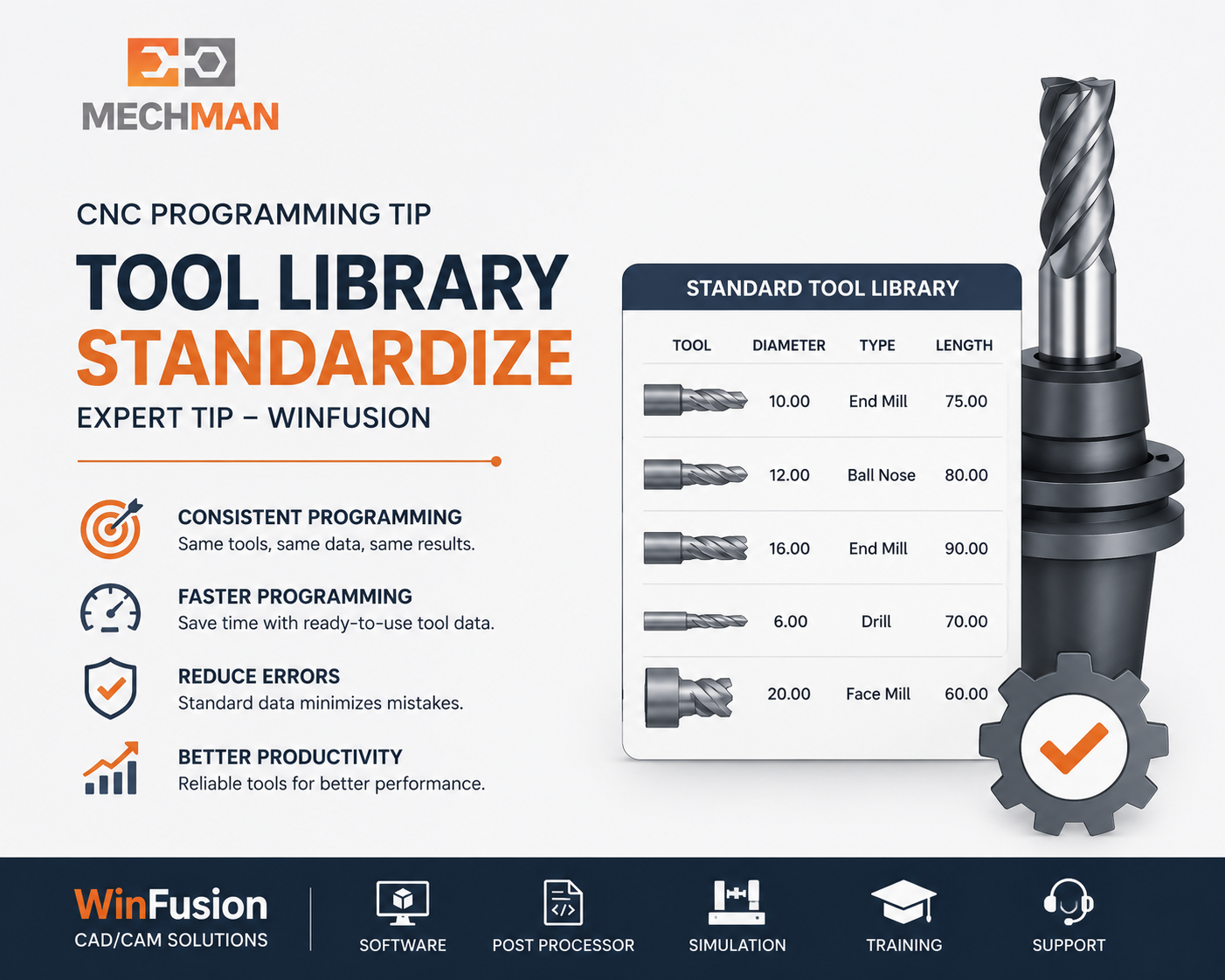
Standardized tool library — har programmer same data, consistent output, faster setup!
Har programmer alag speed/feed/holder use kare — quality inconsistent hoti hai. Standard library: tool number, holder, gauge length, feeds, speeds, material templates. Multiple programmers ya machines ke liye must-have!
4
Templates aur Proven Strategies Use Karein
Har baar zero se programming = unnecessary time waste. Proven templates maintain karein:
FacingPocket MillingAdaptive Roughing ⭐Drilling2D ContourRest Machining ⭐5-Axis Positioning
⚡ Group 2: Toolpath Optimization — Tips 5 to 9
5
Unnecessary Air Cutting Reduce Karein ⚡
Cycle time sirf cutting feed se nahi — approach, retract, linking moves bhi major impact daalte hain. Check karo:
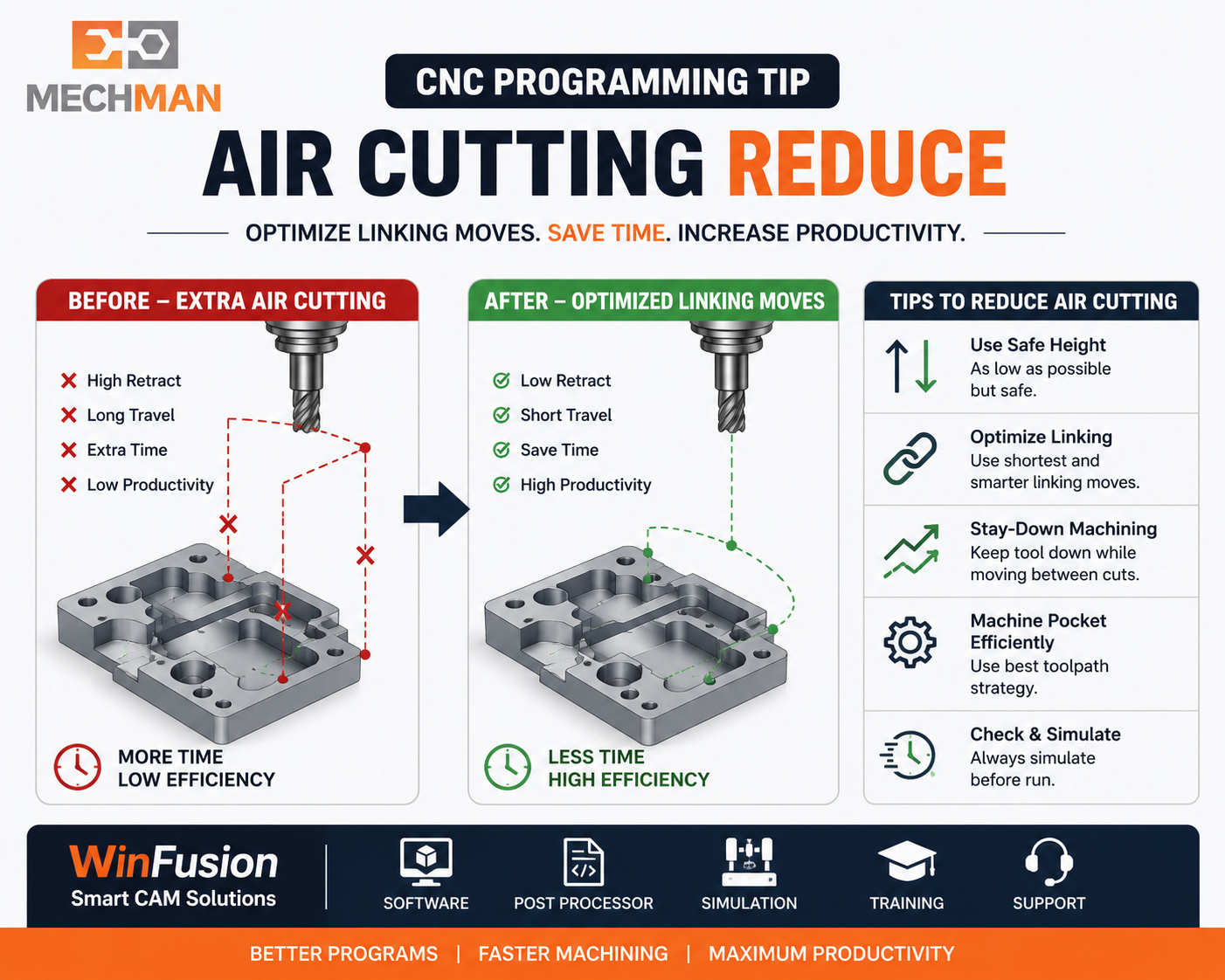
Linking move optimization — unnecessary retract eliminate. Daily production mein significant time save!
✓Minimum retraction use karo
✓Stay-down linking option
✓Clearance height = actual fixture
⭐Optimized ordering
6
Roughing aur Finishing Strategy Alag Rakhein
Roughing:
- Constant tool engagement
- Proper stepdown/stepover
- Sharp corner load avoid
- Adaptive roughing prefer
Finishing:
- Correct ball nose tool
- Scallop height control
- Tool deflection consider
- Holder clearance verify
Big tool ke baad small tool sirf remaining material remove kare:
- Cycle time ↓
- Tool life ↑
- Air cutting ↓
- Deep corners ✅
Direct vertical plunge = wrong. Use:
- Helical entry ⭐
- Ramp entry
- Pre-drilled entry
- Lead-in/out move
Sirf cutter check nahi — sab check:
- Tool holder
- Collet + arbor
- Fixture + clamp
- Rotary table
🖥️ Group 3: Post Processor & Simulation — Tips 10 to 14
10
Proven Post Processor Use Karein ⭐
Most Critical
CAM toolpath correct ho — lekin NC code wrong ho sakta hai agar post machine ke liye configured nahi hai. Verify karein:
✓G-code format
✓Work offset output
✓Rotary axis direction
✓TCP/RTCP cycles
✓Safe retract position
⭐Program start/end format
⚠️ Generic post se expensive CNC machine par direct run = risky! WinFusion machine-specific proven post provide karta hai. ✅
11
Manual Editing Avoid Karo
Har program mein manual changes = post processor ya CAM setup mein problem.
- Wrong value risk
- Rotary direction mistake
- Safety line delete
- Revision control issue
Fix at post/template level! ✅
12
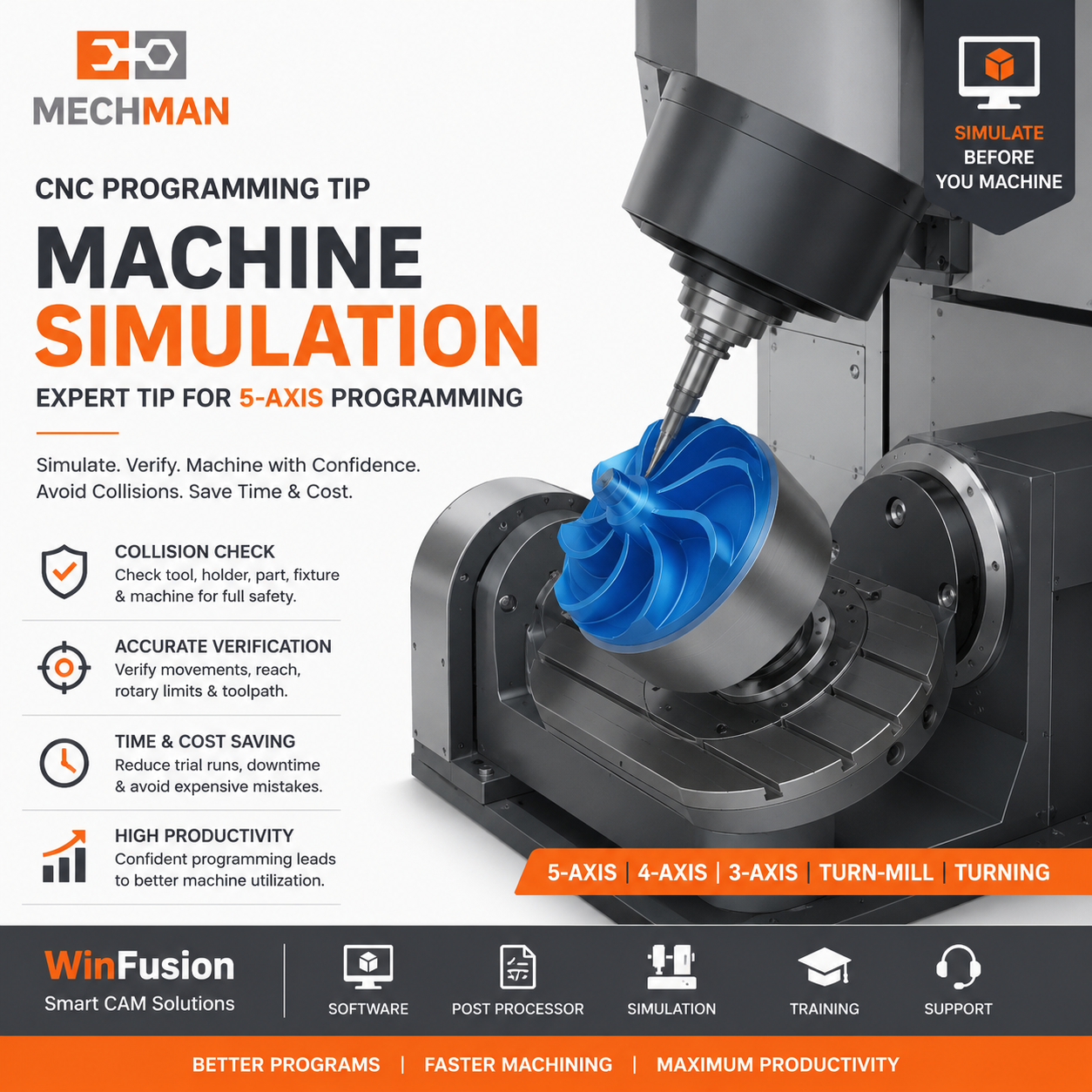
Complete Machine Simulation
Toolpath verify ≠ Machine simulation. Full simulation: machine axis, holder, fixture, overtravel, head/table interference sab check!
13
Setup Sheet Generate Karo
Operator ko sirf NC code dena enough nahi — proper setup sheet:
- Component name + drawing
- Work offset + fixture
- Tool list + gauge length
- Cycle time estimate
- Operator instructions
14
First-Off Safe Prove-Out ⭐
Simulation ke baad bhi first component controlled run:
- Single block mode
- Feed override low
- Dry run first
- Work offset confirm
- Rotary movement observe
Simulation = risk reduce. Prove-out = full safe! ✅
📈 Group 4: Production Excellence — Tips 15 to 18
15
Cycle Time Data Se Improve Karo
Sirf feed rate increase = wrong. Identify karo:
- Maximum time kis operation mein
- Air cutting kitni hai
- Tool change count
- Roughing strategy efficient?
- Multiple operations combine?
16
Program Revision Control
Same program ki multiple copies = dangerous! System maintain karo:
- Drawing + revision number
- Machine + operation number
- Programmer name + date
- Approval status
- Old programs separate rakhein
17
Programmer + Operator Feedback Connect
Best programs shop-floor feedback se improve hote hain. Puchho:
- Tool vibration aa raha?
- Chip evacuation proper?
- Tool life expected?
- Clamp access easy?
- Coolant direction correct?
18
Expensive Machine = Proper CAM Support ⭐
Advanced CNC machines mein naye challenges regularly aate hain:
- New component geometry
- New fixture + tool
- Post modification
- Collision issue
- Cycle time optimization
WinFusion ongoing technical support ✅
WinFusion CNC Programming Solution 🚀
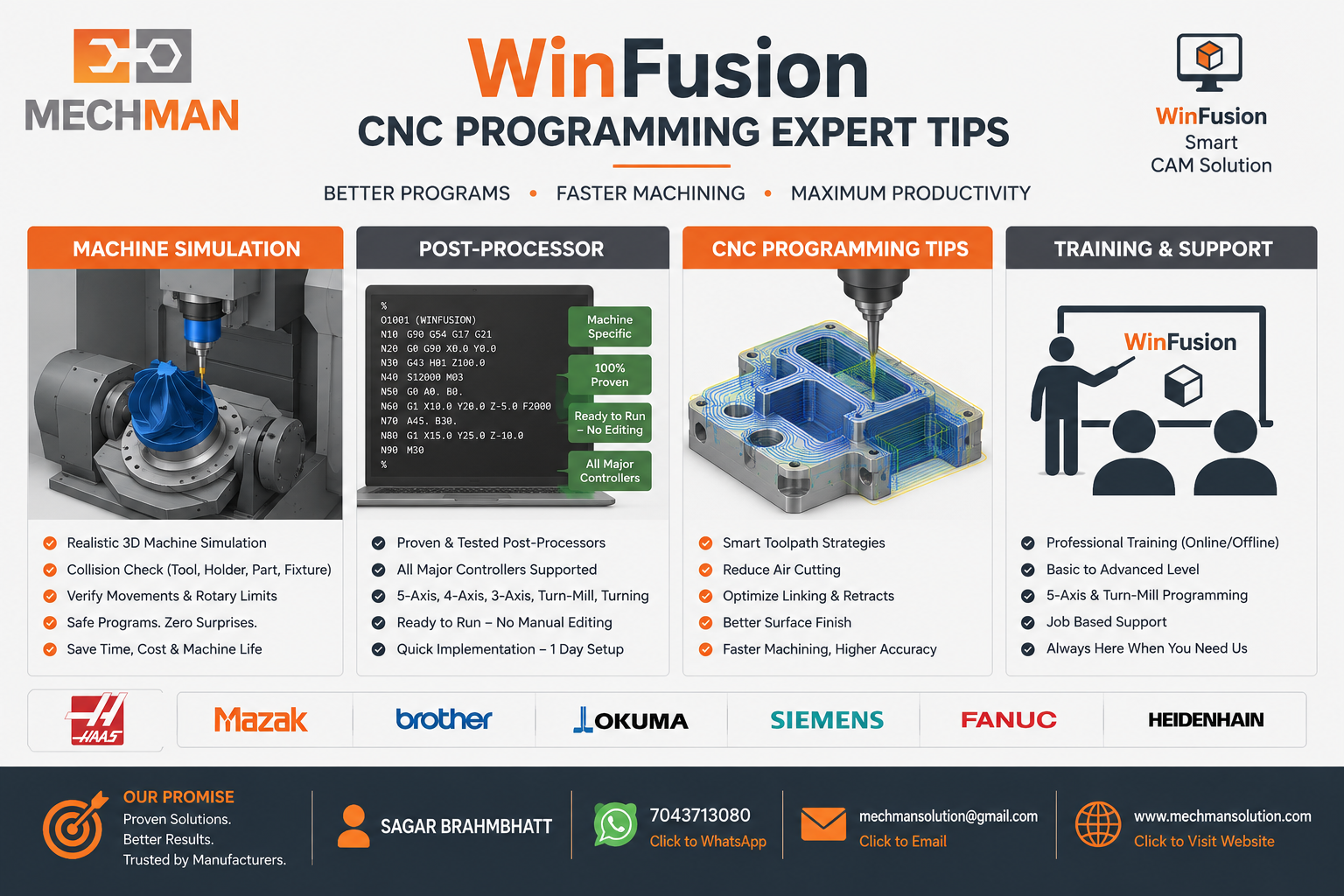
WinFusion — expert programming support + machine-specific post + simulation + tool library. In 18 tips ko implement karne mein hum help karte hain!
✅Fusion-based CAD/CAM
✅Machine-Specific Post Processor
✅Complete Machine Simulation
✅Customized Tool Library
✅CAM Templates + Setup Sheets
✅Programmer Training
✅3/4/5-Axis + Turn-Mill
⚡Ongoing Technical Support!
Conclusion 🎯
Expert CNC programming ka objective sirf program generate karna nahi — machine ke liye safe, operator ke liye easy, cycle time optimized, tool life improved, manual editing zero.
Correct CAM + Proven Post + Machine Simulation + Standard Tool Library + Training = CNC Machine Ka Maximum Utilization! ✅
💻
CNC Programming | Post Processor | Simulation | Training
Mechman Solutions — WinFusion
Autodesk Authorized Partner | Vadodara, Gujarat | 3/4/5-Axis | Turn-Mill | Since 2015
www.mechmansolution.com
© 2025 Mechman Solutions | WinFusion — Expert CNC Programming Guide | Vadodara, Gujarat