👨💻 CNC Productivity Guide — WinFusion 2025
Ek Operator Multiple CNC Machines
Kaise Run Kar Sakta Hai? 👨💻
Offline Programming | Proven Post | Simulation | Tool Library — WinFusion Complete Solution
👨💻
1 Operator ⭐
WinFusion
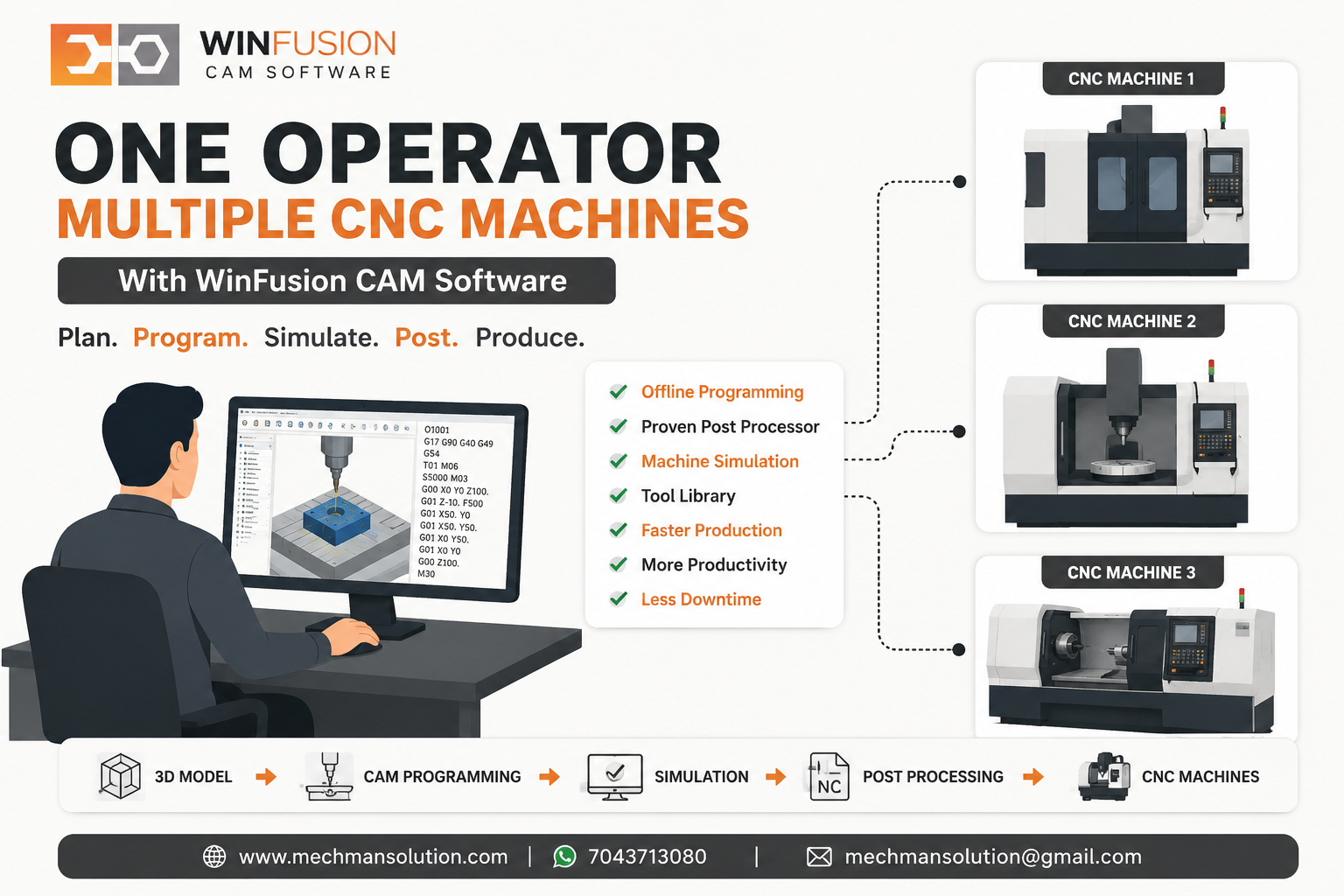
Har machine ke liye alag skilled programmer rakhna costly hai. WinFusion offline programming + proven post + machine simulation se ek skilled operator/programmer multiple CNC machines efficiently manage kar sakta hai!
Aaj manufacturing industry mein sabse common problem hai — skilled CNC operator aur programmer ki shortage. Machines available hain, orders bhi hain, lekin har machine ke liye alag skilled programmer ya operator rakhna costly ho jata hai!
❌ Traditional Setup — Operator Ka Time Waste:
- Machine 1: Program load → Alarm → Edit → Dry run → Offset check → Production
- Machine 2: Same process repeat
- Machine 3: Waiting…
- Operator stuck at machine! 😓
✅ WinFusion Workflow — Maximum Time On Production:
→3D Model → CAM → Toolpath → Simulation → Post → NC Code → Machine
Program pehle se ready → Operator sirf setup + production monitoring! ⭐
WinFusion CAM Software ke proper implementation se ek skilled operator/programmer multiple CNC machines ko efficiently manage kar sakta hai! ✅
💡 5 Key Ways — Ek Operator Multiple Machines Handle Kare
1
Offline CNC Programming — Machine Free Rehti Hai ⭐
Programming computer par, machine production mein!
❌ Old Method:
Machine par program banana → machine idle → production stop → next job ke liye machine ka wait
✅ WinFusion Offline:
- Tool select + params — computer par ⭐
- 3/4/5-Axis toolpath — offline
- Turning + Turn-Mill — ready
- Machine production karti rehti hai!
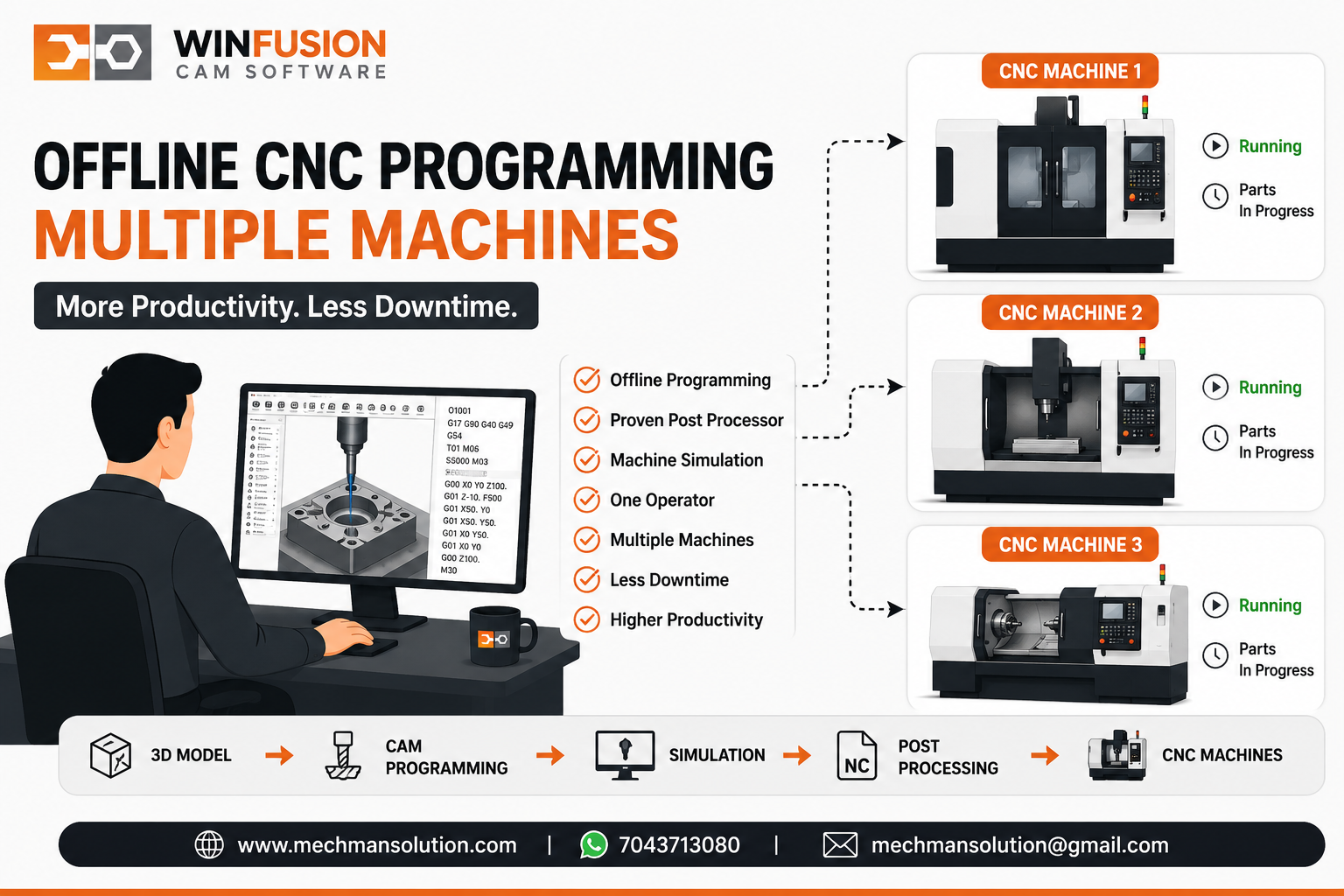
Offline programming ka biggest benefit: Machine 1 production karti hai, Machine 2 ka next job CAM computer par simultaneously ready ho raha hai!
2
Proven Post Processor — Zero Manual Editing ⭐
Multiple machines ka bottleneck = manual editing — WinFusion solve karta hai!
Most Critical!
❌ Wrong/Generic Post:
- NC program manually edit
- Machine alarm aata hai
- Rotary direction wrong
- Multiple machines mein = massive bottleneck ⚠️
✅ WinFusion Proven Post:
CAM → generate → transfer → machine → production. Minimum manual editing!
Fanuc ✅SiemensMazak ✅Haas
Proven post processor hone se ek programmer multiple machines ko much more efficiently support kar sakta hai! ✅
3
Machine Simulation — Prove-Out Time Drastically Reduce Karo ✅
5-axis, rotary aur Turn-Mill mein sirf toolpath dekhna enough nahi — complete machine environment virtually verify karna zaroori hai:
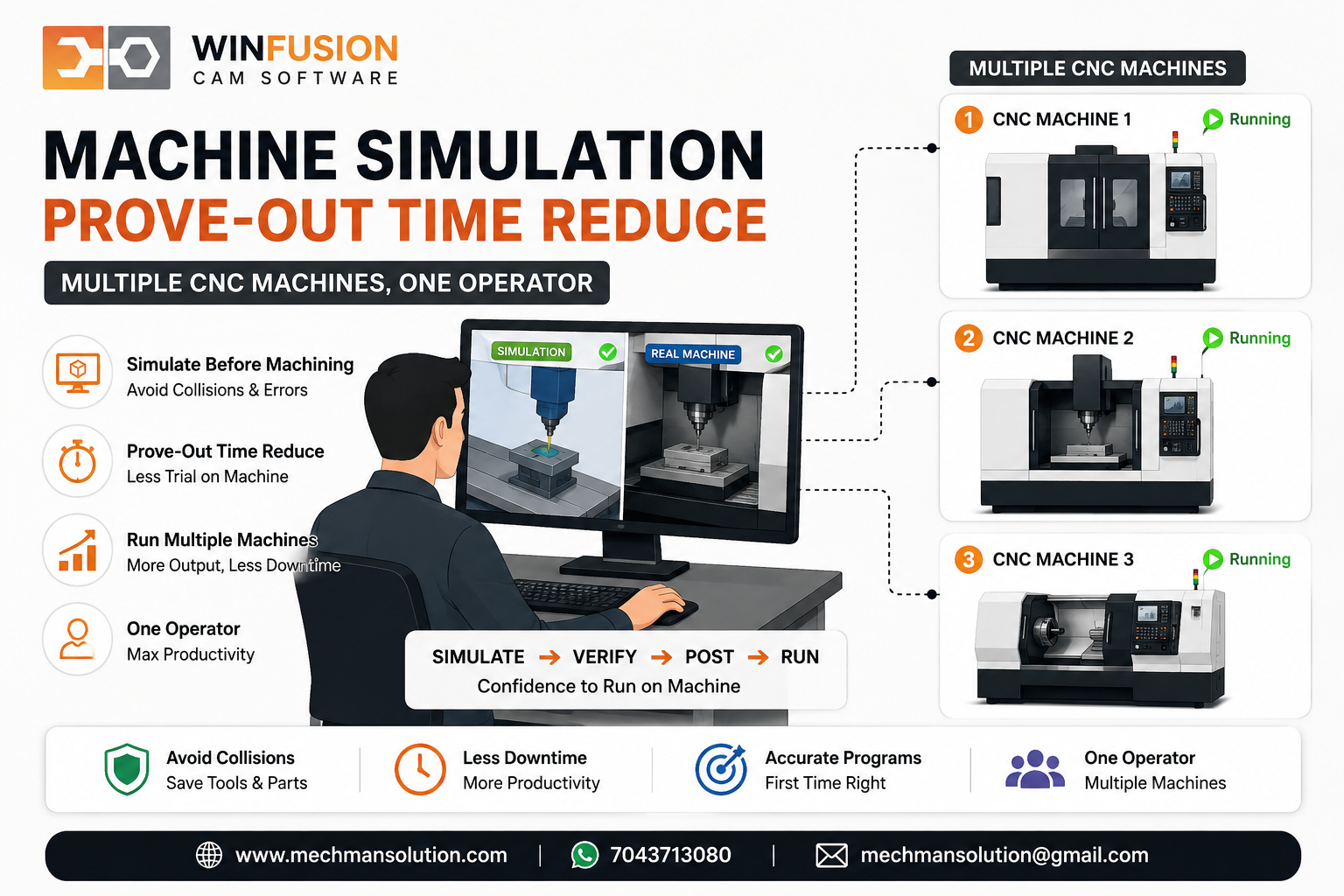
Machine simulation = operator ka prove-out time drastically reduce. Multiple machines pe yahi saving = massive productivity gain!
4
Tool Library — Programming Faster + Standardized 📚
Har naye component ke liye manually tool, holder, feeds, speeds create karne se programming slow ho jaati hai — especially multiple machines ke liye!
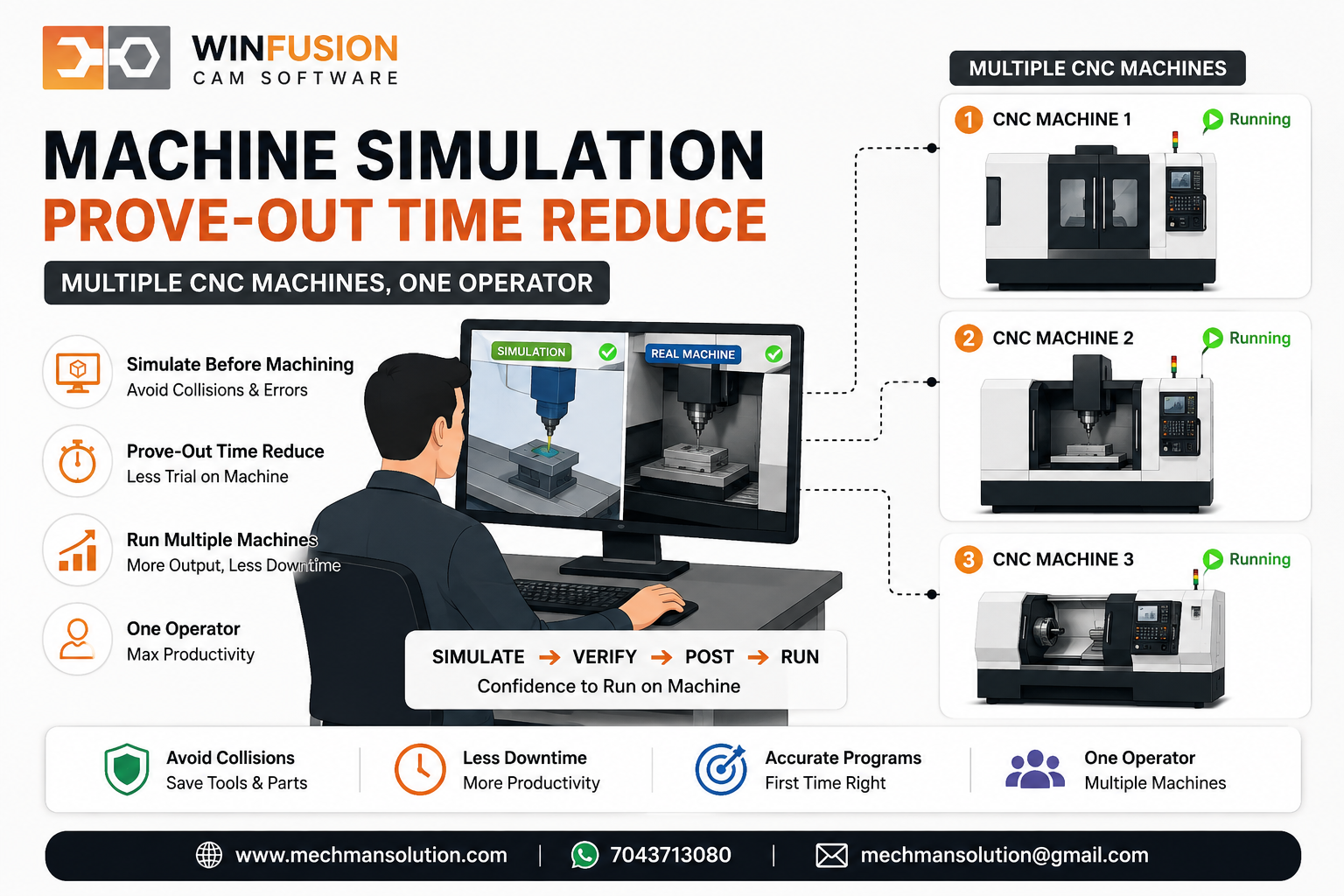
WinFusion tool library — Face Mill, End Mill, Ball Nose, Drill, Turning Tool, Grooving Tool sab standardized. Programmer repeat jobs aur new jobs dono faster prepare kare!
5
Standard Programming Process — Person-Dependent Se Process-Dependent! ⭐
❌ Problem:
Har operator apne style se program banata hai → 1 person dependent → woh nahi toh production stop
✅ WinFusion Standardize:
Tool Library + CAM Templates + Cutting Params + Post Processor + Simulation = Process-Dependent! ⭐
Ek programmer/operator workflow follow karke multiple machines confidently handle kar sakta hai — aur naya team member bhi jaldi train ho sakta hai! ✅
🏭 Real Example — Ek Operator + 3 CNC Machines!
WinFusion Based Workflow — Sequence Kuch Aisa Ho Sakta Hai:
Production running ✅ — Verified NC program chala raha hai. Operator monitoring only!
Already verified NC program running ✅ — Operator next setup prepare kar raha hai!
Next complex job CAM computer par prepare ho raha hai ⭐ — Machine 1 complete hone par ready!
Operator ka time program correction mein kam aur production management mein zyada use hota hai! ✅
🚨 4-Axis, 5-Axis & Turn-Mill Machines Ke Liye Aur Bhi Important!
Machine lakhon ya crores ki ho sakti hai — lekin agar proper post processor aur programming workflow ready nahi hai toh machine ki full capability use nahi hoti. Machine install → EMI start → Production delay = costliest mistake!
Machine Install ✅
EMI Start ⚠️
Production delayed ❌
Post Processor
Issues Solving
Weeks wasted ⚠️
WinFusion ⭐
Day 1 Ready!
No delay ✅
🏭 Kis CNC Shop Ko WinFusion Useful Hoga?
Agar ye machines hain aur programming time + operator dependency reduce karna hai:
✅VMC / HMC
✅3-Axis CNC
✅4-Axis CNC
⭐5-Axis CNC
✅Turning Center
⭐Turn-Mill
WinFusion — Complete CAM Implementation 🚀
WinFusion = Software License Nahi — Complete Workflow Implementation!
↓CAM Software (3/4/5-Axis, Turning, Turn-Mill)
↓Tool Library — Standardized
↓Machine-Specific Post Processor ⭐ (Most Critical!)
↓Machine Simulation ⭐
↓Training — Real Production Jobs Confidently Handle
→Actual Machine Implementation + Ongoing Technical Support ✅
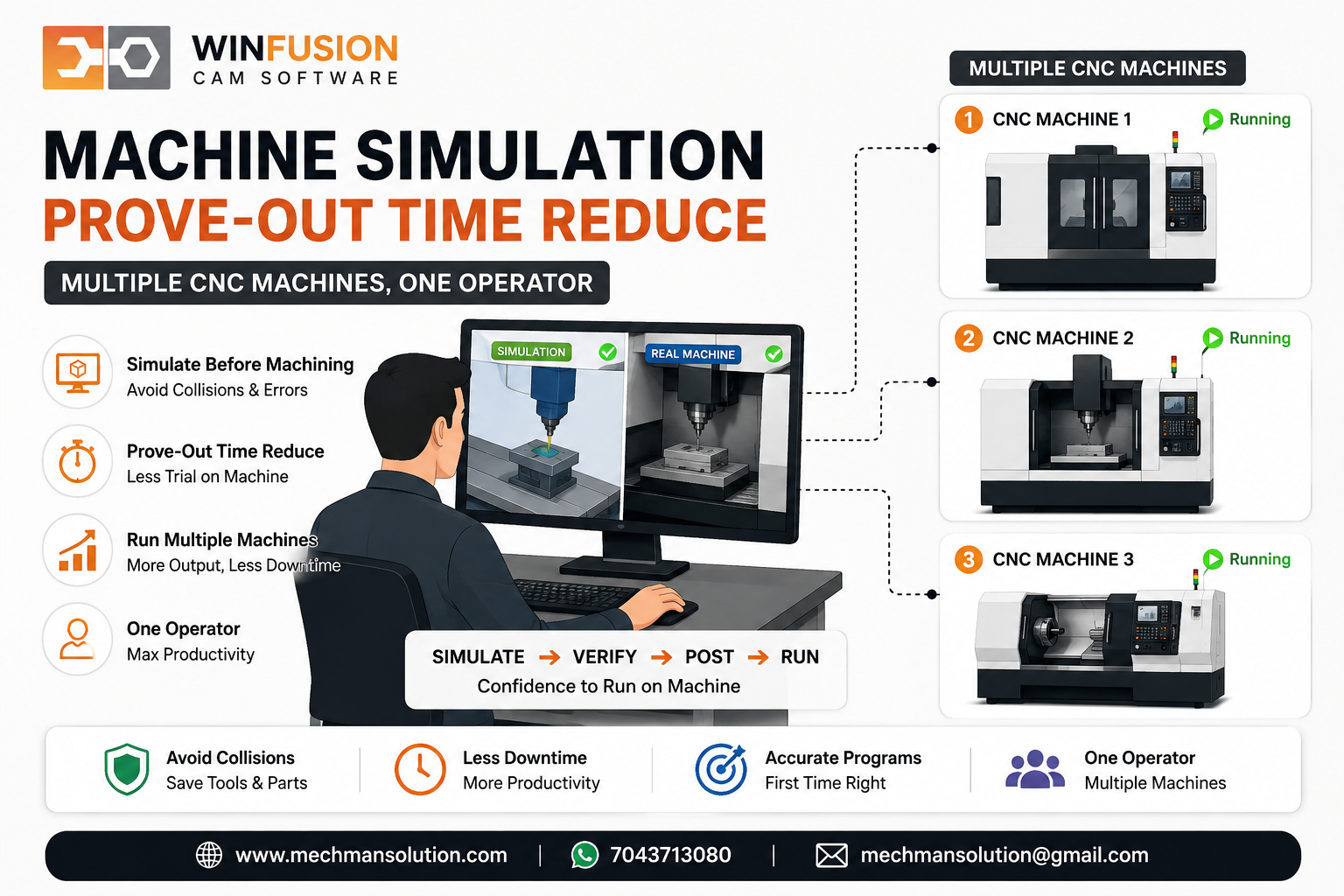
WinFusion — CAM programming se proven machine production tak. Ek operator multiple machines = possible + productive! 🚀
✅Offline Programming System
✅Proven Post Processor
✅Machine Simulation
✅Standardized Tool Library
✅3/4/5-Axis + Turn-Mill
✅Programmer Training
✅Ongoing Technical Support
🚀1 Operator → Multiple Machines!
Final Thought 🎯
Ek operator multiple CNC machines run kar paye iska matlab operator par extra pressure dena nahi — unnecessary manual work ko eliminate karna hai!
When this happens:
- Programming offline ready ✅
- Post processor proven ✅
- Machine simulation done ✅
- Tool library standardized ✅
RESULT:
Operator ka valuable time NC editing mein waste nahi hota! Wahi manpower multiple machines efficiently manage kar sakti hai! ⭐
WinFusion — From CAM Programming to Proven Machine Production! 🚀
👨💻
CAM Software | Post Processor | Simulation | Training
Mechman Solutions — WinFusion
Autodesk Authorized Partner | Vadodara, Gujarat | Since 2015
www.mechmansolution.com
© 2025 Mechman Solutions | WinFusion — One Operator Multiple Machines Guide | Vadodara, Gujarat
