🟠 PowerMill Beginner Guide — WinFusion 2025
PowerMill for Beginners —
CNC CAM Programming Start Karo! 🟠
10-Step Workflow | 3-Axis to 5-Axis | Post Processor | Machine Simulation | WinFusion
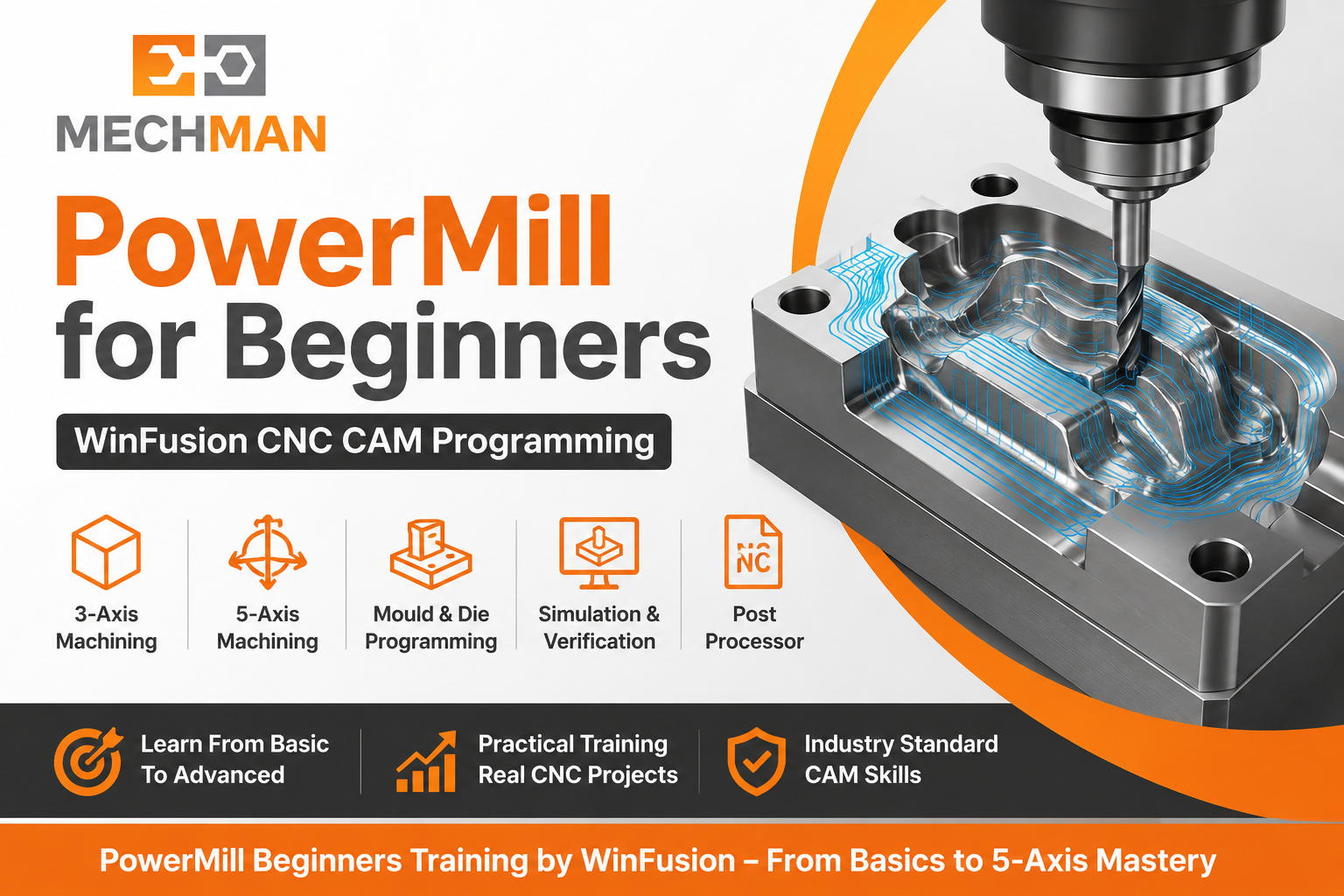
PowerMill — complex 3-axis, 3+2, 5-axis CNC machining, mould, die, aerospace aur precision components ke liye professional CAM software. WinFusion training mein practical workflow seekho — Model se CNC Machine tak!
PowerMill CAM software seekhna chahte ho? Sabse pehle ye samajhna important hai ki PowerMill sirf toolpath banane ka software nahi hai — ye especially complex 3-axis, 3+2, 5-axis CNC machining, mould, die, aerospace aur precision components ke liye use hota hai!
WinFusion ke through PowerMill training ke saath practical CNC implementation, post processor aur machine simulation support milta hai — program confidently CNC machine par run kar sake!
Simple PowerMill Workflow: 3D Model → Toolpath → Simulation → Post Processor → NC Code → CNC Machine! ✅
🟠 PowerMill Kya Hai?
PowerMill = Professional CAM Software for Complex CNC Machining!
PowerMill Kahan Use Hota Hai:
- Die & Mould Manufacturing ⭐
- Automotive Components
- Aerospace Components ⭐
- Precision Engineering
- 3D Surface Machining
- High-Speed Machining ✅
Axis Coverage:
3-AxisStandard milling
3+2 AxisIndexed positioning
5-Axis ⭐Simultaneous complex
HSM ⭐High-speed machining
PowerMill = Industry standard for mould, die aur complex aerospace CNC programming! ✅
📚 10 Steps — PowerMill Beginner Workflow!
Supported formats:
STEP ✅
IGES ⭐
Parasolid
STL ✅
Import karo → geometry check karo! ✅
Workplane = CNC program ka foundation!
⚠️ Galat workplane = Complete program galat! ✅
Raw material = Block in PowerMill!
Software calculates material removal! ✅
Tool types PowerMill mein:
Flat End Mill
Ball Nose ⭐
Bull Nose
Taper ⭐
Dia + Flute + Holder + Length define karo! ✅
5
Roughing Toolpath — Maximum Material Remove! ⭐
Component geometry ke according strategy select karo
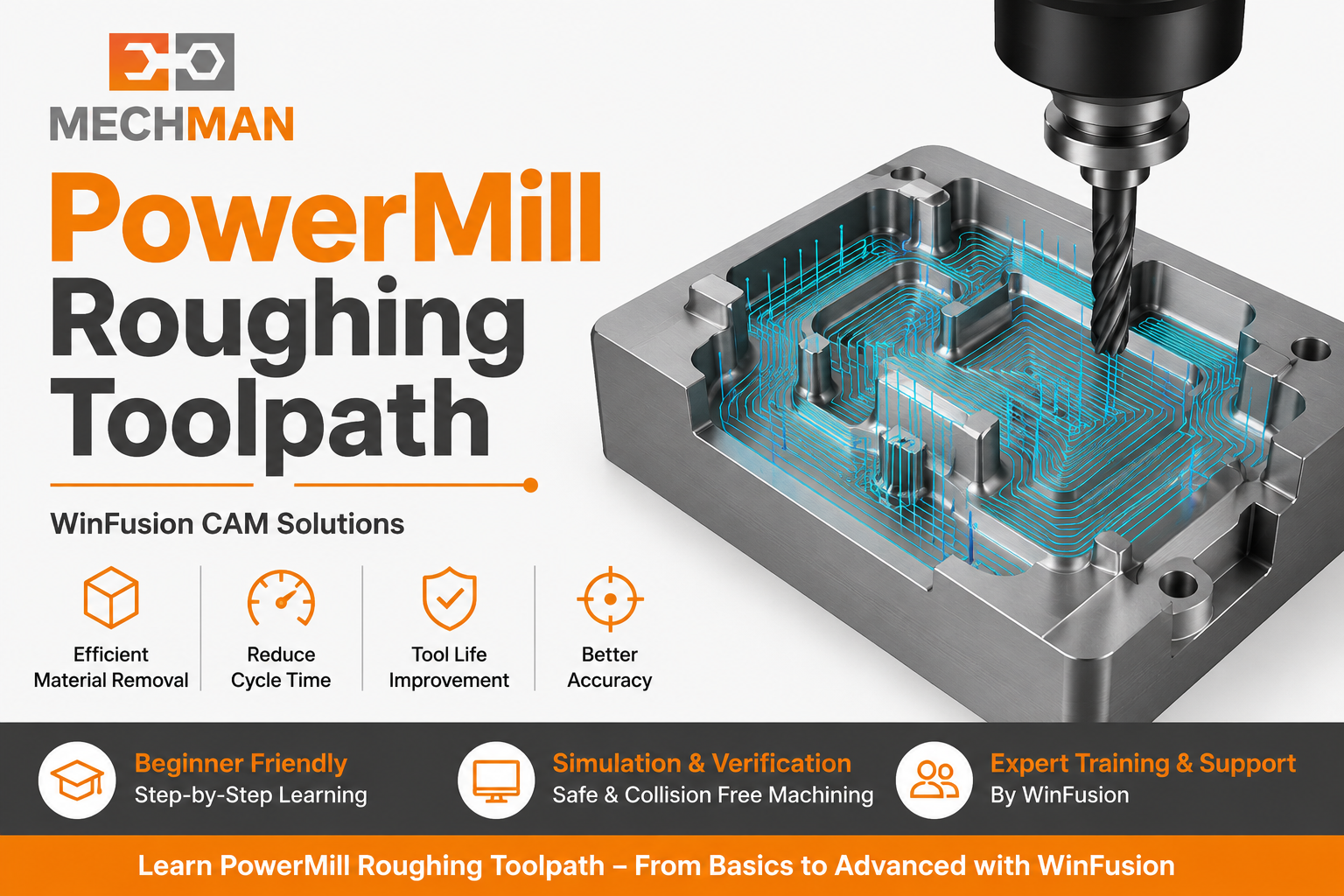
PowerMill roughing — maximum material efficiently remove. Correct strategy se cycle time reduce, tool load control, tool life improve aur machine utilization better!
✓Cycle time reduce ⭐
✓Tool load controlled
✓Tool life improve ⭐
⭐Better machine utilization!
Large tool nahi pahuncha — smaller tool use karo!
Ø16 roughing → corners remaining
Ø6 rest machining → only remaining material ⭐
Die-Mould mein extremely important! ✅
Final surface quality ke liye:
Raster/Parallel ⭐
Constant Z
Steep+Shallow ⭐
Pencil
Corner ✅
Surface quality + cycle time dono important! ✅
Steps 8-9-10 — Ye Teen Steps Miss Mat Karo! ⭐⭐⭐
- Tool movement ✓
- Remaining stock ✓
- Collision check ✓
- Over-cut ✓
- Gouge detect ✓
- Machine kinematics ⭐
- Rotary axis verify
- Holder collision
- Machine limits
- Fixture clearance ✓
Controllers:
Fanuc ✅
Siemens
Heidenhain
Mazak ⭐
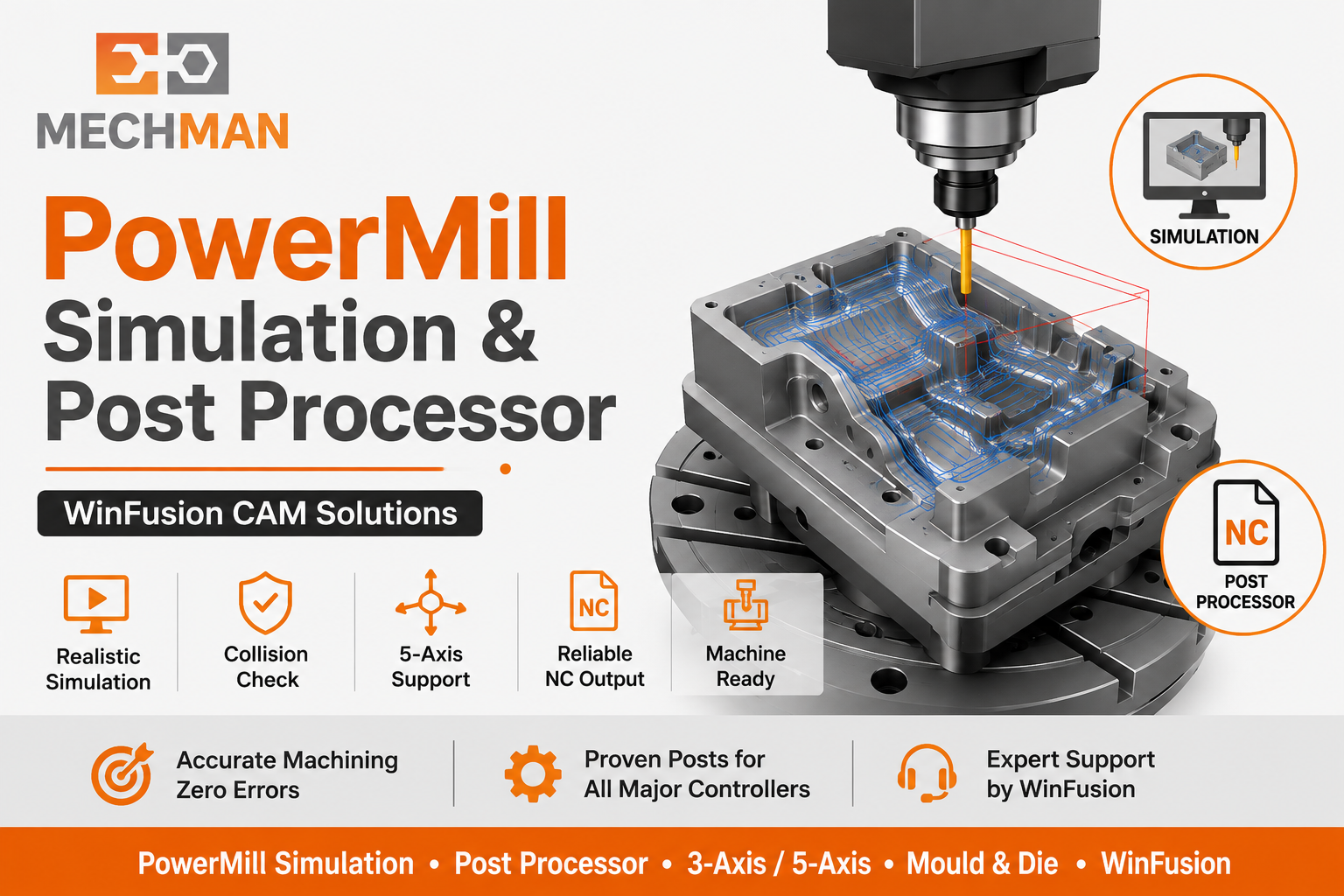
Toolpath Simulation + Machine Simulation + Proven Post Processor — ye teen steps miss karna risky hai! WinFusion yahi properly implement karta hai!
⚙️ Proven Post Processor — Biggest Challenge!
Software milna easy — Post Processor aur Implementation real challenge hai!
Most Critical!
❌ Post Proven Nahi Hai To:
- NC code manually edit karna pad sakta hai
- Machine alarms face karne pad sakte hain
- Trial machining mein time waste
- Machine idle rehti hai ⚠️
✅ WinFusion Proven Post:
- Program banao → Simulate karo ⭐
- NC output nikalo
- Machine par confidently run karo
- Min manual editing ✅
WinFusion objective: PowerMill me program banao → Simulate karo → NC output nikalo → Machine par confidently run karo! ✅
PowerMill 5-Axis — Advanced Concepts Jo Samajhne Hain:
→Tool Axis Control ⭐
→Machine Kinematics ⭐
→RTCP / TCP Functions
→Collision Avoidance ⭐
→Head-Table / Table-Table Config
⭐WinFusion support karta hai! ✅
WinFusion — Complete PowerMill CAM Solution 🚀
WinFusion: PowerMill Software + Proven Post Processor + Machine Simulation + Training + Support = Complete CNC Implementation. New machine ko production mein lane ka time significantly reduce!
✅3-Axis + 3+2 + 5-Axis Training ⭐
✅Proven Post Processor
✅Machine Simulation ⭐
✅Die & Mould Machining
✅Onsite Implementation
🟠Production Support!
PowerMill Beginners — Key Takeaway! 🟠
Sirf toolpath banana PowerMill programming nahi hai — Real CAM programming tab complete hoti hai jab generated NC program CNC machine par safely aur accurately run kare!
Model → Setup → Tools → Roughing → Finishing → Simulation → Post → CNC
WinFusion isi gap ko practical training + proven post + machine simulation se solve karta hai! 🚀
🟠
PowerMill Training | Post Processor | Machine Simulation | Implementation
Mechman Solutions — WinFusion
Autodesk Authorized Partner | Vadodara, Gujarat | Since 2015
www.mechmansolution.com
© 2025 Mechman Solutions | WinFusion — PowerMill for Beginners CAM Guide | Vadodara, Gujarat
