G54
M03
G43
B+92°
⚠️
⚙️ Post Processor Guide — WinFusion 2025
Wrong Post Processor Issues —
CAM Sahi, Machine Par Problem Kyun? ⚙️
Axis Wrong Direction | Alarm | TCP/RTCP | Work Offset | Rotary Limit | NC Output
Post Processor = CAM ↔ Machine Ka Bridge:
CAM Toolpath ✅
Simulation smooth
Machine ⚠️
Wrong post = problem!
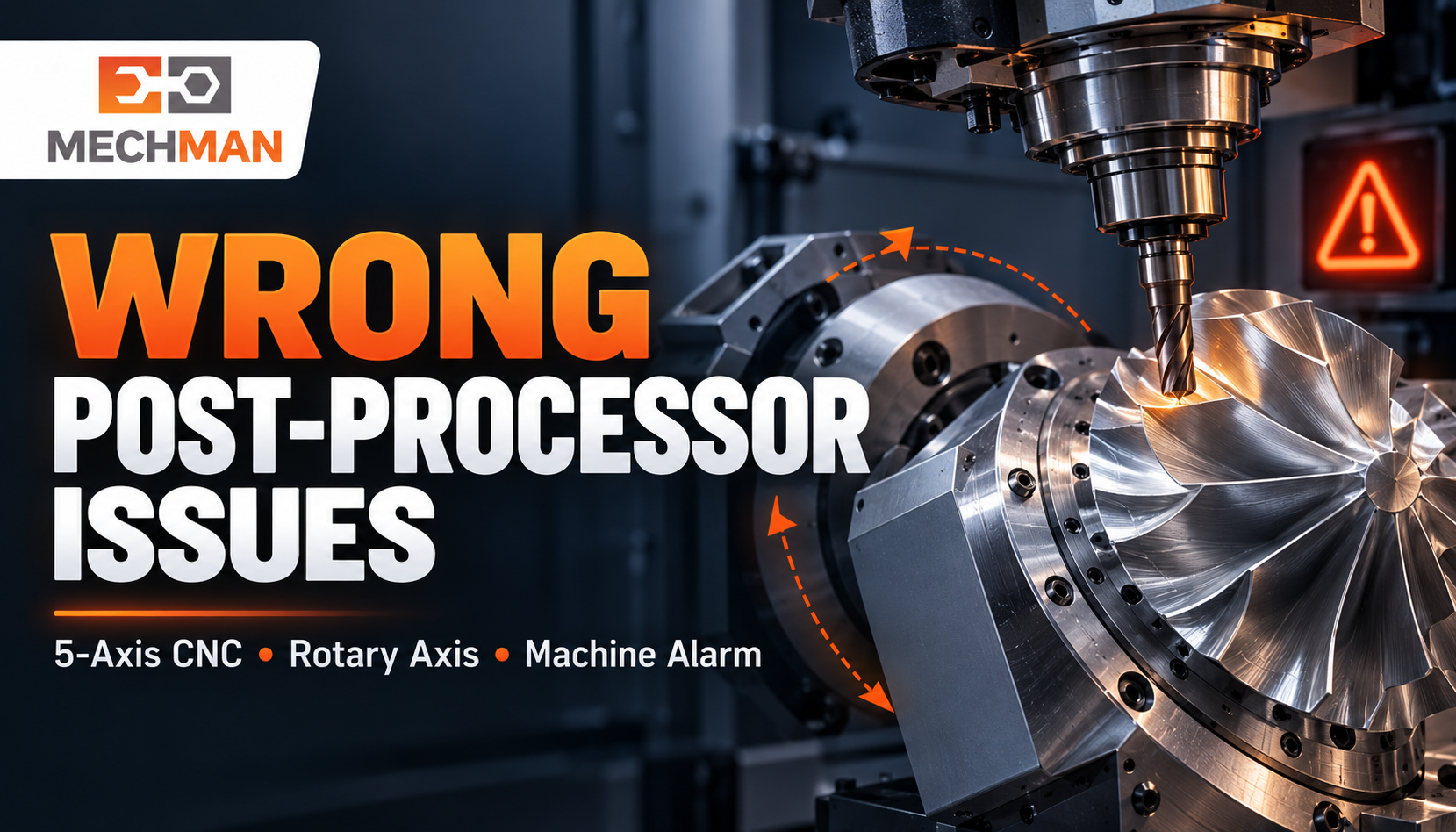
CAM simulation bilkul sahi dikhi—NC program machine par load kiya—alarm aa gaya ya rotary axis galat direction mein gayi! Post processor CAM toolpath ko machine controller ke liye NC code mein convert karta hai. Galat post = galat output, chahe toolpath perfect ho!
CAM toolpath banaya, simulation bhi pass kiya — phir bhi machine par alarm, galat rotary direction ya unexpected movement? The post processor CAM toolpath ko machine ke controller ke liye NC code mein convert karta hai—agar selected post machine ki actual configuration se match nahi karta, toh generated code mein problem aana guaranteed hai! WinFusion workflow mein correct post processor selection, machine simulation, aur controlled trial se yeh problem systematically address hoti hai!
“Perfect CAM toolpath bhi machine par problem de sakta hai agar post processor aur machine configuration match na karein. WinFusion mein machine-specific post + simulation + controlled trial = reliable NC output!” ✅
Important: Har machine alarm post processor ki wajah se nahi hota. NC code, machine settings, offsets, aur setup ko saath mein check karna zaroori hai! ✅
⚠️ Wrong Post Processor: 6 Common Signs!
Ye signs dikh rahein hain? Post processor aur machine setup check karo!
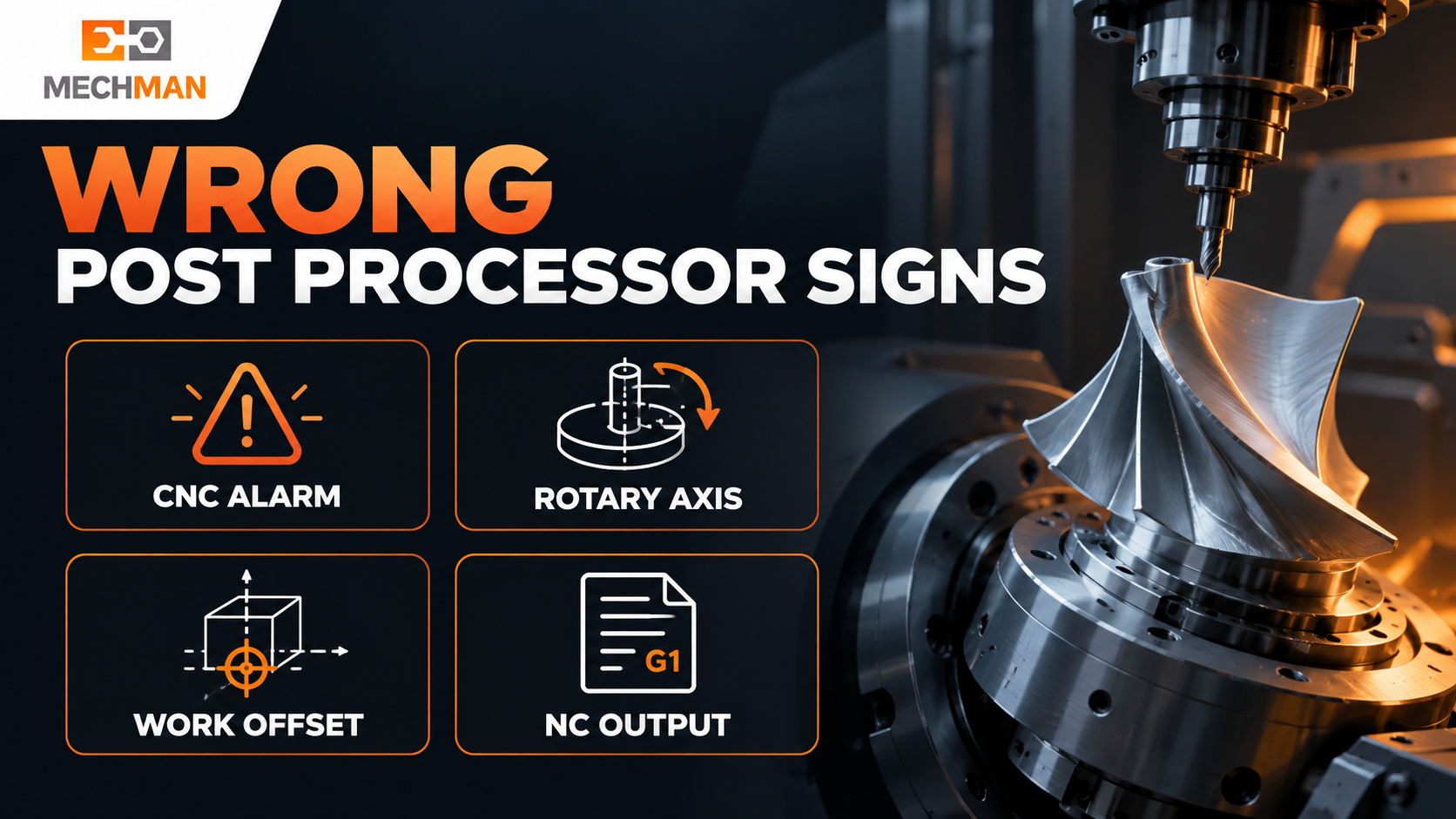
Wrong post-processor keys: CAM simulation smooth → machine par alarm. Rotary axis wrong direction. Tool change command fail. Work offset galat. Ye sab post-machine mismatch ke symptoms hain!
⚠️
CAM sahi, machine par alarm ⭐⭐
Simulation pass → NC load → cycle stop
⚠️
A/B/C axis wrong direction ⭐⭐
Expected se alag rotary movement
⚠️
Tool change / coolant / spindle fail
M-code sequence machine par kaam na kare
⚠️
Work offset / tool length galat ⭐
H offset, G54 — wrong output
⚠️
Unsafe retract / limit cross ⭐
Tool unexpected position par move
⚠️
TCP/RTCP mismatch ⭐⭐
5-axis behaviour expected se different
Real Example: 5-Axis Blade Finishing — Rotary Limit Alarm!
CAM mein: ✅
Tool blade surface ko smoothly follow karta hai. Simulation sahi. Programmer confident hai!
Machine par: ⚠️
B-axis limit alarm! Rotary axis configuration ya axis limits post mein incorrect!
Reason: Post processor ki axis configuration, rotary limits ya machine definition actual machine se match nahi kar rahi! ⭐⭐
⚙️ WinFusion Workflow — 4-Step Post Processor Solution!
1
Machine Ki Exact Details Confirm Karo — Foundation! ⭐⭐
Sirf machine brand ka naam enough nahi hai — exact configuration chahiye tabhi sahi post configure hoga!
Machine Info: ⭐
- Make aur model exact
- Controller + version ⭐
- 3/4/5-axis ya turn-mill
Config Details: ⭐
- Rotary axis + travel limits
- TCP/RTCP available? ⭐
- Tool change + WCS req.
2
Correct Post Processor Select Ya Customize Karo ⭐⭐
CRITICAL ⭐⭐
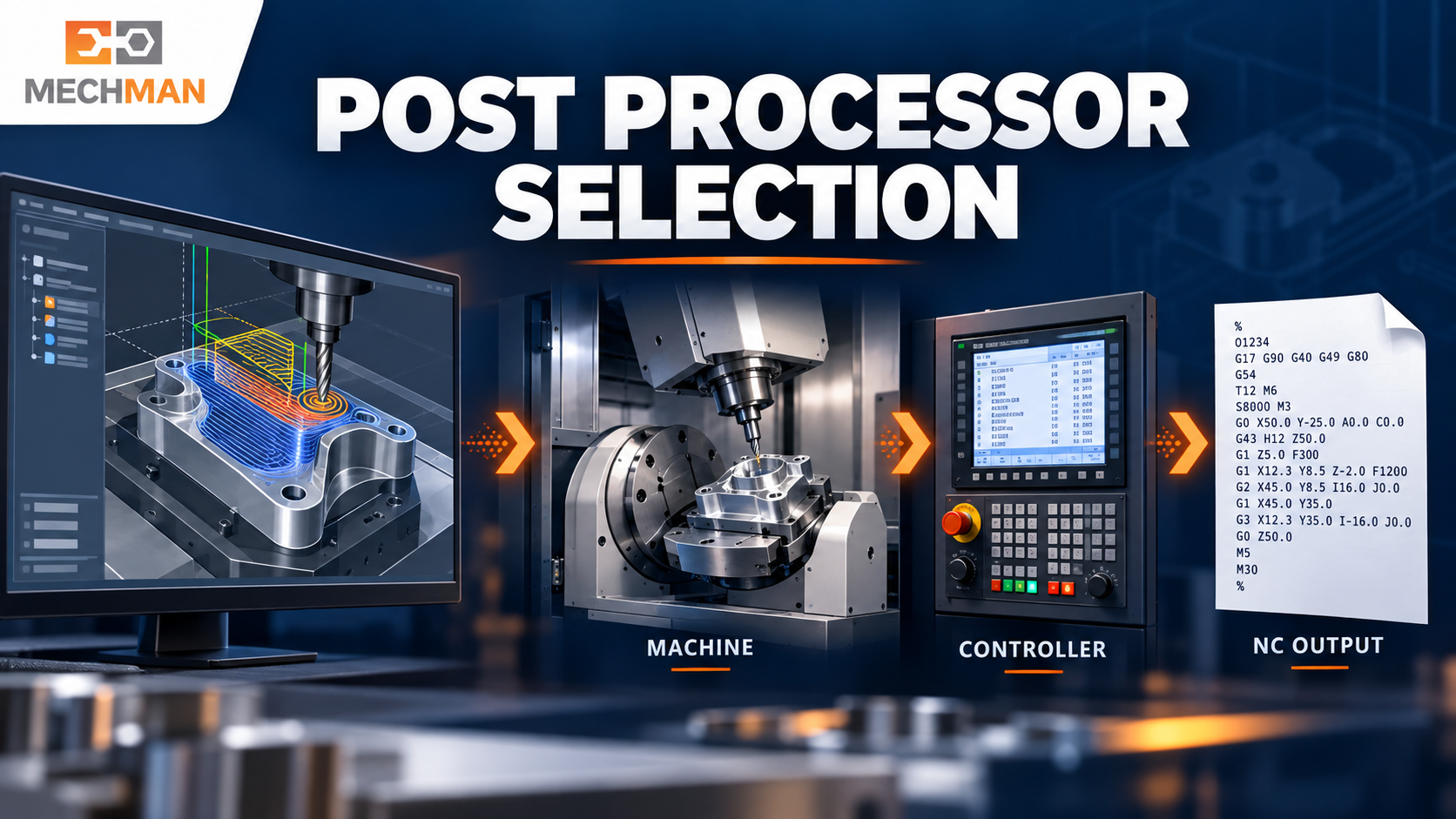
Generic post ek starting point — actual machine + controller + options ke against output validate karna padta hai! Same brand ≠ same configuration!
❌ Generic post risk:
- Axis mapping wrong
- Controller mismatch ⚠️
- Rotary output incorrect
✅ WinFusion approach:
- Machine-specific post ⭐
- Customize if needed ⭐
- Controlled trial verify!
3
Machine Simulation & NC Code Dono Check Karo ⭐
Machine model + kinematics + post processor ka link verify karo. Simulation mein axis movement, limits aur collision dekho. Phir generated NC code mein critical commands review karo!
Simulation ⭐
Axis movement + limits
NC Code Review ⭐
Critical commands check
Machine Model ✅
Kinematics match karo
✅
Actual Machine Par Controlled Trial Lo! 🚀
→Pehle simple program se test karo — production program direct mat chalao! ⭐
→Offsets, tool data, retracts aur rotary movements confirm karo ⭐
→Machine operator + application engineer saath mein verify karein ⭐
→Successful trial ke baad hi production program run karo! ✅
🏭 Machine Owner Ke Liye — Planning Important Hai!
5-axis ya turn-mill machine kharidi? Working post processor + implementation support ki planning bhi pehle se karo!
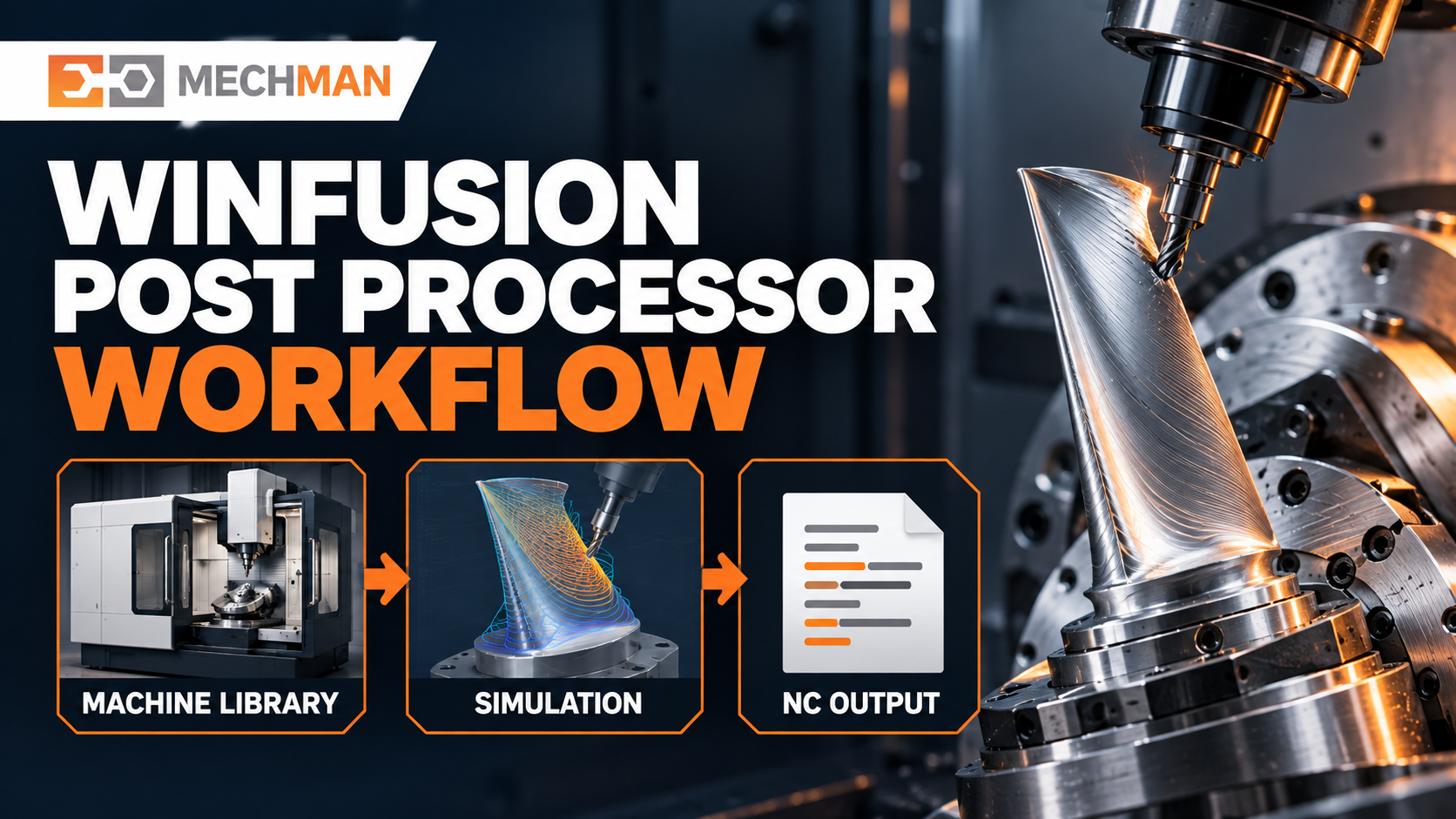
WinFusion: Machine-specific post processor + Tool Library + Machine Simulation = CAM programming se machine trial tak complete connected workflow. Post ready na ho to machine installation ke baad production delay ho sakta hai!
CAM software evaluate karte waqt yeh sawal zaroor poochein:
“Meri exact machine aur controller ke liye post processor ka trial kaise hoga?” ⭐⭐
Post Processor Validate Karte Waqt — NC Code Check Points:
✓Rotary axis direction correct? ⭐⭐
✓Work offset (G54 etc.) correct? ⭐
✓Tool length compensation (G43)? ⭐
✓Safe approach + retract moves?
✓TCP/RTCP mode correct (if used)? ⭐⭐
✓Machine trial verified! ✅
Wrong Post Processor — Systematically Fix Karo! ⚙️
Machine details → Post select/customize → Simulation + NC review → Controlled trial. Ye 4 steps se post processor problem systematically resolve hoti hai!
Machine Trial
🏭 Verified!
WinFusion: Machine Details + Proven Post + Simulation + NC Review + Controlled Trial = Reliable NC Output Every Time! ⚙️🚀
⚙️
Post Processor | Machine Config | Simulation | NC Output | 5-Axis
Machine make, model, controller aur sample NC issue share karein — fast diagnosis hogi!
Mechman Solutions — WinFusion
Autodesk Authorized Partner | Vadodara, Gujarat | Since 2015
www.mechmansolution.com
© 2025 Mechman Solutions | WinFusion — Wrong Post Processor Issues Guide | Vadodara, Gujarat