
For CNC machining, identifying suitable CAD/CAM software is the biggest challenge for engineers, designers, and machinists. Due to the availability of several options, users often compare Fusion 360, SolidWorks, and AutoCAD to determine which one can be considered the best CAD software for CNC tasks. In brief, each platform features distinct strengths, price differences, and workflow peculiarities.
We discuss their features, usability, and CNC programming capabilities below to let you know which tool works best for you.
Why the Right CAD/CAM Software Matters
Choosing the right software influences:
- The accuracy of your designs
- The efficiency of toolpath creation
- The optimization of material
- The compatibility of the machine
- Savings in terms of time and money
The best CAD software for CNC is supposed to be the one that makes your work easier and lets you achieve more, no matter your skill level or whether you are a beginner or a professional machinist.
1. Autodesk Fusion 360
Fusion 360 features comprehensive CAD, CAM, and CAE tools, and is quite famous because of its cloud-based environment and up-to-date interface.
Key Features
- Onboard CAM workspace for 2D, 3D, milling, turning, and multi-axis machining
- Cloud collaboration and data management
- Generative design and simulation tools
- Reasonable pricing for small businesses and hobbyists
Pros
- Great for CNC newbies
- One-stop design + manufacturing platform
- Good changes and improvements are made quite often
Cons
- Some features require a stable internet connection
- Cloud-based saves may not be preferred by all industries
As a whole, Fusion 360 is a competent choice for those users who desire an affordable, all-in-one CAD/CAM platform without the need for various software tools. The cloud-based workflow and the on-board machining features of the software make it a perfect tool for CNC beginners and small to mid-sized workshops.
2. SolidWorks
SolidWorks is considered one of the topmost engineering design tools, favored for its comprehensive parametric modeling and trustworthiness in the industry.
Key Features
- In-depth mechanical design features
- Enhancements for CNC programming (SolidWorks CAM, CAMWorks)
- Platform for engineering simulation and assembly
- Great precision and constraint-based modeling
Pros
- Market leader in mechanical design
- Perfect for complex assemblies
- High levels of accuracy for machining components
Cons
- More costly than Fusion 360
- Advanced CAM requires third-party tools
- Difficult for beginners to learn
Summing up, SolidWorks is the most appropriate tool for professionals creating complex products and requiring highly precise engineering models. Along with CAM add-ons, it turns into a robust CNC solution, mainly for precision-demanding industries and those requiring advanced design features.
3. AutoCAD
AutoCAD primarily targets 2D drafting and has various applications in the engineering domain. Besides, it allows 3D modeling, but it is not specially designed for CNC workflows.
Key Features
- Excellent 2D drawing tool
- Easy-to-use drafting tools
- Widely used in architecture, civil, and mechanical fields
Pros
- Great for producing highly accurate 2D CNC profiles
- Comparatively light
- Suitable for laser cutting, plasma cutting, and waterjet
Cons
- Limited 3D modeling
- Not suitable for integrated CAM
- External CAM software is required for CNC toolpaths
In short, AutoCAD is the best tool for producing neat and accurate 2D CNC drawings, which can be trusted for laser cutting and profile machining. However, the software is without any strong 3D and CAM integration capabilities, but still, it is considered a drafting-focused workflow and a simple choice for first-time CNC projects.
Fusion 360 vs SolidWorks vs AutoCAD: Quick Comparison
| Software | What’s Best For | CAM Support | Cost Level |
|---|---|---|---|
| Fusion 360 | For all CAD and CAM work | Built-in CAM tools | Low |
| SolidWorks | For detailed engineering and assembly | SolidWorks CAM add-on needed | High |
| AutoCAD | 2D CNC cutting and drafting | Required CAM externally | Medium |
Which is the Best CAD Software for CNC?
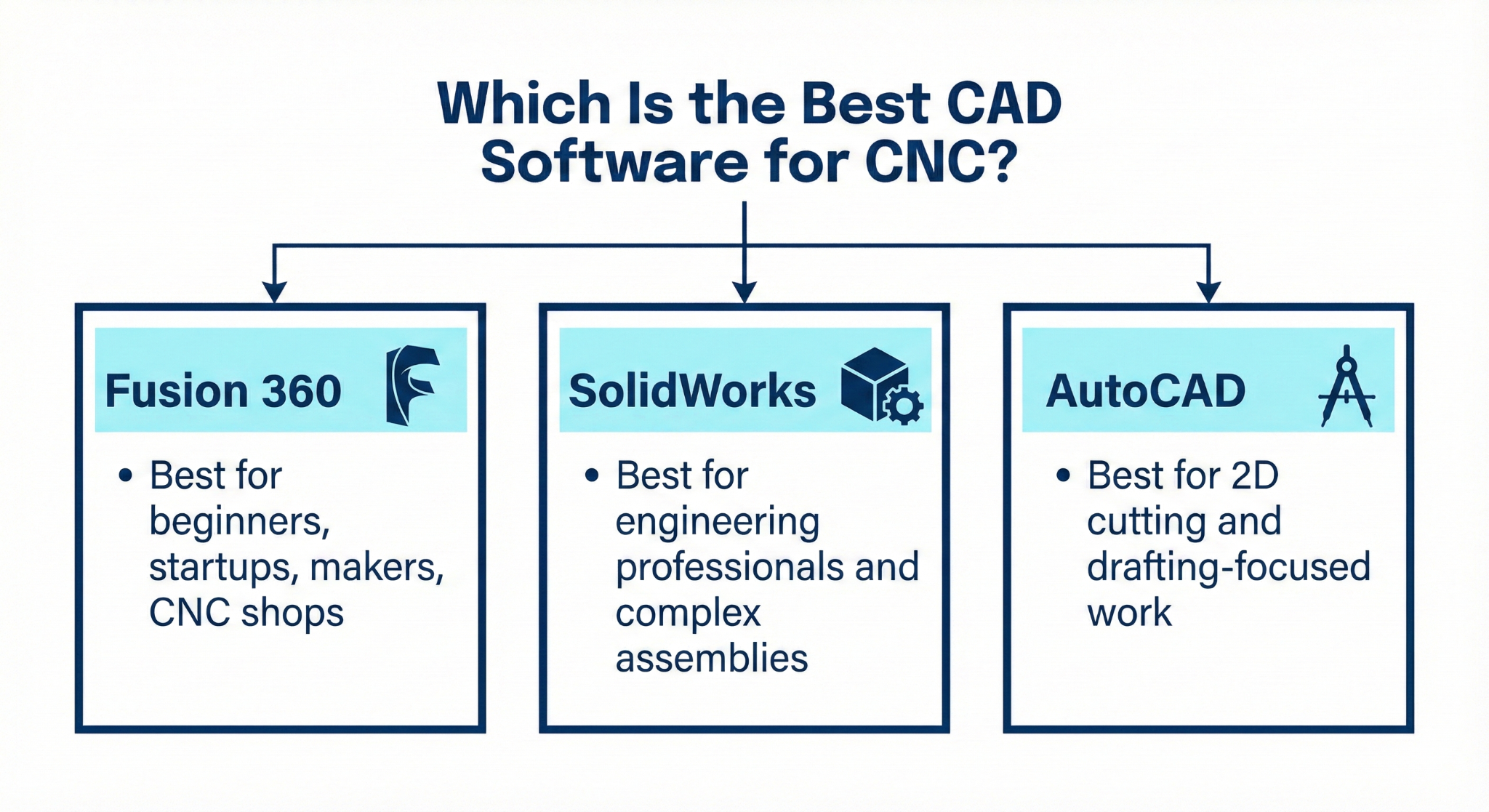
If your main focus is CNC machining, Fusion 360 is frequently considered the best CAD software for CNC because of its integrated CAD/CAM workspace, low price, and user-friendly workflow. SolidWorks can be a great tool for a very technical engineer with heavy and complex assemblies, while AutoCAD is more suitable for straightforward 2D CNC cutting.
It comes down to what you really need:
- Fusion 360: Best for beginners, startups, makers, CNC shops
- SolidWorks: Best for engineering professionals and complex assemblies
- AutoCAD: Best for 2D cutting and drafting-focused work
Knowing the strong points of each platform, you can quite confidently make the right choice of the best CAD software for CNC that fits your workflow and industry needs.
FAQs
1. Which software is best for CNC beginners?
Fusion 360 is a good option for beginners because it has both CAD and CAM tools in one platform, thus making CNC programming easy to learn.
2. Can AutoCAD be used for CNC machining?
Yes, AutoCAD is good for 2D CNC designs; however, you need to get separate CAM software to generate toolpaths.
3. Is SolidWorks worth it for CNC work?
SolidWorks is great for product design and assembly engineering; however, if you want to do CNC machining, you have to get SolidWorks CAM or CAMWorks as additional modules.
Contact Us
📞 +91 99137 89065