
It can be really confusing to choose the right CAD & CAM software for your CNC machine. The huge number of available options makes it very easy to get lost in features, pricing, and technical jargon. But you don’t have to worry about that! This guide will explain everything in a simple way so you’ll be able to make the right decision for your machining needs.
Why CAD and CAM Software Matters
Before you go and select the software, it’s pretty helpful to understand why CAD & CAM software is important. CAD (Computer-Aided Design) allows you to make detailed drawings and models. CAM (Computer-Aided Manufacturing) then takes these designs and converts them into instructions for your CNC machine.
Simply put: CAD is designing, CAM is producing. Without the right software, even a very expensive CNC machine is powerless.
Key Factors to Consider
Firstly, the decision on what software to use should be made by looking at the following most important factors:
- Ease of Use: If it is difficult to learn, it may slow down your working process. Check if the interfaces are user-friendly and if the provided tutorials are easy to understand.
- Compatibility: Make sure that the software supports your CNC machine and the file formats you are using.
- Functionality: You might require features like advanced simulation, toolpath optimization, and multi-axis machining, depending on the nature of your projects.
- Support & Community: Good customer support and an active user community can help you save time and avoid hours of frustration.
- Cost vs. Features: Don’t spend too much on features that you will never use, and, at the same time, don’t buy cheap software that will limit your capabilities.
Types of CAD & CAM Software
Each software is designed for a specific need:
| Type | Best For | Example |
|---|---|---|
| 2D CAD | Simple parts, sheet metal | AutoCAD |
| 3D CAD | Complex designs, assemblies | SolidWorks |
| CAM | CNC toolpath creation | Mastercam |
| Integrated CAD/CAM | All-in-one solution | Fusion 360 |
Deciding whether to go for separate CAD and CAM software or an integrated one depends largely on your work routine. The integrated solutions, like Fusion 360, might make your work effortless, whereas dedicated software may have more feature options.
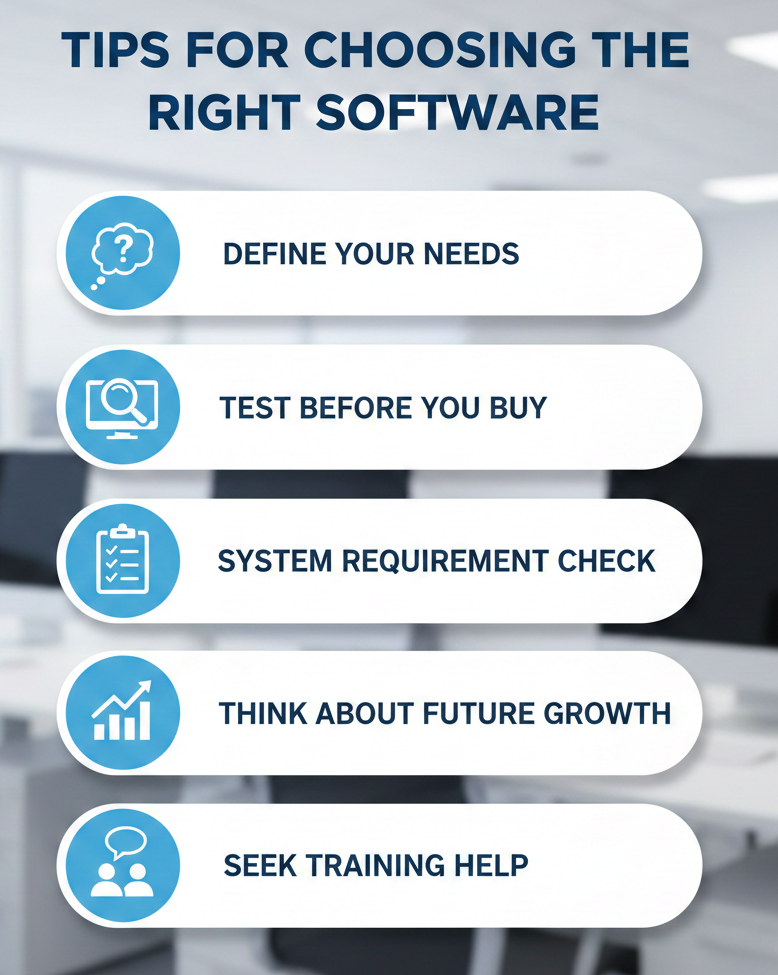
Tips for Choosing the Right Software
There are many software options out there, and selecting the right one could be a challenge. Below are some practical tips for making the right choice:
- Define Your Needs: The question is, are you constructing simple parts or complex components? Such a question determines whether you will need basic or advanced software.
- Test Before You Buy: The majority of software provides trial versions. Take time and test them with your CNC machine.
- System Requirement Check: Confirm that your computer is capable of running the software smoothly. Nothing is more frustrating than slow operations of your designs due to your computer’s limitations.
- Think About Future Growth: Eventually, your projects might become more complicated. Choose software that grows with your needs.
- Seek Training Help: Learning materials such as tutorials, online courses, and active forums can ease software mastery.
Common Mistakes to Avoid: Even skilled machinists make these mistakes. Common mistakes among users include buying software just because it is popular, failing to consider machine compatibility, ignoring the learning curve, and choosing unnecessary features. By avoiding these, you will save money and time and avoid frustration.
Wrapping It Up
The process of selecting the best CAD & CAM software for the CNC machine involves a tradeoff between your current wants and future needs. The priority should be put on ease of use, functionality, and compatibility, and it is perfectly okay to test as many options as you want to find which workflow suits you best. Don’t forget that the right software wouldn’t only make your CNC machine more efficient but also facilitate the transformation of your ideas into accurate, high-quality parts.
FAQs
1. Do I need separate CAD and CAM software?
Not necessarily. There are integrated solutions available, but in some cases, dedicated software provides more advanced features for complex projects.
2. Can I use free CAD/CAM software for CNC machining?
Yes, free software can be great for simple projects. However, when it comes to complicated projects, professional-grade tools are usually required.
3. How important is software training?
Very. Even the best CAD and CAM software will be of little use if you don’t know how to use it efficiently. Therefore, learning through tutorials, forums, and courses is indispensable.
Contact Us
📞 +91 99137 89065