🎯 Fusion CAM Smart Strategy — WinFusion 2025
Rest Machining Kya Hai?
Fusion CAM Mein Smart Material Removal 🎯
Remaining Stock | Small Tool Efficiency | Less Air Cutting | Faster Cycle Time
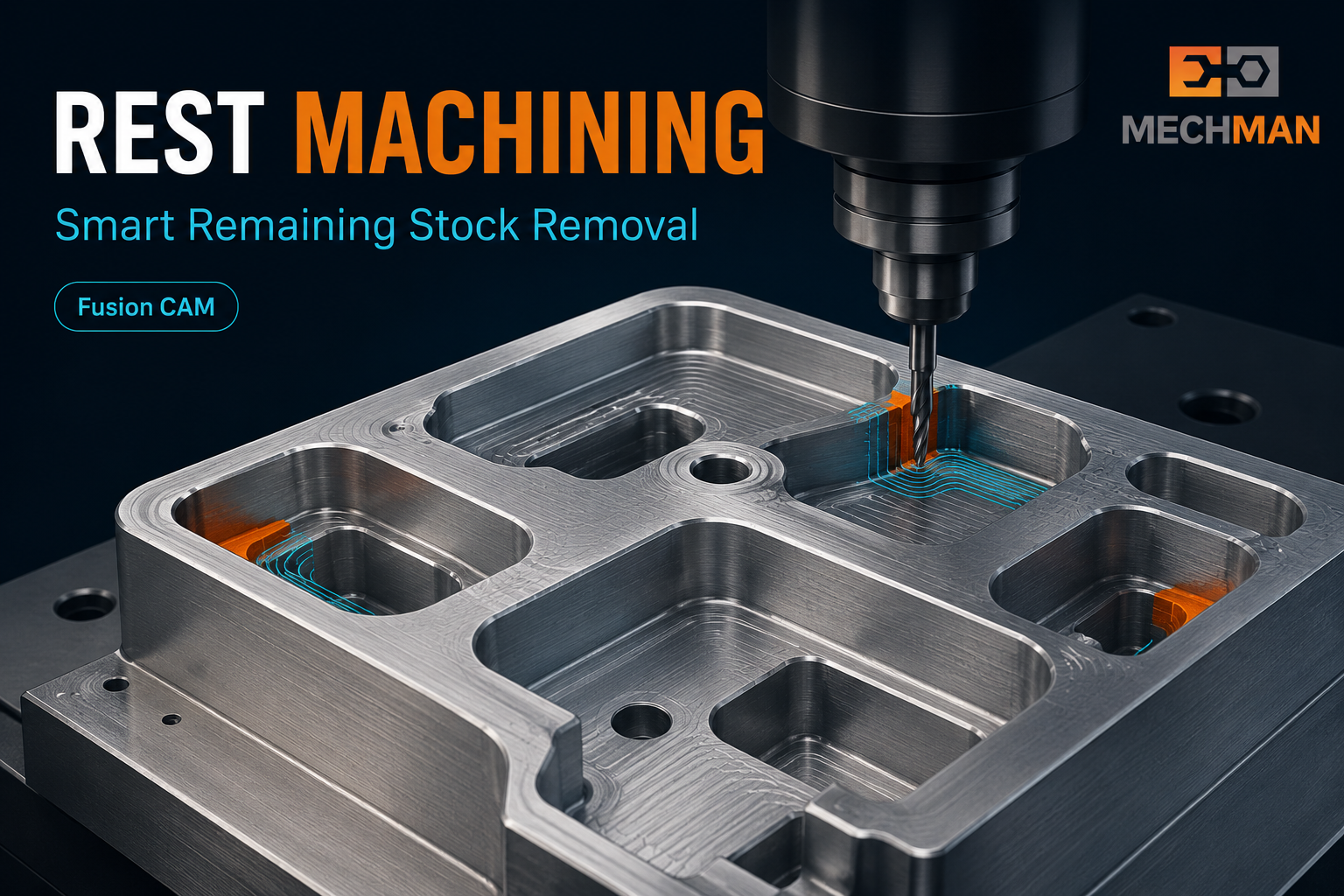
Rest Machining = remaining stock removal. Bada tool roughing kare, chota tool sirf remaining areas ko target kare — air cutting minimum, cycle time fast!
CNC machining mein ek common problem: bada tool roughing kar deta hai, lekin small corners, narrow pockets aur tight areas mein material bach jata hai. Agar next tool poora component dobara machine kare — unnecessary air cutting aur cycle time increase!
💡 Simple Language: Rest Machining = previous tool se jo material remove nahi hua, sirf us remaining material ko next tool se machine karna. “Rest” = Remaining Stock!
⚙️ Simple Example — Kaise Kaam Karta Hai?
💡
Step by Step — Ø16mm → Ø8mm — How Rest Machining Works
Major Material Removal ✅
Large open areas fast machine ho gayi. Lekin — tight corners, narrow areas mein material reh gaya!
↓
Remaining material detected
Remaining Stock Only — Smart! ✅
Fusion Ø8mm tool ko sirf remaining areas par bhejta hai. Poora component dubara machine NAHI — sirf “rest” areas!
FINISH
Finishing
Final quality
Final Surface + Dimensions ✅
Required quality, tight tolerances, smooth surface. Component complete!
Autodesk documentation: Rest Machining previous tool/operation se bache material tak machining limit karta hai — unnecessary travel avoid hokar efficiency improve hoti hai! ✅
📊 Normal Machining vs Rest Machining
| Feature |
❌ Normal Toolpath |
✅ Rest Machining |
| Area Machined |
Larger area dobara |
Remaining only ⭐ |
| Air Cutting |
Zyada ho sakti hai |
Reduced ✅ |
| Cycle Time |
Badh sakta hai |
Optimized ⭐ |
| Small Corner Planning |
Manual lagti hai |
Fusion auto ✅ |
| Tool Efficiency |
Unnecessary travel |
Focused work ⭐ |
| Best For |
Simple geometry |
Complex multi-tool ⭐ |
💻 Fusion CAM Mein Rest Machining Sources
Fusion mein Rest Machining ke source options — flexibility poori hai:
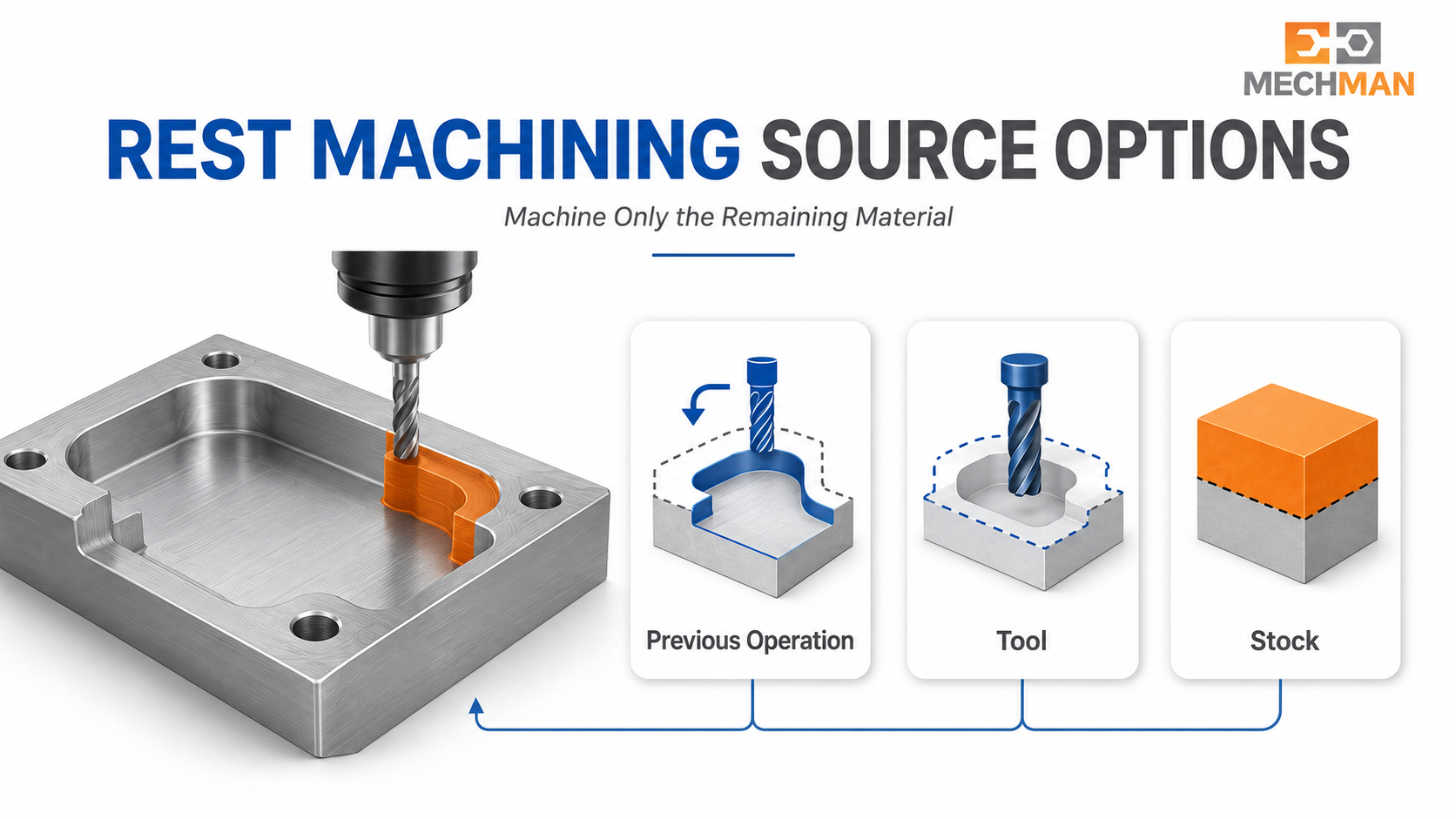
Fusion Rest Machining sources — Previous Operation ya Tool reference se remaining stock accurately detect hoti hai. Programmer manually calculate nahi karna padta!
⚙️
Previous Operation
Most common source
🔧
Tool Reference
Previous tool diameter
📦
Setup Stock ⭐
Stock model reference
📁
Selected Operation
Specific ops choose
📄
File Reference
External stock file
🔷
Solid Bodies
Custom stock geometry
🎯 Rest Machining Kahan Best Use Hota Hai?
✅Deep pockets
✅Small internal corners
✅Narrow slots
✅Complex 3D cavities
✅Die & Mold components ⭐
✅Aerospace parts
✅Multiple tool diameters
⭐High material removal jobs
🏭 Practical Example — Die/Mold Machining
Suppose ek mold cavity ko pehle Ø20mm cutter se rough kiya:
Without Rest Machining:
Ø10mm cutter unnecessary areas mein bhi travel karega — bade bade open areas pe bhi jaayega. Air cutting zyada! Cycle time zyada!
With Rest Machining ✅:
Fusion identify karta hai ki material exactly kahan remaining hai → Ø10mm tool sirf un relevant regions mein kaam karta hai. Efficient + fast!

Mold cavity — Ø20mm se rough, Ø10mm + Rest Machining se corners. Small cutter sirf remaining areas. Air cutting minimum, cycle time optimized!
🔥 Adaptive Clearing + Rest Machining — Power Combo!
Ye combination production machining ka best practice hai!
Large Tool + Adaptive Clearing → Fast Roughing ⚡ (Constant load, high speed)
Smaller Tool + Rest Machining → Remaining Stock Removal ✅ (Targeted, efficient)
Finishing Strategy → Final Surface Quality ✅ (Smooth finish, tight tolerance)
Ye combination = Maximum MRR + Minimum Air Cutting + Best Surface = Production ka best practice! ✅
🧮 Simple Formula — Yaad Rakho!
+
Small Tool +
REST ⭐
= Remaining
+
Finishing
=
Final Quality
✅ Rest Machining Ke Major Benefits
✅Unnecessary air cutting reduce
✅Small cutter focused work
✅Toolpath efficiency improve
✅Cycle time optimize
✅Tool wear reduce
✅Complex corners efficiently done
✅Better organized workflow
⭐Mold/Die machining must!
WinFusion — Complete Fusion CAM Workflow 🚀
Sirf Rest Machining ON karna enough nahi — Complete workflow chahiye!
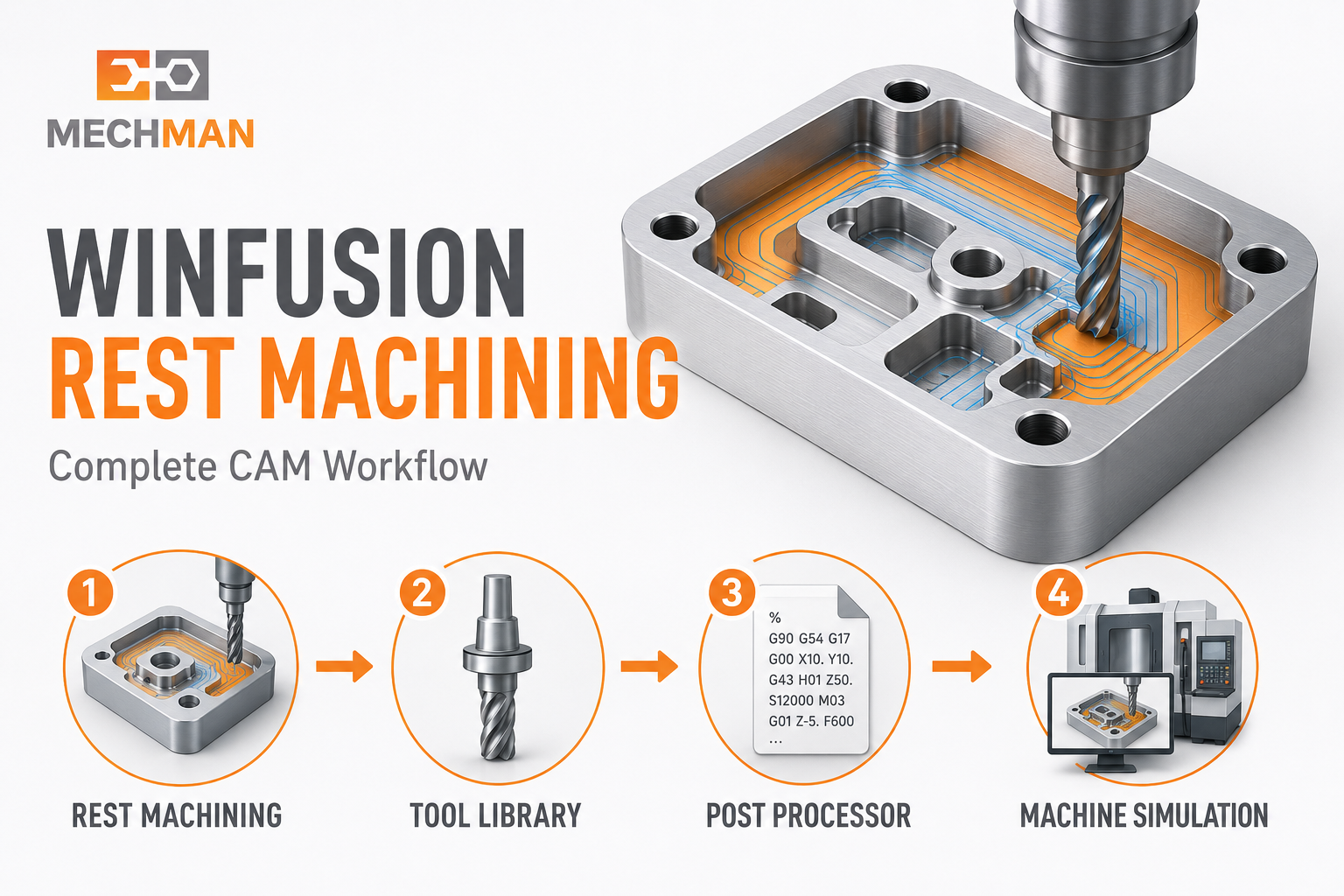
Tool library + correct cutting data + machine simulation + proven post = Rest Machining ka real benefit production mein milta hai!
CAM Strategy→Tool Library→Simulation→Proven Post ⭐→NC Code→Machine ✅
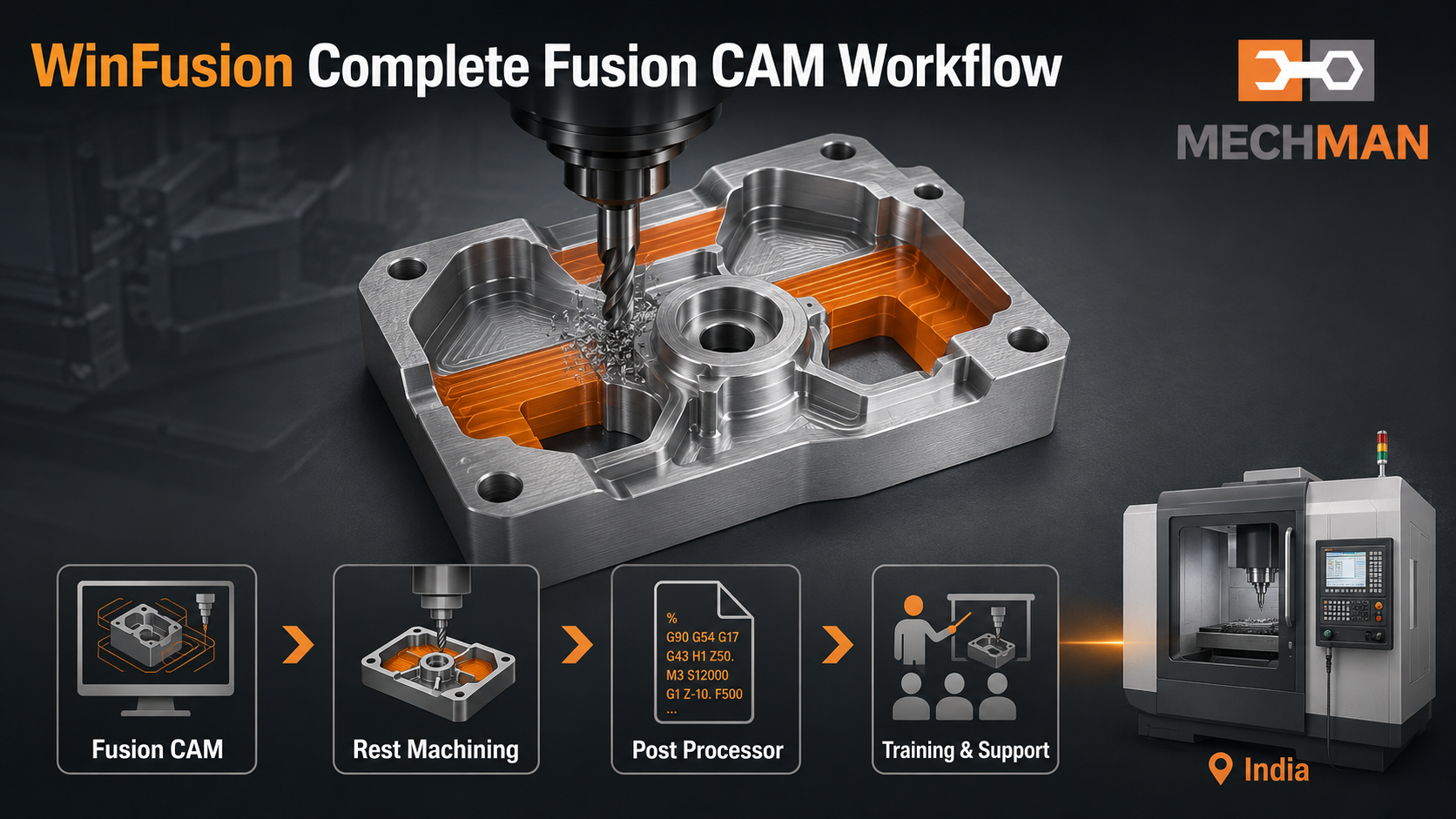
WinFusion — Fusion CAM se rest machining implement karo + proven post generate karo + machine par directly run karo. Minimum shop-floor editing, maximum productivity!
✅Fusion CAM Implementation
✅Adaptive + Rest Machining Training
✅Machine-Specific Post Processor
✅Machine Simulation
✅3/4/5-Axis + Turn-Mill
✅Tool Library Setup
✅Online + Onsite Training
⚡Machine-Ready Workflow!
Final Summary 🎯
Big Tool = Maximum MRR | Small Tool + Rest Machining = Remaining Material | Finishing = Final Quality. Yehi Rest Machining ka basic concept hai — aur properly use karne par production mein real difference aata hai!
Tool Efficiency
↑ Better ✅
Fusion CAM + Rest Machining + Proven Post = Real production benefit shop floor par milta hai! WinFusion se contact karo. ✅
🎯
Rest Machining | Fusion CAM | Post Processor | Machine Simulation
Mechman Solutions — WinFusion
Autodesk Authorized Partner | Vadodara, Gujarat | Fusion CAM Expert | Since 2015
www.mechmansolution.com
© 2025 Mechman Solutions | WinFusion — Rest Machining Fusion CAM Guide | Vadodara, Gujarat
