🏭 Real WinFusion Experience
200+ CNC Shops Mein CAM Implement
Kaise Kiya? — Real Experience 🏆
7-Step Proven Process | Post Processor | Simulation | Training | Same-Day Production
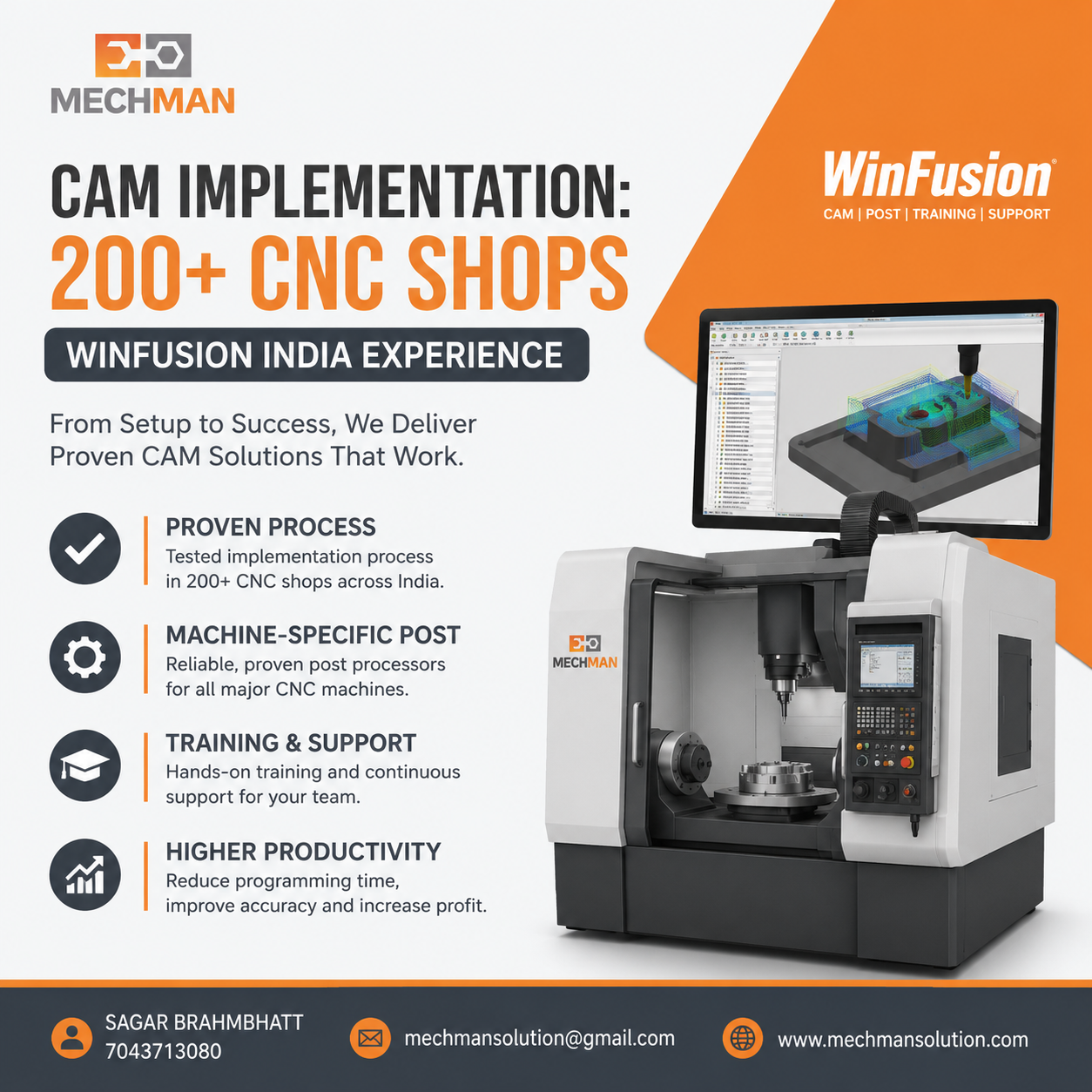
200+ CNC shops mein WinFusion ka proven implementation. Post processor, machine simulation, tool library, training — sab ek package mein. Machine pehle din se productive!
Agar aap CNC manufacturing mein ho aur abhi bhi manual programming ya outdated CAM use kar rahe ho—shayad aap production loss, machine idle time, aur programming delays face kar rahe honge.
The WinFusion team ne India mein 200+ CNC shops mein CAM software successfully implement kiya hai. Yahan batate hain ki process kya hota hai, problems kya hoti hain aur benefits kya milte hain.
⚠️ CAM Implementation Fail Kyu Hota Hai?
Bahut saari companies software kharid leti hain—lekin implementation successful nahi hota. Common reasons:
✗Machine-specific post nahi
✗Proper training nahi milti
✗Machine simulation missing
✗Tool library non-standard
✗NC program manually edit
✗Vendor support nahi deta
Machine delivery → EMI start → lekin production weeks-months delay. Especially 5-Axis, Turn-Mill, Swiss mein yeh bahut common problem hai!
WinFusion Ka 7-Step CAM Implementation Process 🔧
1
Machine Study — Pehle Samjho 🔍
Sabse pehle hum machine ko detail mein understand karte hain—ek bhi step skip nahi karte:
→Controller type
→Machine travel
→Rotary axis
→Kinematics
⭐Machine limits
⭐Fixture setup
Supported controllers:
Fanuc
Siemens
Heidenhain ⭐
Mazatrol
Okuma OSP
2
Machine-Specific Postprocessor ⭐
Most Critical
A generic postprocessor kabhi reliable nahi hota. Hum machine-specific proven post use karte hain:
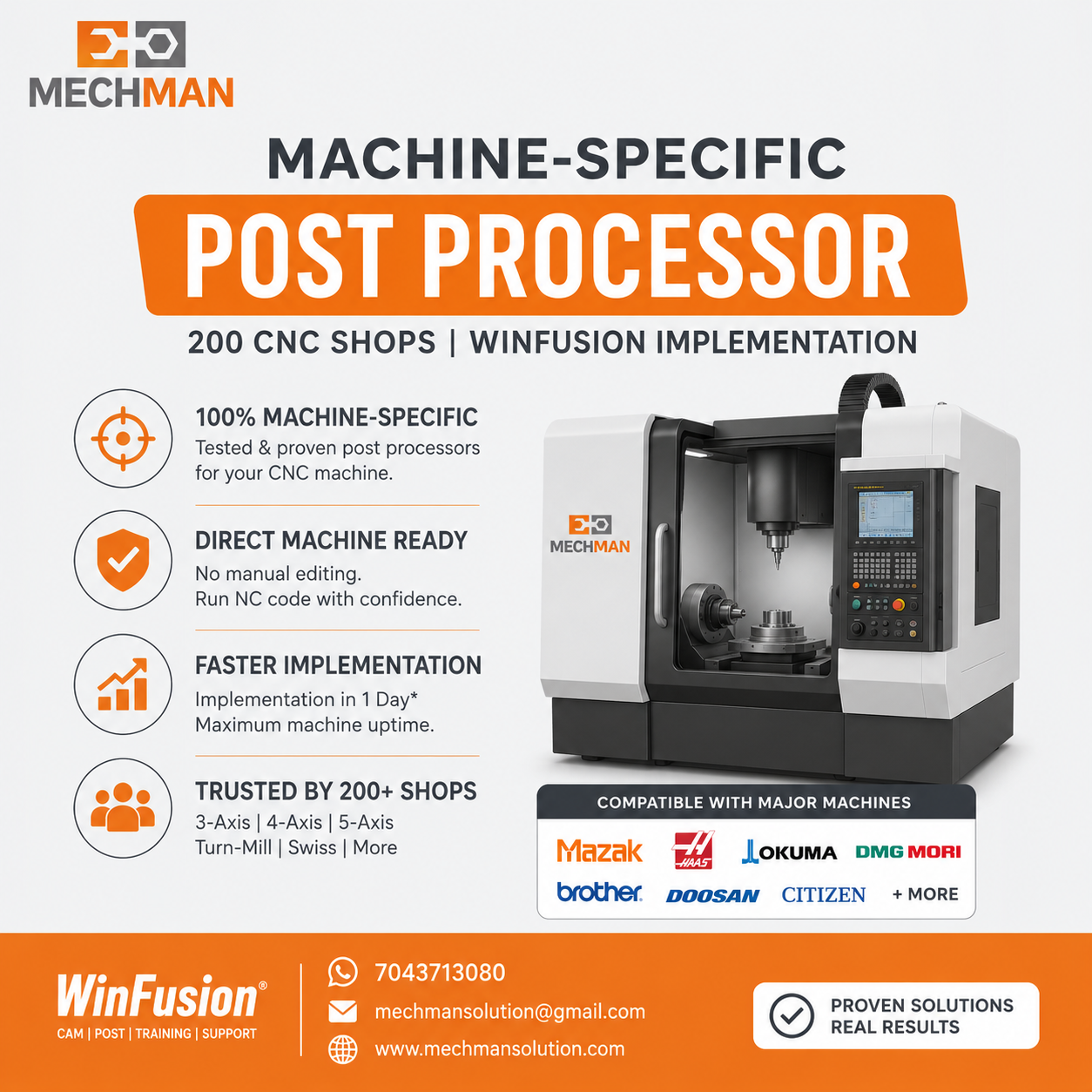
Machine-specific post processor — Mazak, Haas, Okuma, Citizen sab alag hote hain. WinFusion ne 200+ shops ke liye proven posts develop kiye hain.
Mazak
Haas
Okuma ⭐
Brother
DMG MORI ⭐
Doosan
Citizen Swiss
Makino ⭐
✓Manual editing eliminate
✓First program confident
⭐Time significantly reduced
3
Machine Simulation—Before Run Verify 🖥️
NC program machine par chalane se pehle complete verification — 200+ shops mein costly crashes avoid ho sake sirf simulation se:
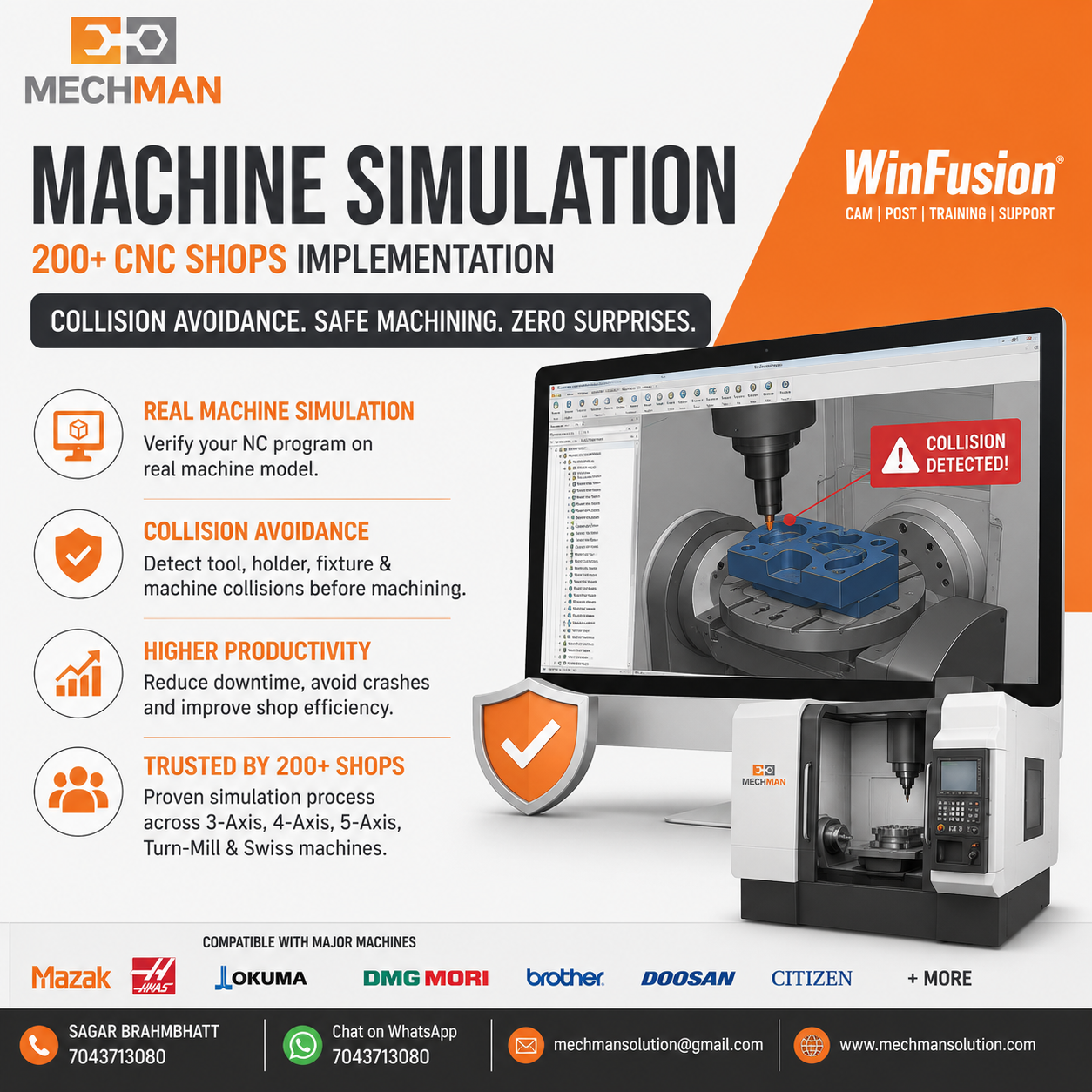
Machine simulation—holder, tool, machine body, rotary, fixture, axis limits sab ek saath verify. Crash zero = cost zero. ✅
4
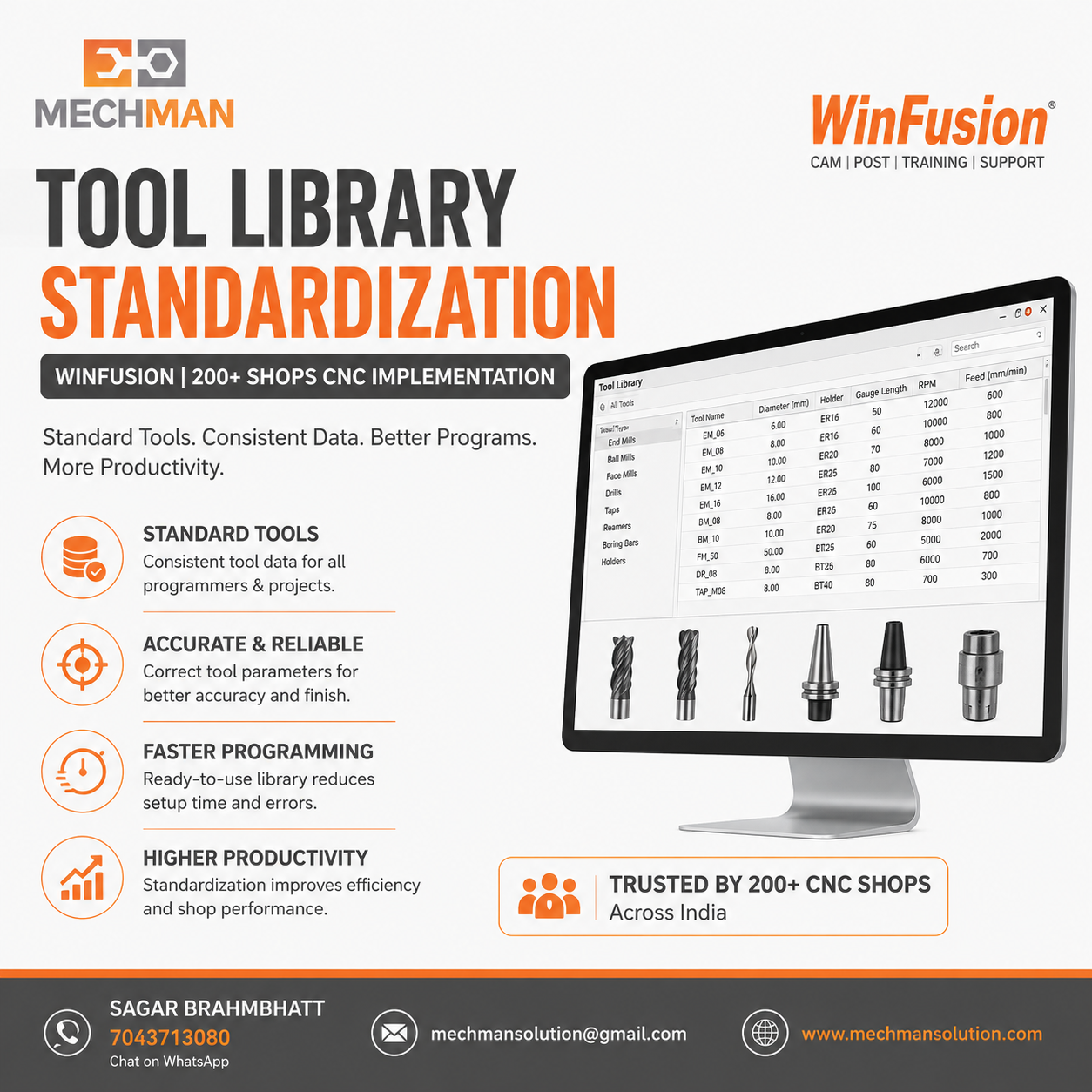
Tool Library Standardization 🔧
Library mein include:
- Tool number + holder
- Gauge length + stick out
- Feeds + speeds
- Material templates
Result: Programming fast + consistent ✅
Har job zero se nahi—ready templates:
Face Milling
Adaptive Clearing
Pocket Milling ⭐
Drilling
Thread Milling
Rest Machining ⭐
Finishing
Programmer sirf geometry select karo — settings auto! ✅
Real machining logic + advanced strategies:
- Toolpath strategy + tool selection
- Rest + high-speed machining
- Machine simulation + collision
- 3+2 indexing
- Full 5-Axis programming
- Turn-Mill programming
7
Live Production Support ⚡
Key Differentiator
Implementation ka sabse important part—production ke time bhi support milti hai:
- Issue aaya — immediate guidance
- WhatsApp + remote support
- Production smoothly continue
- Technical team always available
200+ Implementations Ke Baad Commonly Dekhe Gaye Benefits 📈
Templates aur tool libraries ki wajah se programming time kaafi reduce. Kai cases mein same day production start!
🏭 Better Machine Utilization
Machine waiting time significantly kam hua. Machine idle rehti thi pehle — ab productive hai!
Machine-specific post ki wajah se NC code direct machine par run hone laga. Manual editing almost zero!
Simulation aur verification se machining errors significantly kam hue. Expensive scrap avoid!
Optimized toolpaths aur correct strategies — quality improve, customer satisfied!
🚀 Faster New Machine Startup ⭐
Kai customers ne pehla production job same day ya next day successfully run kiya! Machine idle = zero!
Kin Industries Mein Humne Implementation Kiya? 🏭
Precision Engineering
Aerospace ⭐
Medical Parts
Automotive ⭐
Mold & Die
General Engineering
Job Work ⭐
Tool Rooms
Prototype
Frequently Asked Questions ❓
Q1. CAM implementation mein kitna time lagta hai?
Agar machine-specific post aur simulation ready ho—implementation kai cases mein 1 din mein complete! Machine dekhkar estimate karte hain.
Q2. Kya WinFusion 5-Axis aur Turn-Mill support karta hai?
Haan — 3-Axis, 4-Axis, 5-Axis, Turn-Mill aur Swiss CNC machines ke liye complete implementation provide karte hain. 200+ shops mein experience hai.
Q3. Kya online training available hai?
Haan — online aur onsite dono training options available hain. Programmer ki convenience ke according schedule milta hai.
Q5. Kya machine simulation implementation ka part hoti hai?
Bilkul — machine simulation implementation ka important part hai. Collisions aur programming errors pehle hi detect hote hain. Machine par safe run guaranteed.
Final Thoughts 🎯
CAM software ki real value tab milti hai jab implementation sahi tarike se ho. Ek achha post processor + machine simulation + tool library + experienced team = production fast aur reliable.
200+ shops ka experience + proven process = Aapki machine bhi Day 1 se productive ho sakti hai! ✅
🏆
200+ Shops | Proven Implementation | Post Processor | Training
Mechman Solutions — WinFusion
Autodesk Authorized Partner | Vadodara, Gujarat | Since 2015 | 3/4/5-Axis | Turn-Mill | Swiss
www.mechmansolution.com
© 2025 Mechman Solutions | WinFusion — 200+ CNC Implementation Experience | Vadodara, Gujarat