🎓 Complete CAM Course — WinFusion 2025
Complete Fusion 360 Manufacturing Course —
WinFusion ke Saath! 🎓
14 Modules | 3-Axis to 5-Axis | Turning + Turn-Mill | Post Processor | Machine Simulation
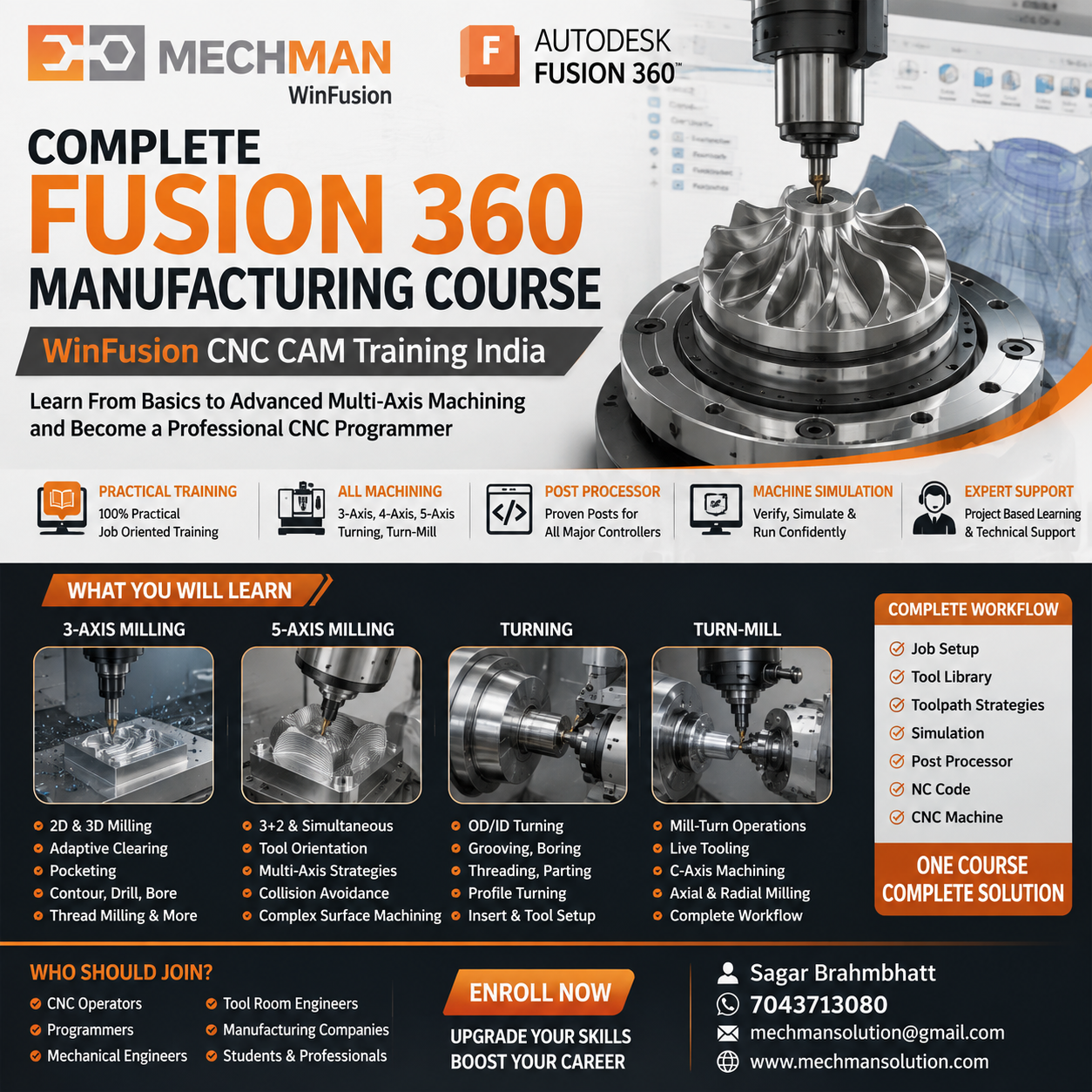
WinFusion Complete Fusion 360 Manufacturing Course — Drawing/Model se CNC Machine tak. Sirf software commands nahi, real machine-oriented programming!
Aaj manufacturing industry mein sirf CNC machine operate karna enough nahi hai. Agar aapko 3-Axis Milling, Turning, 4-Axis, 5-Axis, Turn-Mill, Post Processor aur Machine Simulation jaise advanced manufacturing workflows handle karne hain — proper CAM software knowledge bahut important hai!
WinFusion Complete Fusion 360 Manufacturing Course — specially designed for students, CNC programmers, operators, application engineers aur manufacturing companies!
Training ka focus: Sirf software commands nahi — complete workflow: Drawing/Model se lekar CNC Machine tak!
Complete Manufacturing Workflow — Ye Seekhoge WinFusion Course Mein:
CAD Model
→
CAM Setup
→
Tool Selection ⭐
→
Toolpath
→
Simulation ⭐
→
Post Processor ⭐
→
NC Code → CNC ✅
📚 14 Course Modules — Complete Seekhoge!
1
Fusion Manufacturing Basics
Foundation strong hona bahut important — wrong setup = complete program wrong!
- Manufacture Workspace interface
- Job Setup + WCS Selection
- Stock Setup (Box/Cylinder/Custom)
- G54/G55 practical understanding ⭐
2
Tool Library ⭐ — CAM Base!
Most Important!
Correct Tool Library = Professional CNC Programming Ka Base!
End MillBall Nose ⭐Face MillDrill ⭐Turning InsertHolder ✅
WinFusion: Actual machine ka cutting tool CAM mein properly define karna sikhate hain! ✅
3
2D Milling Programming — Complete 3-Axis CNC Program!
Basic se advanced — ek engineering component complete program mein!
2D Pocket
Optimized entry
2D Contour
Profile milling
Adaptive ⭐
High-efficiency
Slot Milling
Various slots
Thread Mill
Thread milling
Objective: Student ek basic engineering component ko complete 3-Axis CNC program mein convert kar sake! ✅
4
3D Milling — Die & Mould Programming ⭐
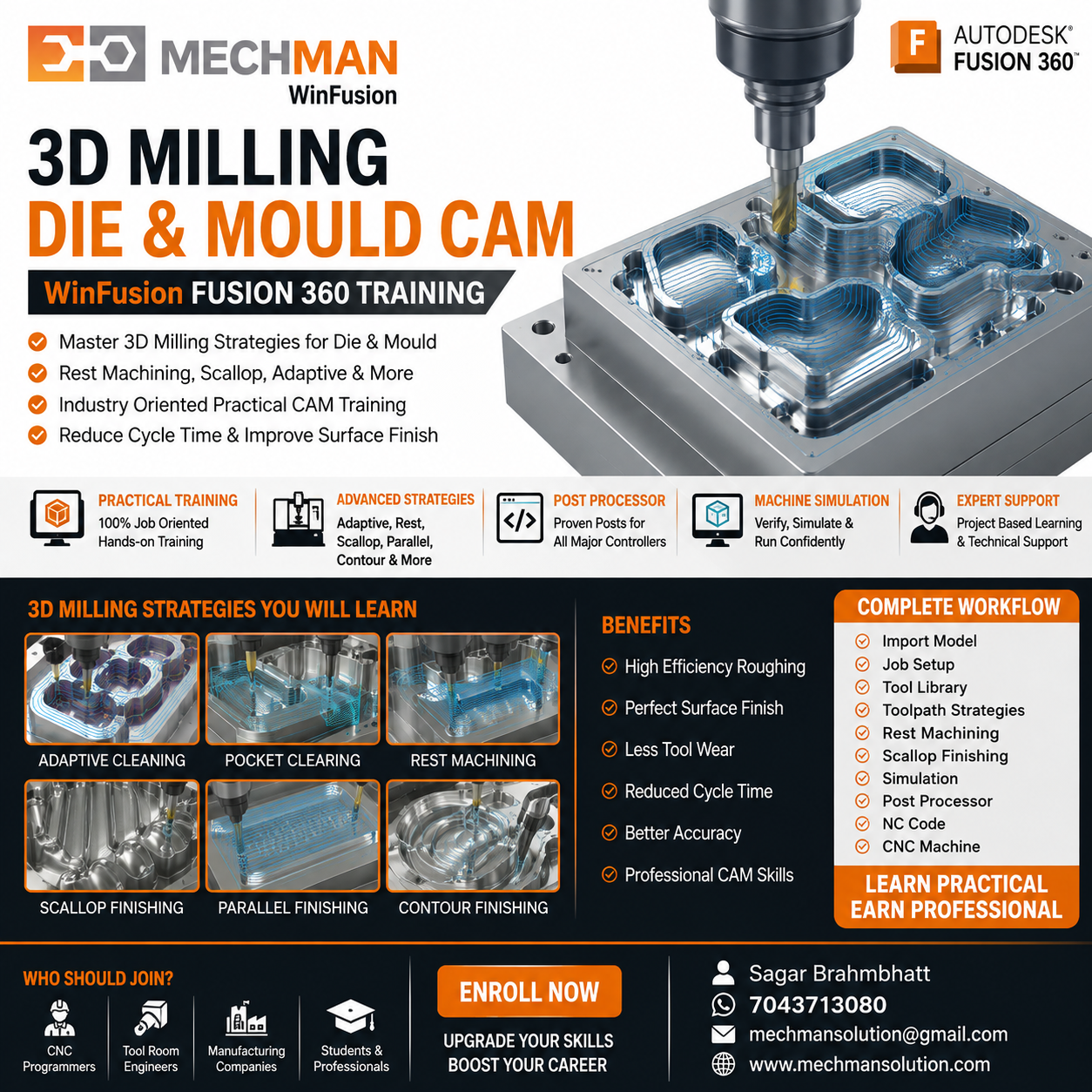
3D Milling strategies — Die/Mould complex shapes ke liye. Rest Machining = cycle time reduce + unnecessary air cutting eliminate!
Roughing Strategies:
3D Adaptive ⭐Pocket ClearingRest Machining
Finishing Strategies:
Parallel ⭐ScallopSteep+ShallowPencil
5
Turning Programming — CNC Lathe Complete!
Complete Manufacturing Course sirf Milling tak limited nahi! Turning bhi cover hoti hai:
✓Facing
✓OD Roughing ⭐
✓OD Finishing
✓ID Turning
✓Grooving
⭐Threading
4-Axis machine purchase ke baad normal 3-Axis se different workflow:
- 3+1 Axis Machining
- Rotary Machining ⭐
- Indexing operations
- Multiple Face Programming
Less Setup + Better Accuracy + Higher Productivity! ✅
7
5-Axis CNC Programming ⭐
Advanced!
Most important advanced module!
- 3+2 Machining ⭐
- Simultaneous 5-Axis concepts
- Tool Orientation + Lead/Lag
- Collision avoidance
- Holder clearance
Toolpath + Machine Kinematics + Post + Simulation — sab connected! ✅
8
Turn-Mill Programming ⭐
Ek hi setup mein Turning + Milling dono:
- Main + Milling Spindle
- C-Axis operations
- Live Tooling ⭐
- Axial + Radial Milling
- Machine simulation ✅
Advanced CNC machine ka full potential! ✅
Program machine par jane se pehle virtually verify!
Tool collisionHolder clearance ⭐Axis limitsFixture int. ⭐
Machine par experiment nahi — simulation mein verify! ✅
10
Post Processor — CAM Toolpath Se Actual CNC Code! ⭐
Har CNC programmer ko properly samajhna chahiye!
Most Important Module!
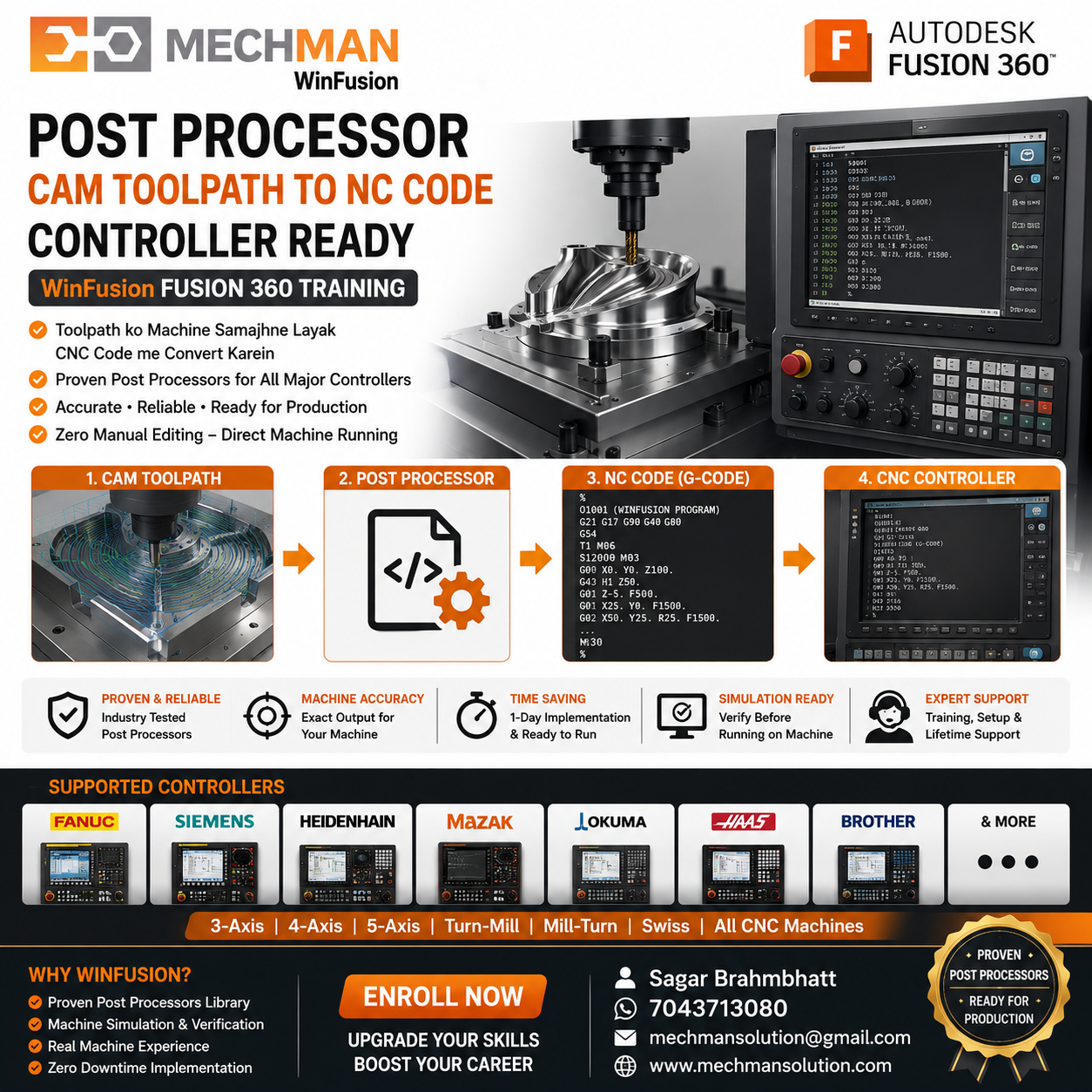
CAM Software Toolpath ≠ Direct CNC Program! Post processor = CNC controller understandable NC code convert karta hai. Proven post = critical in production!
⚠️ Important: 2 machines dono 5-Axis ho sakti hain — same post nahi chalega!
Different machine kinematics→Different rotary config→Proven post mandatory! ⭐
FANUC ✅
Siemens ⭐
Heidenhain ✅
Mazak ⭐
Haas ✅
Okuma ✅
Modern CNC mein probe increasingly important:
- Probe WCS cycles
- Part zero setting ⭐
- In-process inspection
- Geometry probing ✅
12
Feed & Speed Optimization
Software chalana easy — correct parameters = real CAM knowledge!
- RPM + Cutting Speed
- Feed per Tooth ⭐
- Axial + Radial DOC
- Safe + Fast + Consistent ✅
13
Setup Sheet & Documentation
Programmer → Operator communication:
- Tool list + Tool numbers
- Work offset ⭐
- Stock details
- Operation sequence ✅
14
Real Industrial Components ⭐
Real learning = actual manufacturing problem solve karna!
AutomotiveDie+Mould ⭐AerospacePrecision ⭐
🎯 Real Test — Ek Professional CAM Programmer Ye Sab Answer Kar Sake!
Company aapko drawing + 3D model de aur kahe “Is component ka CNC program banao” — aapko independently decide karna chahiye:
1
Machine kaunsi use hogi?Setup ✓
2
Roughing strategy kya hogi?Strategy ✓
3
Tool kaunsa use hoga?Tool Lib ✓
4
Holder collision nahi hogi?Simulation ✓
5
Cycle time optimize kaise?Params ✓
10
Machine par program safely chalega?Post ⭐
Ye practical thinking hi ek professional CAM programmer ko basic software operator se alag banati hai! WinFusion isi ke liye train karta hai! 🎯
👤 Course Kis Ke Liye Useful Hai?
✅CNC Operators → CAM Programmers
✅3-Axis → 5-Axis Upgrade
✅Mechanical Engineers
✅Tool Room Engineers ⭐
✅Application Engineers
✅CNC Machine Owners
✅Manufacturing Companies
🎓Anyone → Professional CNC!
WinFusion — Complete Manufacturing Implementation 🚀
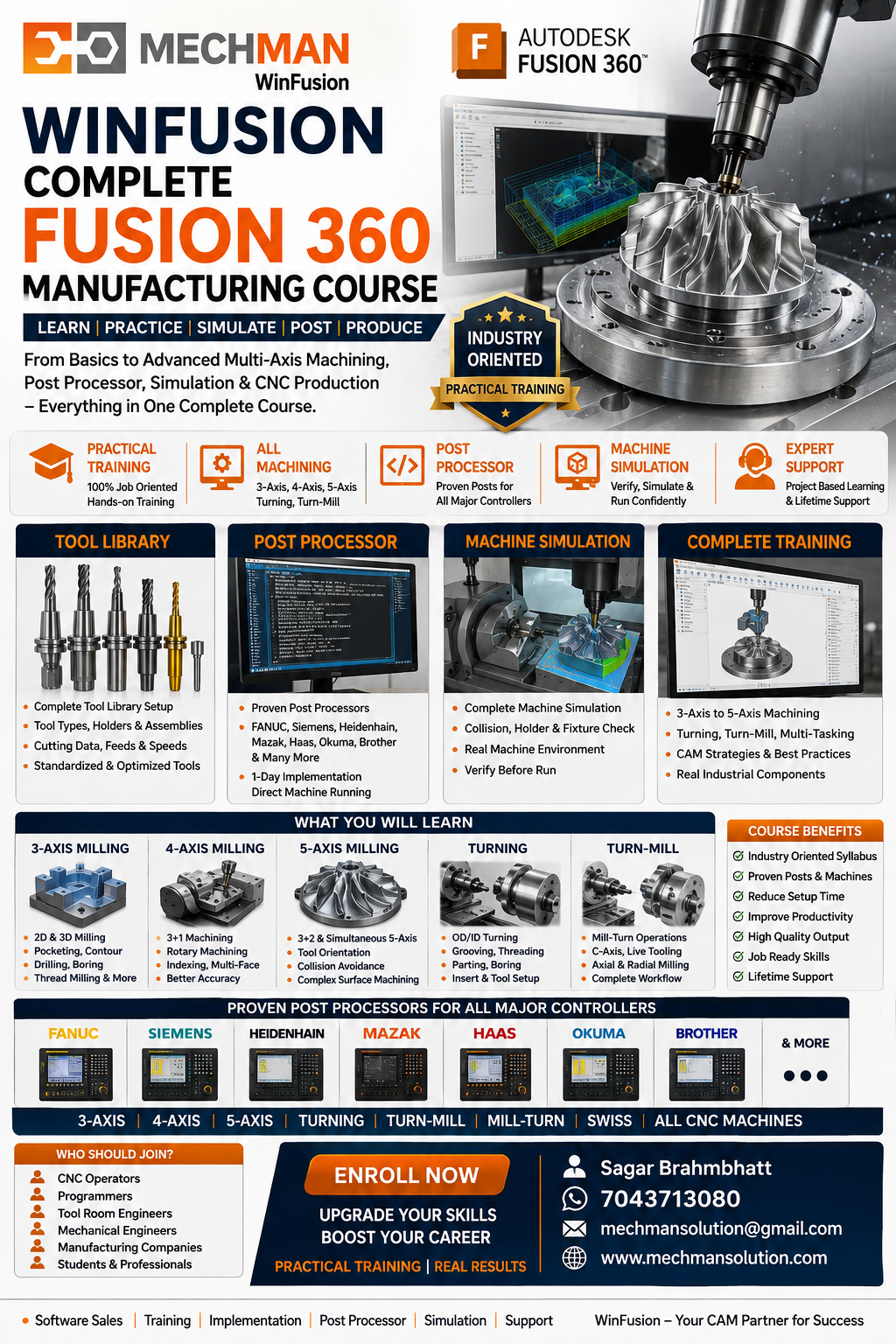
WinFusion training ka focus: Software + Machine + Post Processor + Simulation ko connect karna. Learn CAM → Understand Machine → Generate Right Code → Start Production!
WinFusion Training Ka Real Goal 🎯
Fusion learning ka final objective sirf commands ya certificate nahi — Production ready programming hona chahiye!
Complete Journey:
3-Axis Milling
→
Turning
→
4-Axis
→
5-Axis ⭐
→
Turn-Mill ⭐
→
CNC Production ✅
Learn CAM. Understand Machine. Generate Right Code. Start Production! 🚀
🎓
Fusion CAM | 3/4/5-Axis | Turning | Turn-Mill | Post | Simulation
Mechman Solutions — WinFusion
Autodesk Authorized Partner | Vadodara, Gujarat | Since 2015
www.mechmansolution.com
© 2025 Mechman Solutions | WinFusion — Complete Fusion 360 Manufacturing Course Guide | Vadodara, Gujarat
