CAM Software Comparison 2025
Fusion 360 vs PowerMill
Kaunsa Software Better Hai? ⚔️
CNC Manufacturing ke liye Complete Comparison — WinFusion Ke Saath
Fusion 360
CAD + CAM + All-in-One
PowerMill
Expert CAM Only
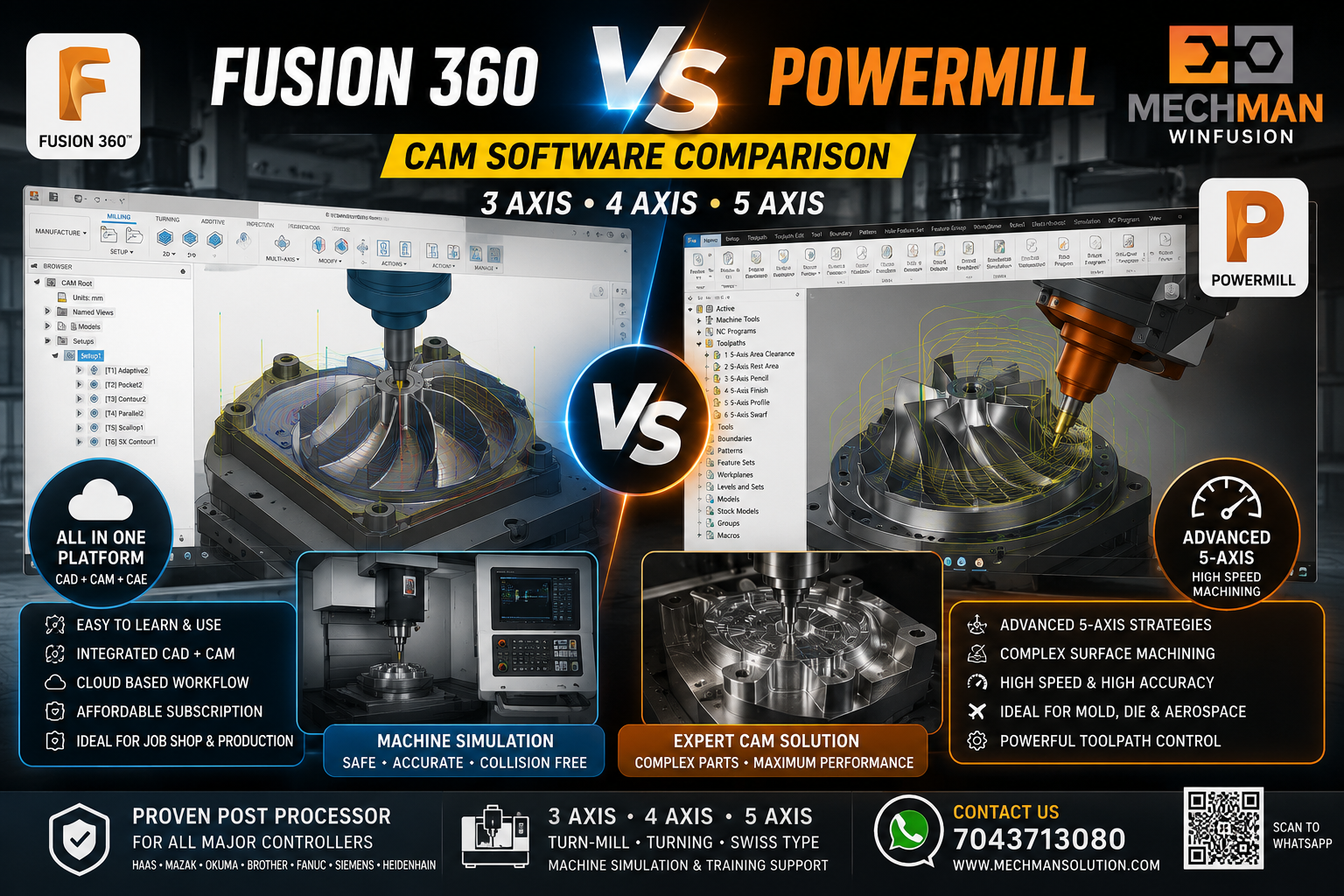
Dono Autodesk ke powerful CAM solutions hain—lekin dono ka use case alag hai. Sahi software choose karna = fast implementation + better output.
Aaj CNC manufacturing industry mein sabse common question hai: Fusion 360 lena chahiye ya PowerMill? Dono Autodesk ke powerful CAM solutions hain — lekin dono ka use case bilkul alag hai.
🔵 Fusion 360 = ?
CAD + CAM + Simulation + Manufacturing workflow — ek single platform mein sab kuch.
🔴 PowerMill = ?
Large mold, die, complex surface, high-speed machining aur advanced 5-axis — expert-level CAM.
🔵 Fusion 360 Kya Hai?
Fusion 360 ek all-in-one software hai jisme aap design, CAD modeling, CAM programming, simulation, drawing aur manufacturing ek hi platform mein kar sakte ho.
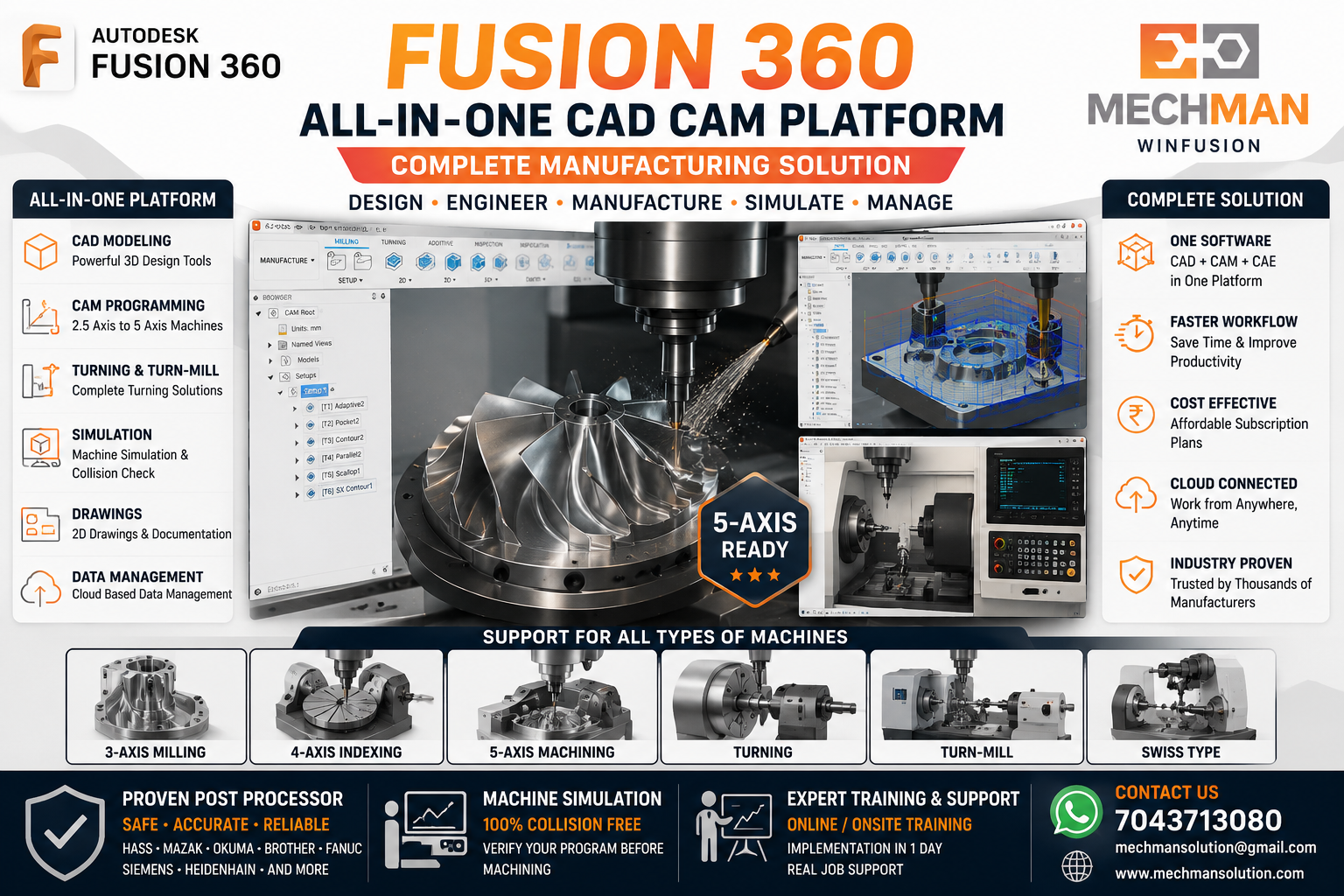
Fusion 360 — ek platform mein CAD, CAM, simulation, drawing. Alag-alag software kharidne ki zaroorat nahi.
Fusion 360 especially un companies ke liye useful hai jinke paas:
✓VMC, HMC, 4-Axis, 5-Axis machine
✓CAD aur CAM dono ek mein chahiye
✓Fast implementation chahiye
✓Affordable subscription solution
✓Proven post processor + machine simulation support chahiye
🔴 PowerMill Kya Hai?
PowerMill ek high-end CAM software hai jo mostly mold, die, aerospace, automotive, turbine, impeller, blade, complex 3D surface aur 5-axis machining ke liye use hota hai.
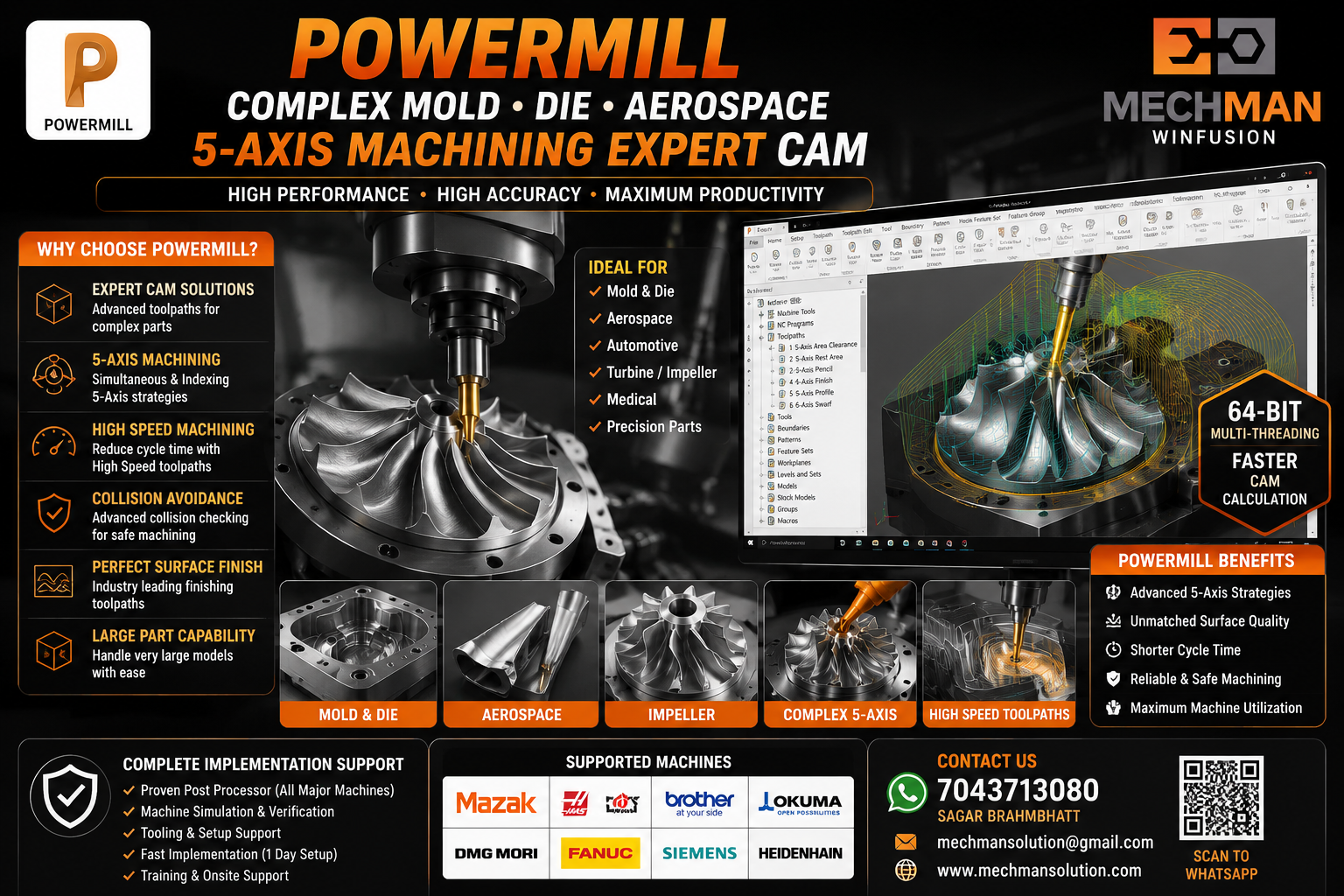
PowerMill — complex 3D parts, mold, die, aerospace. Jab part geometry bahut advanced hoti hai, tab PowerMill ka jawaab nahi.
✓Complex 3D machining
✓High-speed machining
✓Advanced 5-axis toolpath
✓Collision avoidance built-in
✓Large part programming
✓64-bit multi-threading
Side-by-Side Comparison ⚖️
| Parameter |
🔵 Fusion 360 |
🔴 PowerMill |
| CAD Included? |
✅ Yes — Full CAD |
❌ CAM Only |
| 3-Axis Machining |
✅ Excellent |
✅ Excellent |
| 4-Axis Machining |
✅ Very Good |
✅ Very Good |
| 5-Axis Machining |
✅ Good + WinFusion |
⭐ Industry Best |
| Machine Simulation |
✅ Built-in |
✅ Advanced |
| Mold/Die Machining |
✅ Moderate |
⭐ Specialized |
| Turning / Turn-Mill |
✅ Yes |
❌ Limited |
| Price |
✅ Affordable |
💰 High-End |
| Learning Curve |
✅ Easy to Learn |
⚠️ SteeperBest ForVMC, HMC, Job ShopMold, Die, Aerospace
3-Axis, 4-Axis, 5-Axis Ke Liye Kaunsa Better? 🔄
3-Axis Machining
Fusion 360 ✅ Best Choice
Normal VMC, fixture job, drilling, pocketing, contour, adaptive clearing — Fusion 360 kaafi powerful aur cost-effective solution hai.
4-Axis Machining
Fusion 360 ✅ Very Practical
4-Axis indexing, rotary machining, cylindrical component — Fusion 360 very practical hai. Proven post processor ke saath implementation fast hota hai.
5-Axis Machining
⭐ Depends on Part Complexity
🔵 Fusion 360 + WinFusion
Proven post + machine simulation ke saath implementation fast. Standard 5-axis ke liye best value.
🔴 PowerMill
Heavy mold, blade, impeller, complex aerospace parts ke liye industry-proven solution.
⚠️ Post Processor Sabse Important Hai!
Market mein bahut companies software le leti hain — lekin machine start nahi hoti because post processor proven nahi hota:
✗Post processor ready nahi
✗Machine simulation available nahi
✗NC output machine pe safe nahi
✗1 week–1 month time waste
✗EMI start — but machine full production mein nahi aati!
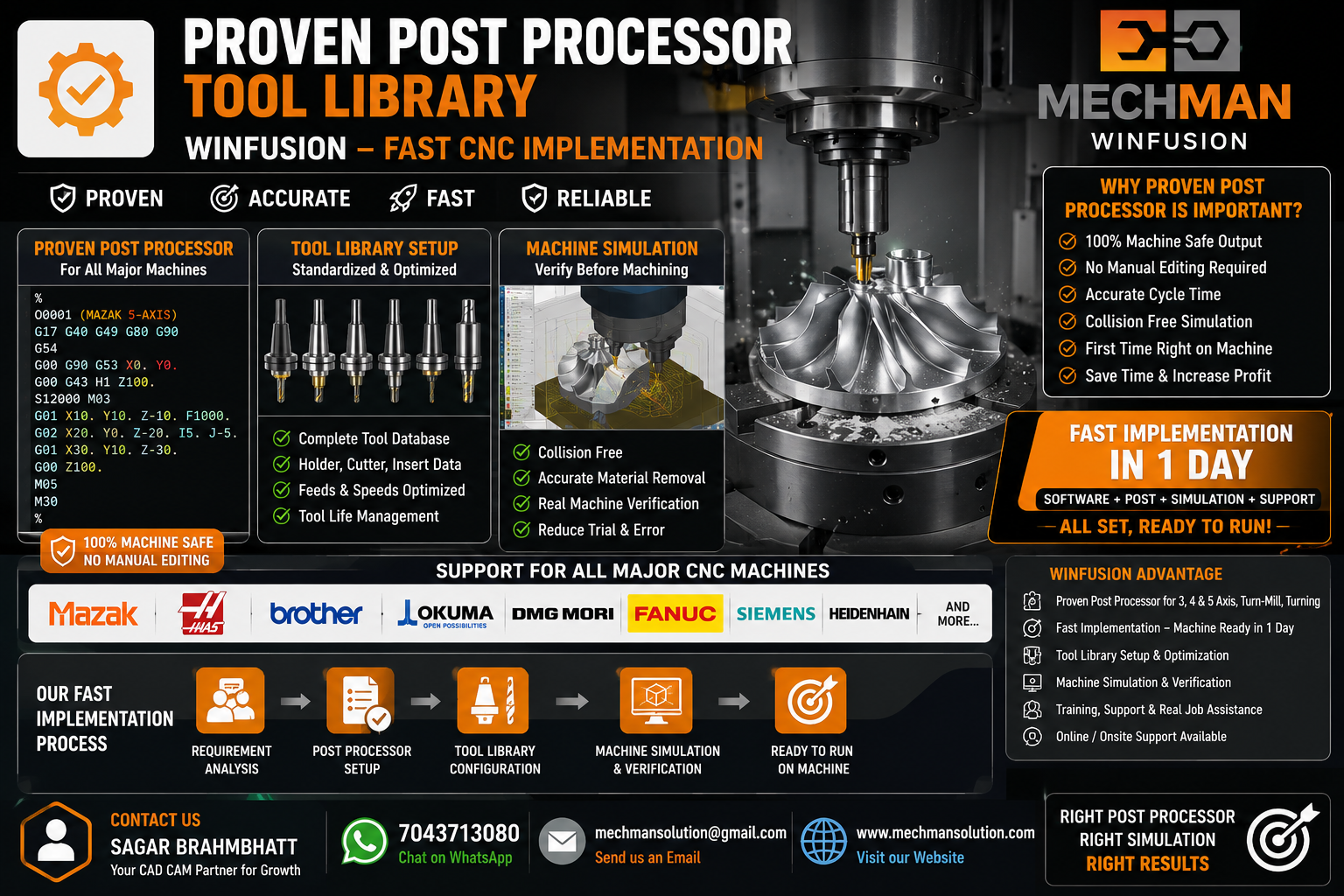
WinFusion proven post processor + machine simulation — software koi bhi ho, implementation fast hoti hai.
Kaunsa Software Kab Lena Chahiye? 🤔
- Affordable CAD + CAM chahiye
- VMC, HMC, 4-Axis, 5-Axis use karte ho
- Fast implementation chahiye
- Proven post processor chahiye
- Machine simulation se safe programming
- CAD + CAM dono requirement hai
- Mold, die, aerospace kaam karte ho
- Advanced 5-axis strategies chahiye
- Large complex geometry parts hain
- High-end CAM team build kar rahe ho
- Complex surface finishing chahiye
- High-speed machining required hai
WinFusion Advantage — Dono Software Ka Support 🚀
WinFusion ke through aapko sirf software nahi — complete manufacturing implementation milta hai — Fusion 360 aur PowerMill dono ke liye:
✔Fusion 360 CAM Setup
✔PowerMill CAM Support
✔3/4/5-Axis Post Processor
✔Turn-Mill Post Processor
✔Machine Simulation Ready
✔Tool Library Setup
✔Onsite / Online Training
⚡Real Job Cutting Support
Final Conclusion 🎯
🔵 Fusion 360
= Complete manufacturing platform. CAD + CAM + affordable + fast implementation.
🔴 PowerMill
= Expert CAM for complex machining. Mold, die, aerospace, advanced 5-axis.
Software koi bhi ho — proven post processor + machine simulation + proper training ke bina machine par safe output nahi milega. Isi liye WinFusion complete support deta hai. ✅
⚔️
Fusion 360 | PowerMill | Post Processor | Training
Mechman Solutions — WinFusion
3-Axis | 4-Axis | 5-Axis | Turn-Mill | Swiss | Machine Simulation | CNC Training
www.mechmansolution.com
© 2025 Mechman Solutions | WinFusion — Fusion 360 & PowerMill CAM Solution | Vadodara, Gujarat, India
