
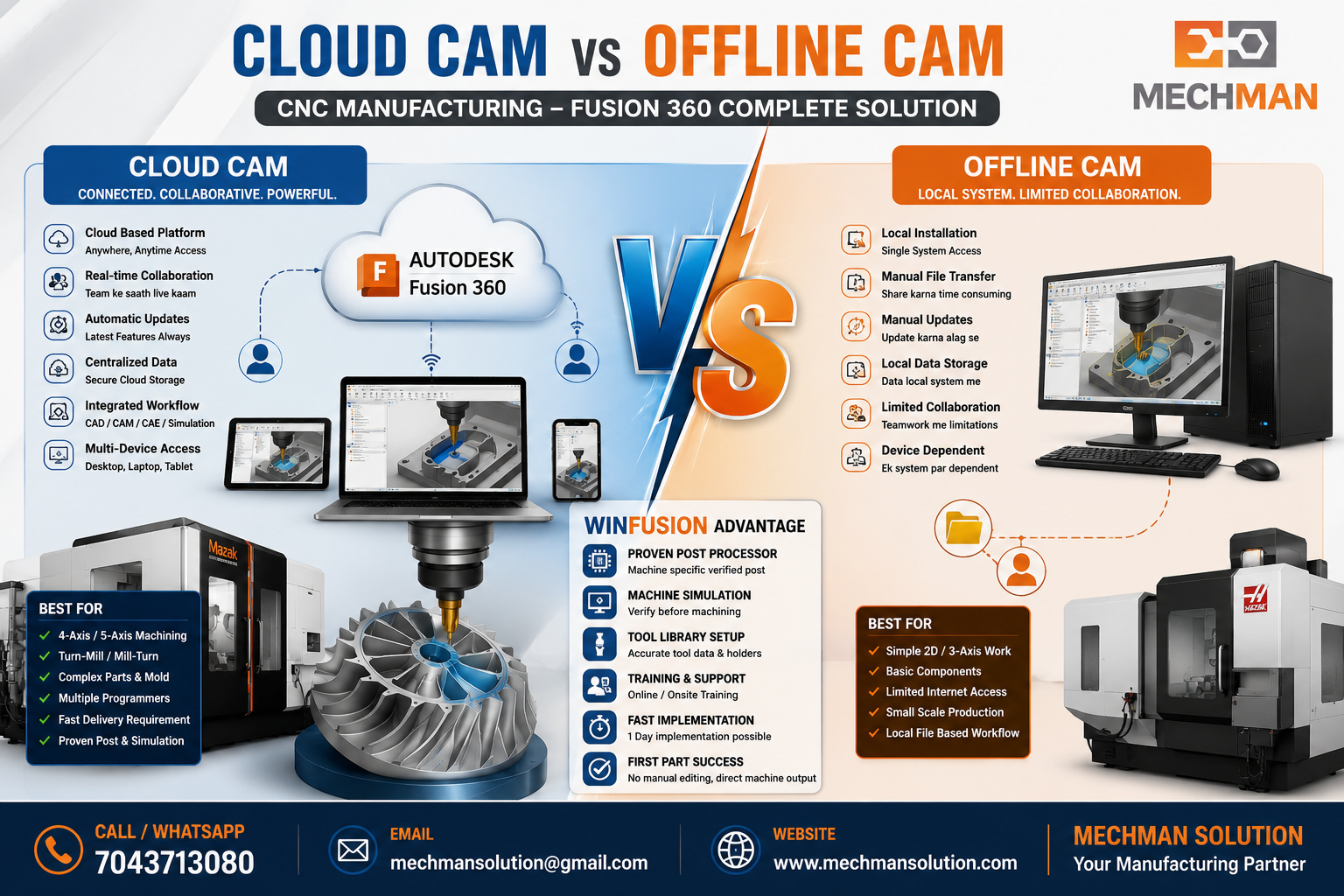
Aaj CNC manufacturing mein CAM software sirf toolpath banane ke liye nahi — complete machining workflow ke liye use hota hai: CAD model, CAM programming, tool library, post processor, machine simulation, NC output aur final machine trial tak.
Market mein generally 2 type ke CAM workflow milte hain: Cloud CAM aur Offline CAM. Dono ka apna-apna use case hai.
☁️ Cloud CAM
Cloud-connected platform — data management, collaboration, updates, templates. Modern CNC shop ke liye.
🖥️ Offline CAM
Local computer par install — traditional workflow, file-based. Basic/simple work ke liye.
☁️ Cloud CAM Kya Hota Hai?
Cloud CAM ka matlab hai aisa CAM system jisme data management, collaboration, updates, templates aur manufacturing workflow cloud-connected platform se manage hota hai.
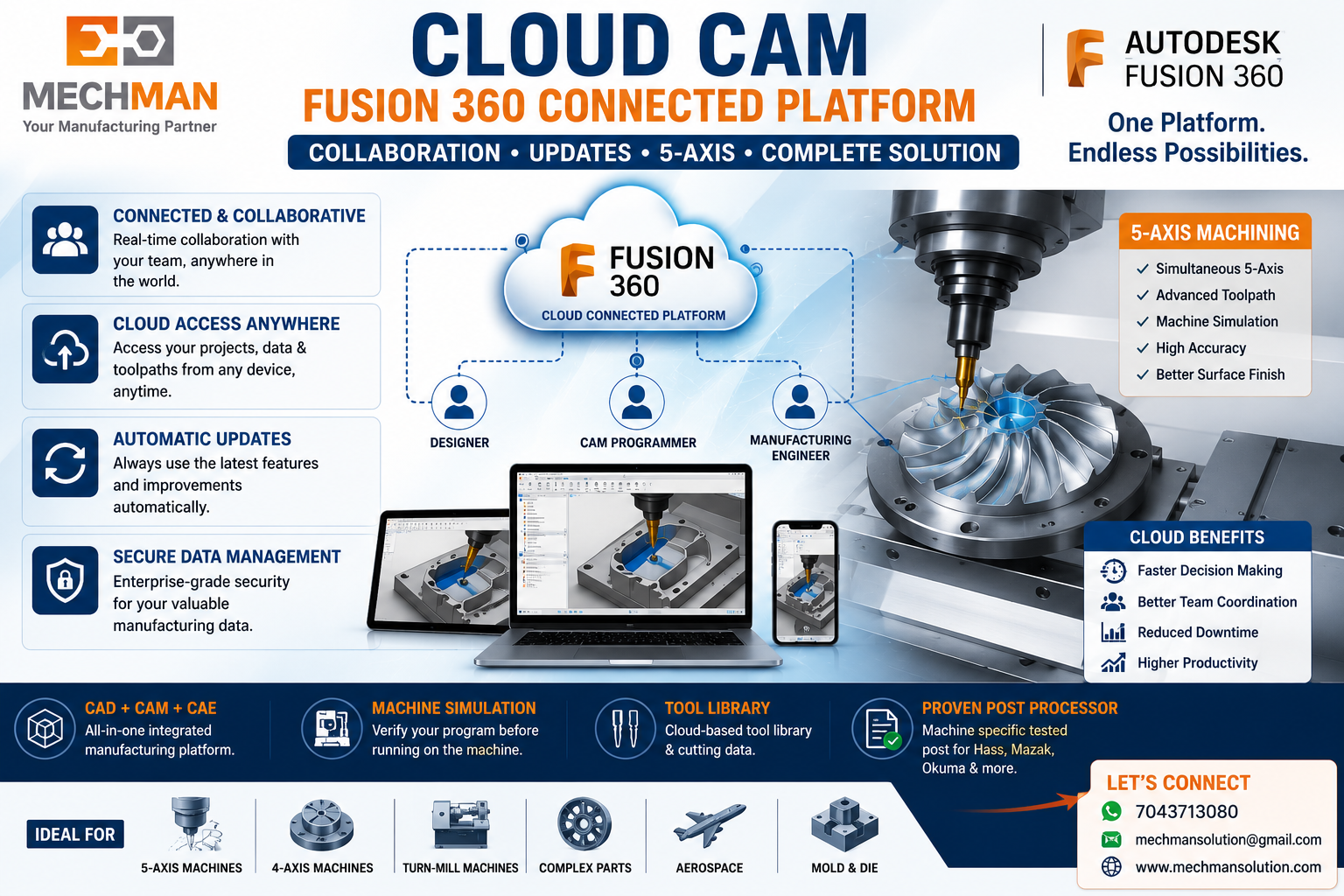
Emergency ya limited internet situation mein Fusion offline mode mein bhi kaam karta hai — flexibility dono taraf se hai!
🖥️ Offline CAM Kya Hota Hai?
Offline CAM traditional CAM software hota hai jo mostly local computer par install hota hai. Programming local system par hoti hai, data file manually save/share hoti hai.
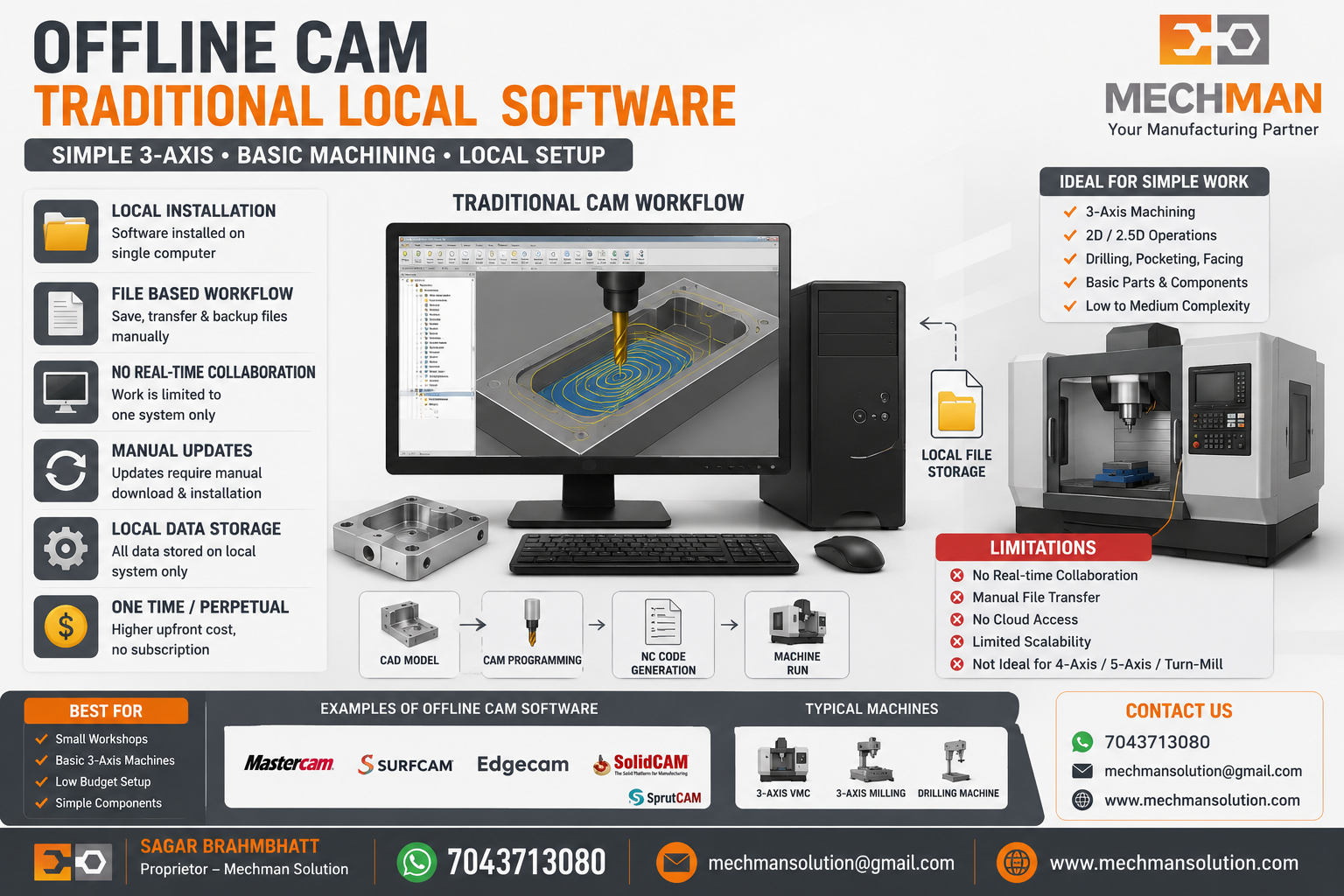
Limitation: Team collaboration, version control, quick updates aur multi-location working mein Offline CAM bahut limited hota hai. Advanced machining ke liye suitable nahi.
Side-by-Side Comparison ⚖️
☁️ Cloud CAM Ka Main Benefit — Implementation Speed ⚡
Sabse bada benefit hai implementation speed. Jab company new 4-axis, 5-axis, Turn-Mill ya advanced CNC machine leti hai — unko sirf CAM software nahi chahiye:
Unko chahiye:
Common Problem: Agar post processor proven nahi hai to machine khadi reh sakti hai. EMI chalu — machine production mein fully nahi. Ye problem market mein bahut common hai.
Kaunse Company Ke Liye Kaunsa? 🎯
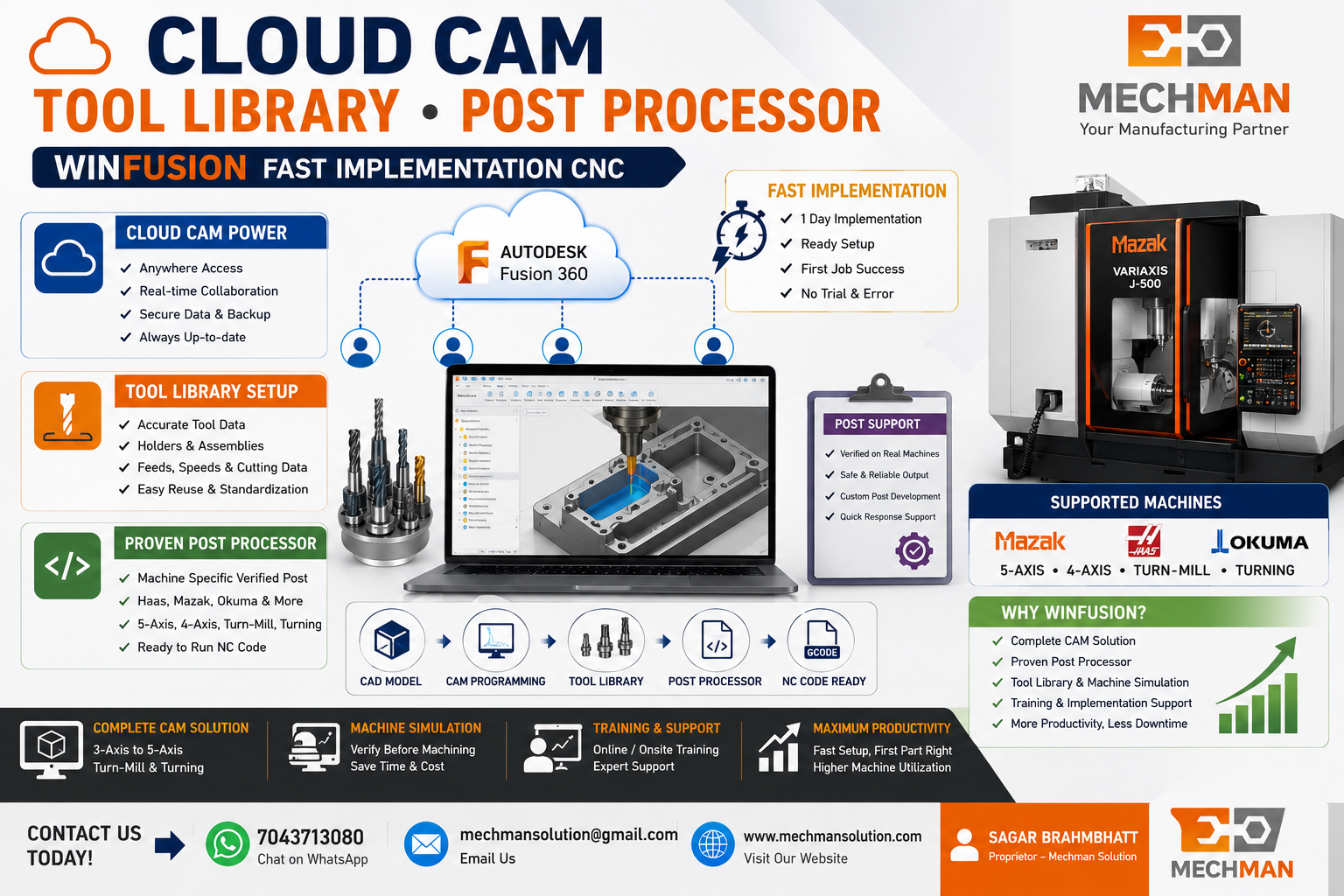
WinFusion Ka Advantage 🚀
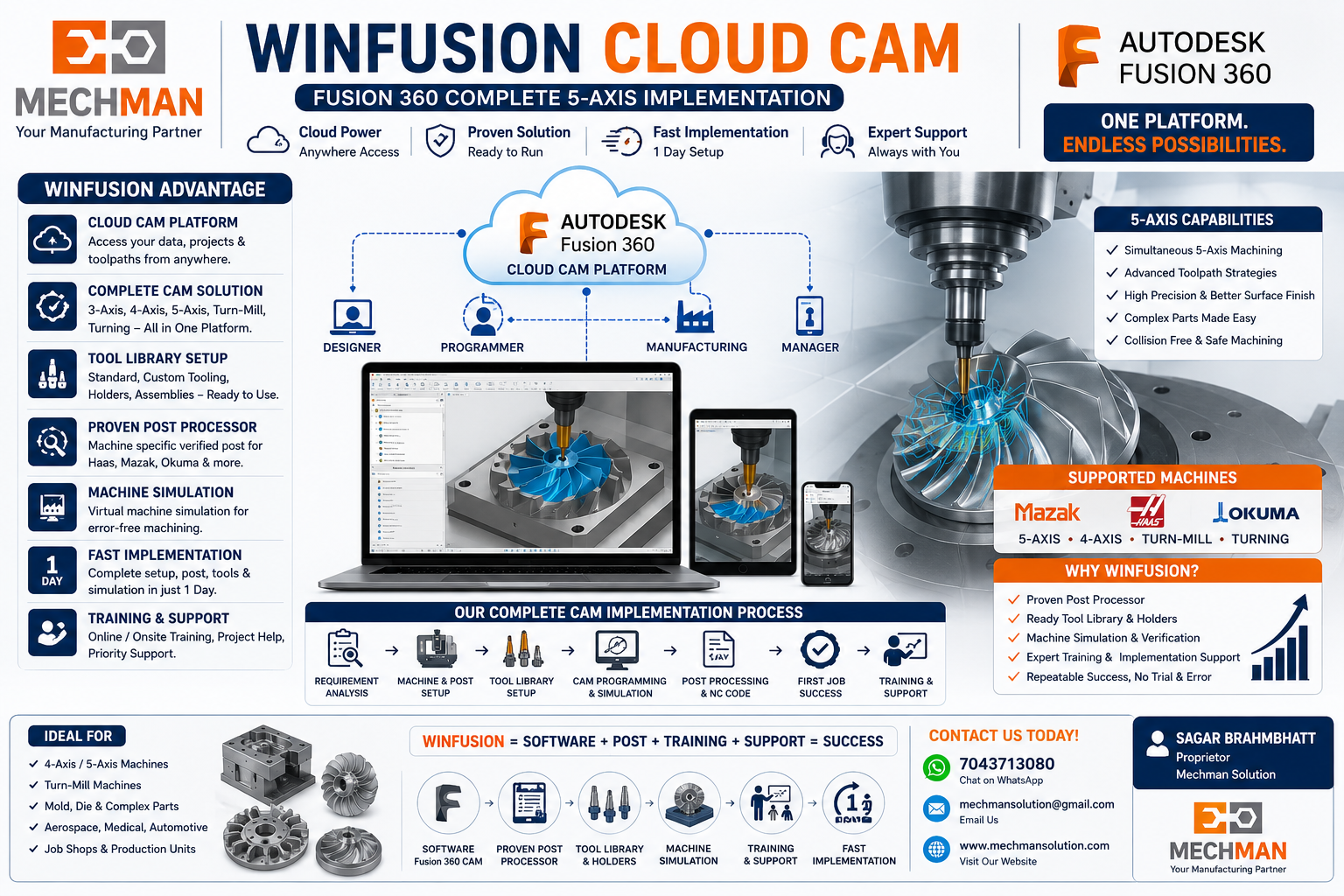
WinFusion Fusion CAM ke saath complete solution provide karta hai—software + post processor + machine simulation + training + implementation:
Final Conclusion 🎯
☁️ Cloud CAM
Modern CNC manufacturing ka future. 4-axis, 5-axis, Turn-Mill ke liye best.
🖥️ Offline CAM
Basic work ke liye theek hai — advanced machining ke liye limited.
Real success tab milta hai jab software ke saath proven post processor + machine simulation + tool library + training mile. ✅
Fusion CAM | Post Processor | Machine Simulation | Training
Mechman Solutions — WinFusion
Mazak | Haas | Okuma | 4-Axis | 5-Axis | Turn-Mill | Fast Implementation
© 2025 Mechman Solutions | WinFusion — Cloud CAM Solution | Vadodara, Gujarat, India