🚀 Production Boost Guide — WinFusion 2025
CAM Software Se Production
Double Karo! 🚀 — WinFusion Guide
Programming Time ↓ | Cycle Time ↓ | Machine Idle ↓ | Output ↑ — Smart CNC Manufacturing
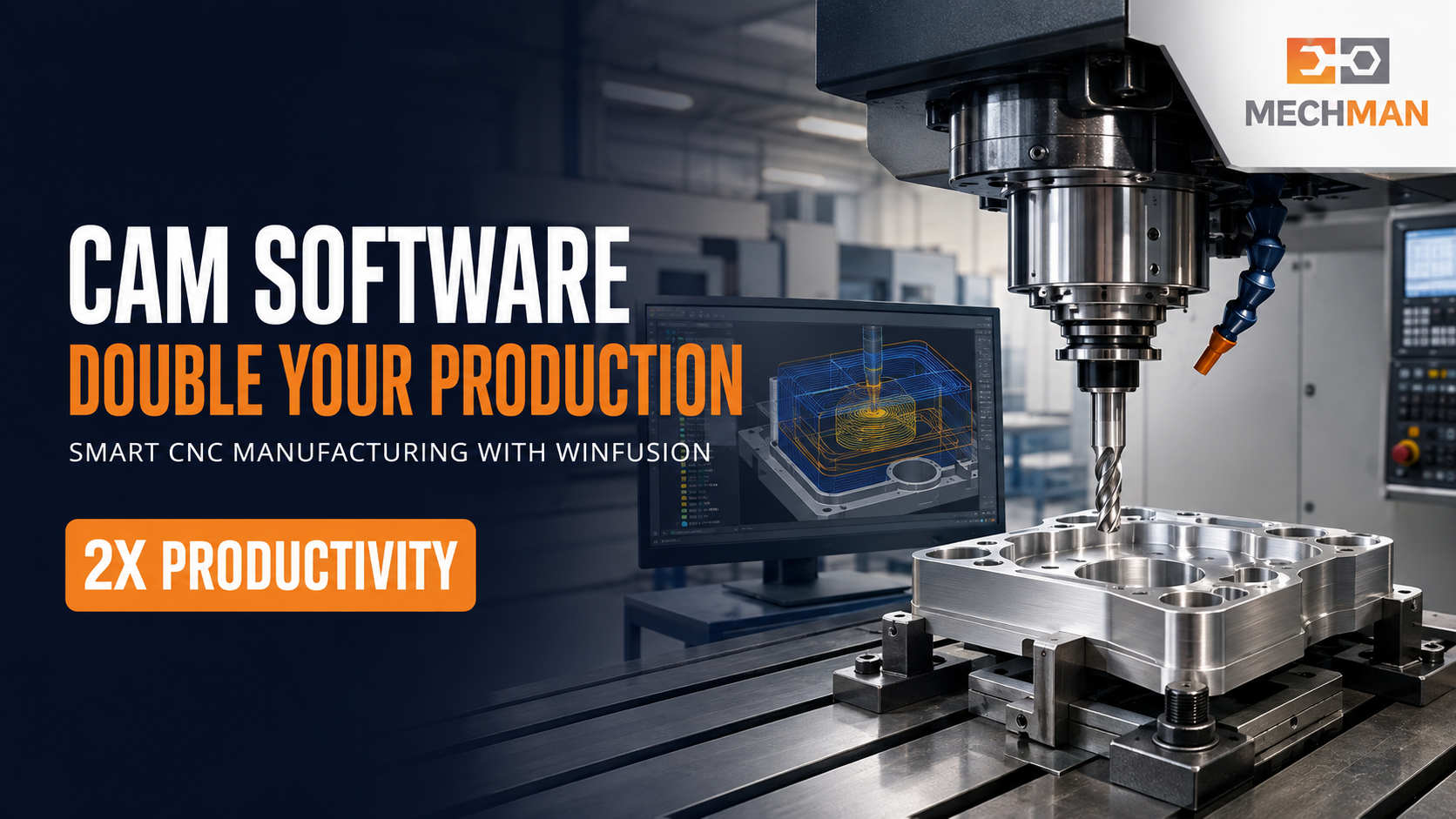
Sirf CNC machine kharidna enough nahi — programming slow ho, toolpath optimized na ho, machine idle rahe to expensive machine bhi full capacity par production nahi de paati. WinFusion yahi solve karta hai!
Aaj manufacturing industry mein sirf CNC machine kharidna enough nahi hai. Agar programming slow hai, toolpath optimized nahi, machine idle rehti hai ya prove-out mein zyada time lagta hai — expensive CNC machine bhi full capacity par production nahi de paati!
🚀 WinFusion CAM Solution: Advanced CAM programming + optimized toolpaths + proven post processor + accurate machine simulation — right implementation ke saath manufacturing setups apni effective productivity ko 2X tak improve kar sakte hain!
📌 Note: Production improvement job complexity, machine condition, tooling, operator skill aur existing process par depend karta hai. “Double production” achievable improvement target ho sakta hai — guaranteed result nahi.
⚡ CAM Software Production Kaise Badhata Hai? — 9 Key Ways
1
Programming Time Mein Major Reduction ⚡
Manual hours → CAM minutes
❌ Manual Programming:
Coordinates calculate karna, multiple ops banana, program check karna — complex components ke liye hours ya days!
✅ WinFusion CAM:
- 2D/3D toolpaths quickly generate
- Templates reuse kar sakte hain
- Tool data library mein saved
- Design change → auto update ⭐
Programmer ek hi time mein zyada jobs prepare kar sakta hai — machine program ke liye wait nahi karti! ✅
2
Optimized Toolpaths Se Cycle Time Kam Hota Hai ⏱️
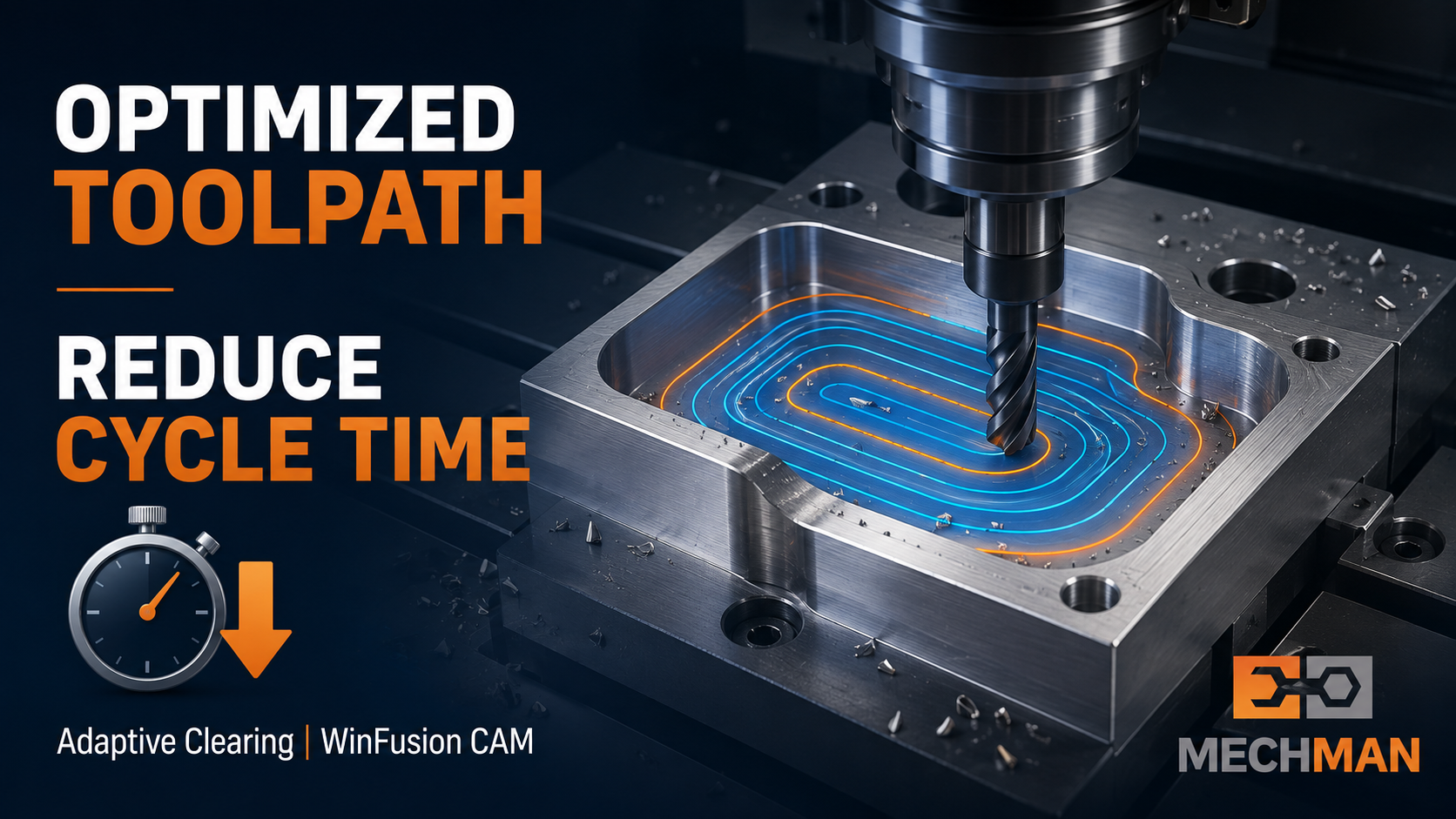
Adaptive Clearing, Steep & Shallow, Multi-Axis Contouring — right strategy se cycle time significantly reduce hoti hai!
WinFusion advanced machining strategies:
Adaptive Clearing ⭐
HSM ⭐
Rest Machining
Steep & Shallow
5-Axis Simultaneous
Turn-Mill ⭐
4-Axis Rotary
📊 Real Example: 60min cycle → 40min optimized = 8 parts/shift se 12 parts/shift (same machine!) ✅
Common problem: Machine available — NC program ready nahi!
→Toolpath offline prepare hota hai
→Machine simulation pehle complete
→Proven post → NC code ready
⭐Zero manual editing needed!
Spindle utilization ↑ = Production ↑ ✅
4
Proven Post Processor ⭐
Most Critical!
Generic post = manual editing risk — especially 5-axis, Turn-Mill mein dangerous!
Fanuc ✅
Siemens ✅
Heidenhain ✅
Mazak ✅
Haas ✅
Okuma ✅
WinFusion proven machine-specific post = faster implementation! ✅
5
Machine Simulation Se Trial Time Aur Risk Kam Hota Hai ✅
CNC machine par direct program trial = expensive + risky! WinFusion machine simulation mein sab pehle verify:
✓Collision possibility detect
✓Machine limits verify
✓Overtravel check
⭐Remaining stock view
Machine prove-out time significantly reduce — operator ka confidence badhta hai, machine ka downtime ghatta hai! ✅
Traditional toolpaths mein corners + deep pockets mein tool engagement suddenly increase → overload!
Constant load ✅
Less shock ✅
Better entry/exit ✅
Less breakage ✅
Production continuity better hoti hai! ✅
7
Rejection + Rework Kam ✅
Manual programming ya machine-side editing mein small mistake = component rejection! CAM se:
- Visual toolpath verification
- Simulation se process check
- Standardized programming
- Human error reduce ⭐
Rework cost zero = Profit ↑ ✅
8
1 Programmer → Multiple Machines 👨💻
Offline programming ka major advantage — machine chala rahi hoti hai, programmer next job prepare karta hai!
Manpower productivity ↑ = Cost per part ↓
Proper templates + tool library + post = ek skilled programmer multiple CNC machines handle kar sakta hai!
9
Repeat Jobs Fast Handle ♻️
Repeat production mein CAM setup zero se create karne ki zaroorat nahi:
- Existing project copy + modify
- Design change → toolpaths regenerate ⭐
- Component variants fast ✅
- Engineering changes faster
Repeat job time = drastically reduced! ✅
📊 Practical Production Improvement — Before vs After
| Activity |
❌ Existing Process |
✅ WinFusion Workflow |
| Programming |
3 hours |
1.5 hours ⭐ |
| Machine Prove-Out |
2 hours |
30 minutes ⭐ |
| Component Cycle Time |
60 minutes |
40 minutes ⭐ |
| Manual Program Editing |
Frequently required |
Minimum ✅ |
| Collision Checking |
Machine par (risky!) |
Offline Simulation ⭐ |
| Production / 8hr Shift |
≈ 8 Parts |
≈ 12 Parts 🚀 |
💡 Kuch cases mein additional machine kharidne se pehle existing machines se hi significantly higher output nikala ja sakta hai — sirf CAM workflow optimize karke!
🏭 Kin Companies Ke Liye WinFusion Useful Hai?
Ye sab industries WinFusion se benefit le sakti hain:
✅VMC + HMC
✅CNC Turning
✅4-Axis Centers
⭐5-Axis Machines
✅Turn-Mill Centers
⭐Die + Mold Mfg
✅Aerospace
✅Automotive
✅Medical + Precision
Expensive 4-axis ya 5-axis machine purchase karo — lekin software + post + simulation ready karo pehle! Machine EMI start ho, production delay nahi!
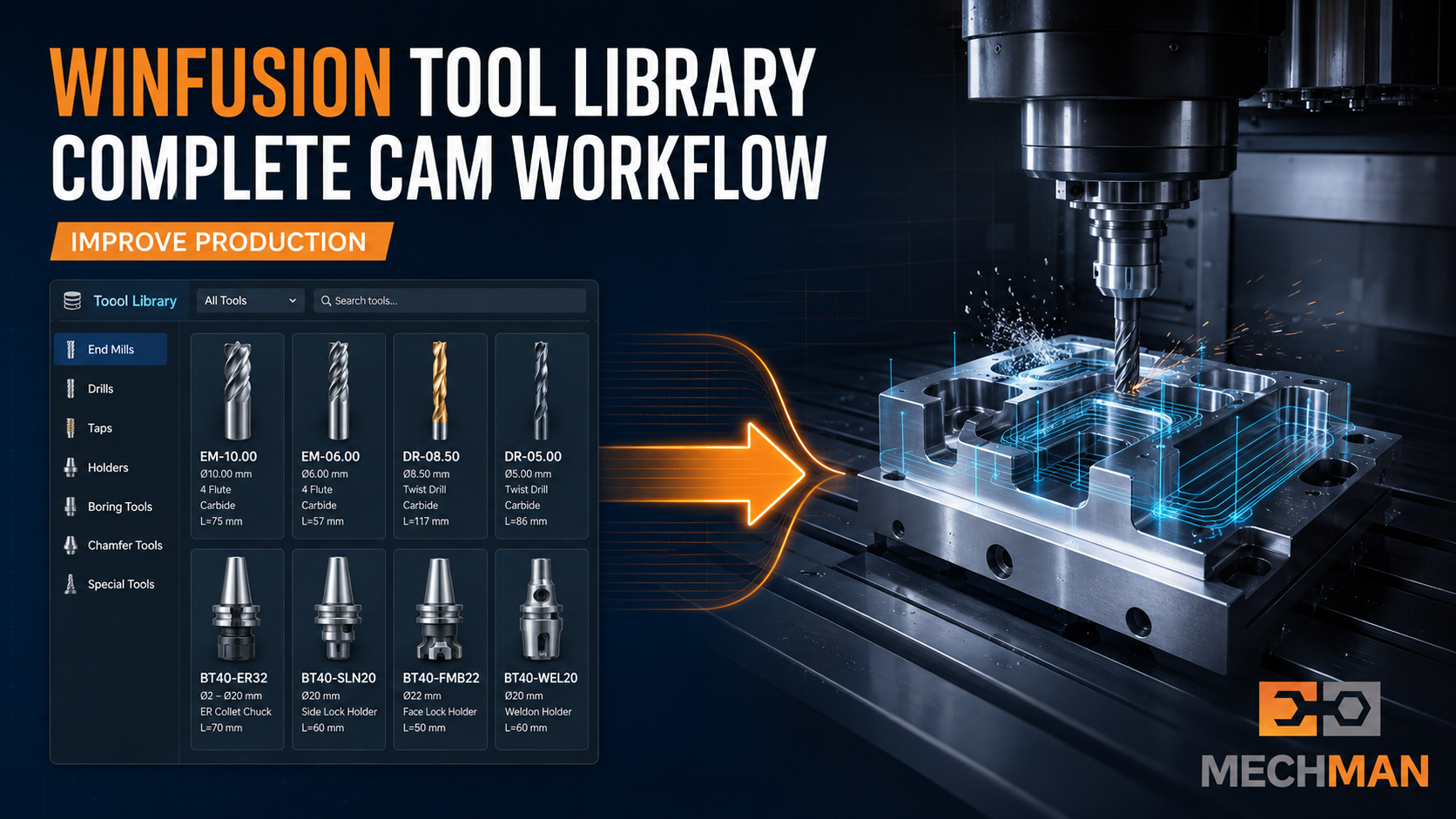
WinFusion tool library + proven post + machine simulation = complete production system. Programming se lekar CNC machining tak — sab covered!
WinFusion — Complete CAM Implementation Partner 🚀
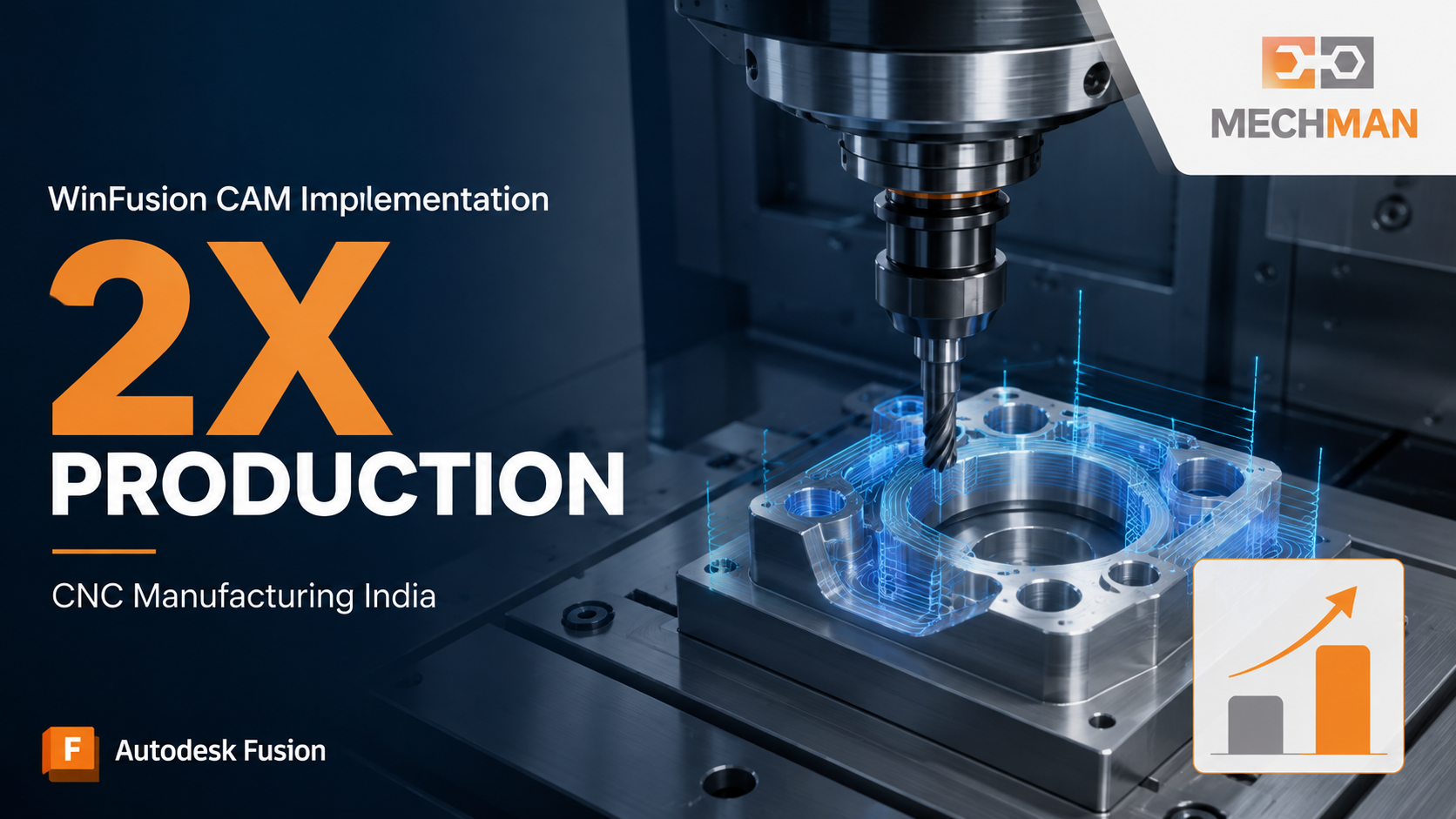
WinFusion sirf software license nahi deta — complete implementation workflow par focus karta hai. Programming se lekar final CNC machining tak!
✅Fusion CAM Software
✅3/4/5-Axis Programming
✅Turning + Turn-Mill
✅Tool Library Creation
✅Machine-Specific Post Processor
✅CNC Machine Simulation
✅Programmer + Operator Training
🚀Production 2X Target!
❓ Frequently Asked Questions
Q: Kya CAM software production double kar sakta hai?
Agar existing process mein programming delay, high cycle time, machine idle time aur repeated prove-out problems hain — optimized CAM workflow se major productivity improvement possible hai. Actual result machine, component, tooling aur current process par depend karega.
Q: Kya WinFusion 5-Axis CNC programming support karta hai?
Yes! 3-Axis, 4-Axis, Simultaneous 5-Axis, Turning aur Turn-Mill programming — sab handle kiya ja sakta hai.
Q: Kya existing CNC machine ke liye WinFusion implement ho sakta hai?
Yes! Machine make, model, controller, axis configuration aur sample NC program evaluate karke suitable CAM workflow, post processor aur machine simulation develop ki ja sakti hai.
Conclusion 🎯
CAM software production increase karne ka powerful tool hai — lekin result sirf software install karne se nahi milta!
Right toolpaths + Customized post + Machine simulation + Tool library + Practical training = Complete Production System — 2X Output Possible! 🚀
🚀
CAM Software | Post Processor | Machine Simulation | Training
Mechman Solutions — WinFusion
Autodesk Authorized Partner | Vadodara, Gujarat | Since 2015
Share: Machine make + model + controller + component requirement → WinFusion suggest karega!
www.mechmansolution.com
© 2025 Mechman Solutions | WinFusion — CAM Production Guide | Vadodara, Gujarat
