⚠️ WinFusion Safety Guide 2025
Common CNC Programming Mistakes —
Aur Unhe Kaise Avoid Karein? ⚠️
15 Costly Mistakes | Real Consequences | Proven Solutions — WinFusion Guide
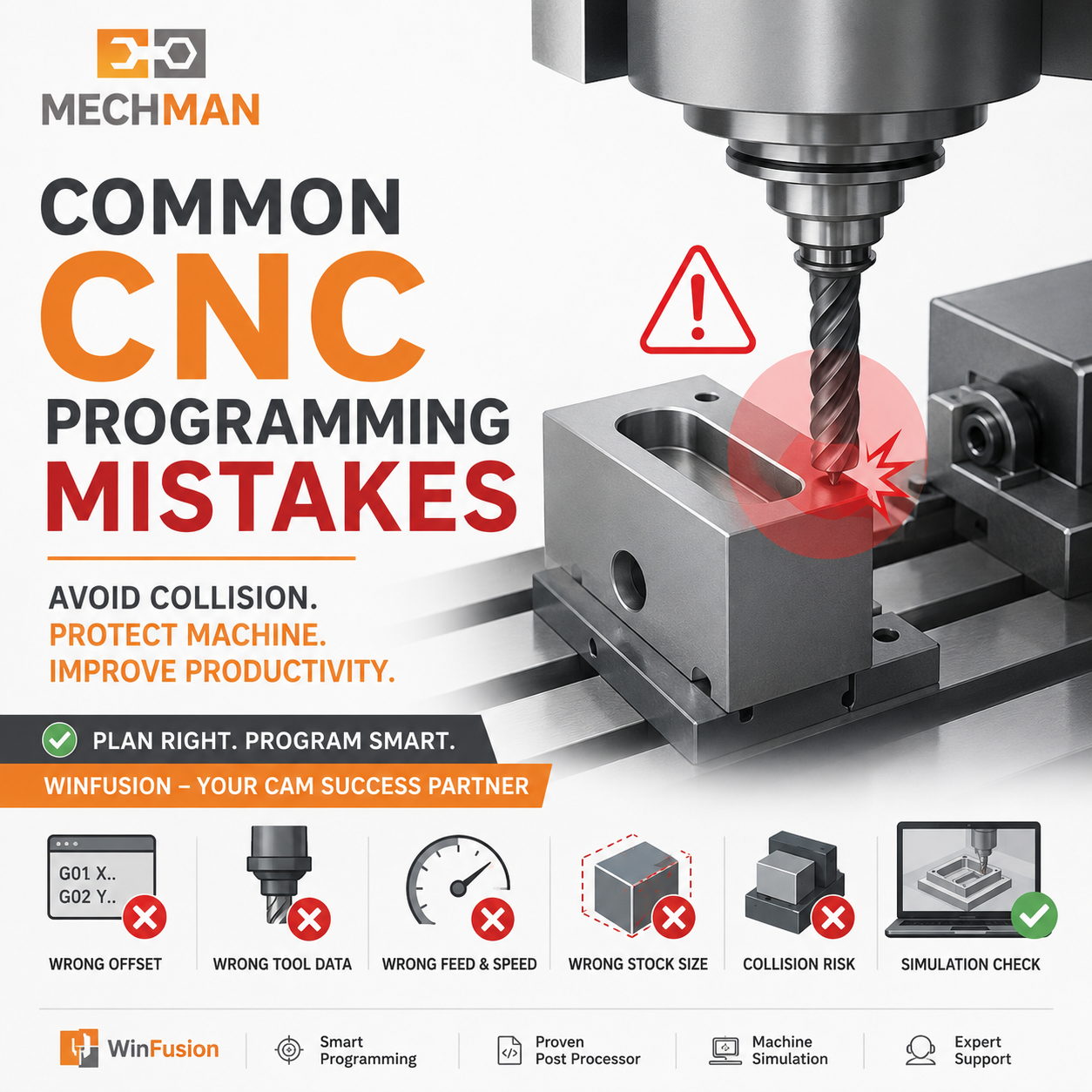 CNC programming mein ek chhoti si mistake bhi tool breakage, component rejection, machine collision aur costly downtime ka reason ban sakti hai. 15 most common mistakes aur unke proven solutions!
CNC machining mein most crashes aur machining problems software ki wajah se nahi hote — balki incorrect setup, wrong tool data, unsuitable post processor ya insufficient verification ki wajah se hote hain.
Especially jab 3-Axis, 4-Axis, 5-Axis, Turning ya Turn-Mill machine par kaam kar rahe ho — sirf toolpath banana enough nahi hota. Proper setup, correct tool data, proven post processor aur machine simulation equally important hote hain!
⚠️ 15 Common CNC Programming Mistakes — Ek Ek Ko Samjho!
#1
Wrong Work Offset Select Karna ⚠️
⚠️ Problem:
Program G54 ke according bana, operator ne G55 active kar diya → Part zero shift → Tool wrong location par move → Collision!
✅ Solution:
- CAM aur machine same datum
- G54/55/56 verify karein
- Workpiece zero confirm
- Machine simulation verify
WinFusion: Machine-specific setup aur post processor configuration se ye errors significantly reduce hote hain! ✅
#2
Wrong Tool Length / Diameter Offset
Tool T5 use ho raha hai lekin operator ne H4 offset activate kar diya → Tool wrong Z position par!
Tool crash
Overcutting
Undercutting
Component rejection
Fixture damage ⚠️
WinFusion Tool Library: Tool number, holder, flute length aur offset mapping standardized — consistency guaranteed! ✅
Har material ke liye same parameters = wrong!
- Tool life ↓
- Surface finish poor
- Tool break risk
- Cycle time ↑
✅ Tool manufacturer data + material consider karo
#4
Stock Size Galat Define
Software: 50mm | Actual: 55mm → Extra 5mm → collision!
✅ Pre-programming stock verify karo:
- Raw material measure
- Stock orientation check
- Fixture position verify
#5
Fixture + Clamp Ignore
Tool component avoid karta hai — lekin fixture se collide!
Deep pockets5-Axis ⚠️Long tools
✅ Machine sim + fixture check!
#6
Tool Holder Collision Check Na Karna ⚠️
Sirf toolpath simulation enough nahi hoti — complete holder assembly ke saath collision checking karna chahiye. Especially:
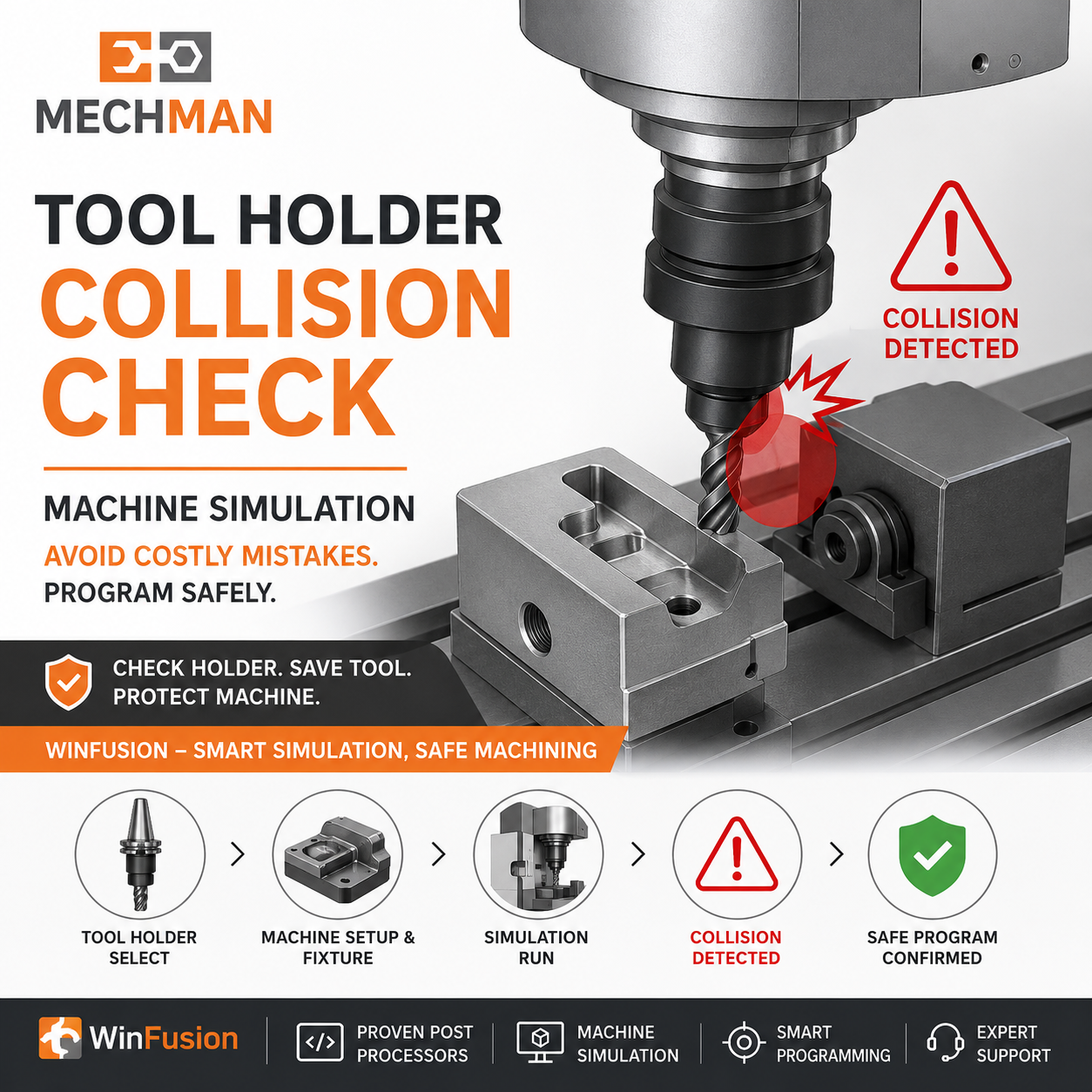
Tool holder collision — cutter safe ho sakta hai but holder fixture ya component se collide kar sakta hai. Machine simulation mein sab check!
Deep cavities
Mold machining ⚠️
Impeller
5-Axis ⚠️
Aerospace parts
Bahut low retract height → tool movement mein clamp/stock/fixture hit ho sakta hai!
❌ Bahut Low
Collision risk
⚠️ Bahut High
Cycle time ↑
✅ Balanced safe clearance maintain karo!
#8
Wrong Post Processor ⭐
Most Critical!
CAM toolpath correct → wrong post = entire NC program incorrect!
FanucSiemens ⭐HeidenhainMazak ⭐Haas
WinFusion: Proven machine-specific post — major advantage! ✅
#9
4-Axis / 5-Axis Rotary Direction Galat Hona ⚠️
3-Axis mein XYZ simple — lekin 5-Axis mein A, B, C rotary axes bhi involved: Wrong direction = tool opposite side mein rotate = serious collision!
Machine kinematics properly define karna + proven 5-axis post processor = safe 5-axis machining. WinFusion yahi ensure karta hai!
#10
Machine Simulation Skip Karna — Most Ignored! ⭐
Most Important!
Toolpath simulation ≠ Machine simulation! Toolpath sirf cutter movement dikhata hai — machine simulation mein complete environment check hota hai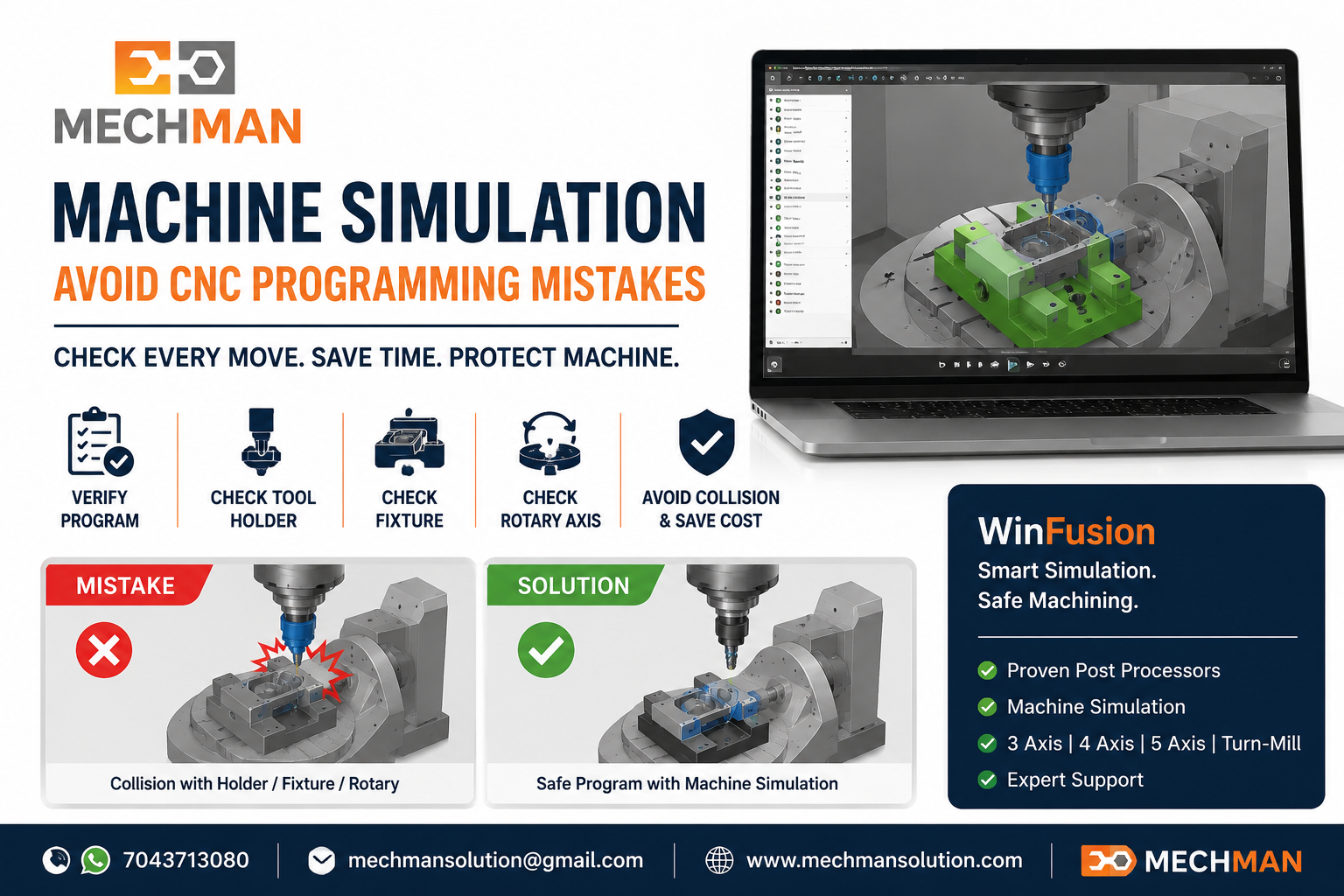
Machine simulation — machine table, spindle, rotary axis, fixture, holder, tool, component sab ek saath verify. 5-Axis + Turn-Mill mein must!
#11
Wrong Tool Orientation — 5-Axis
Wrong lead/tilt/tool axis direction:
Holder collisionPoor surfaceAxis overtravel
✅ Machine kinematics aur rotary limits consider karo
#12
Toolpath Direction Check Na Karna
Climb vs Conventional — application ke according select karo:
❌ Wrong dir.
Vibration + wear
✅ Correct dir.
Better finish
#13
Excessive Depth of Cut
Machine power + tool rigidity ignore karna = risky!
Tool breakageChatterPoor finish
✅ Adaptive roughing se optimize karo!
#14
Remaining Material Ignore Karna
Previous operation ke remaining stock ignore = finishing tool overload!
Rest Machining solution:
Air cutting ↓Tool life ↑Cycle time ↓
#15
Program Direct Machine Par Run Karna — Without Verification!
Dangerous!
Fresh NC program ko bina verification direct full rapid + full feed par run karna avoid karo! First run protocol:
Single block modeFeed override ↓Rapid override ↓Dry run first ⭐Machine simulation done
✅ In Sabhi Mistakes Ka Best Solution — Complete Workflow
Reliable CNC Programming = Complete Workflow Chahiye
CAD Model
→
CAM Programming
→
Tool Library
→
Fixture Setup
→
Machine Sim ⭐
→
Proven Post ⭐
→
NC Program
→
Machine Trial ✅
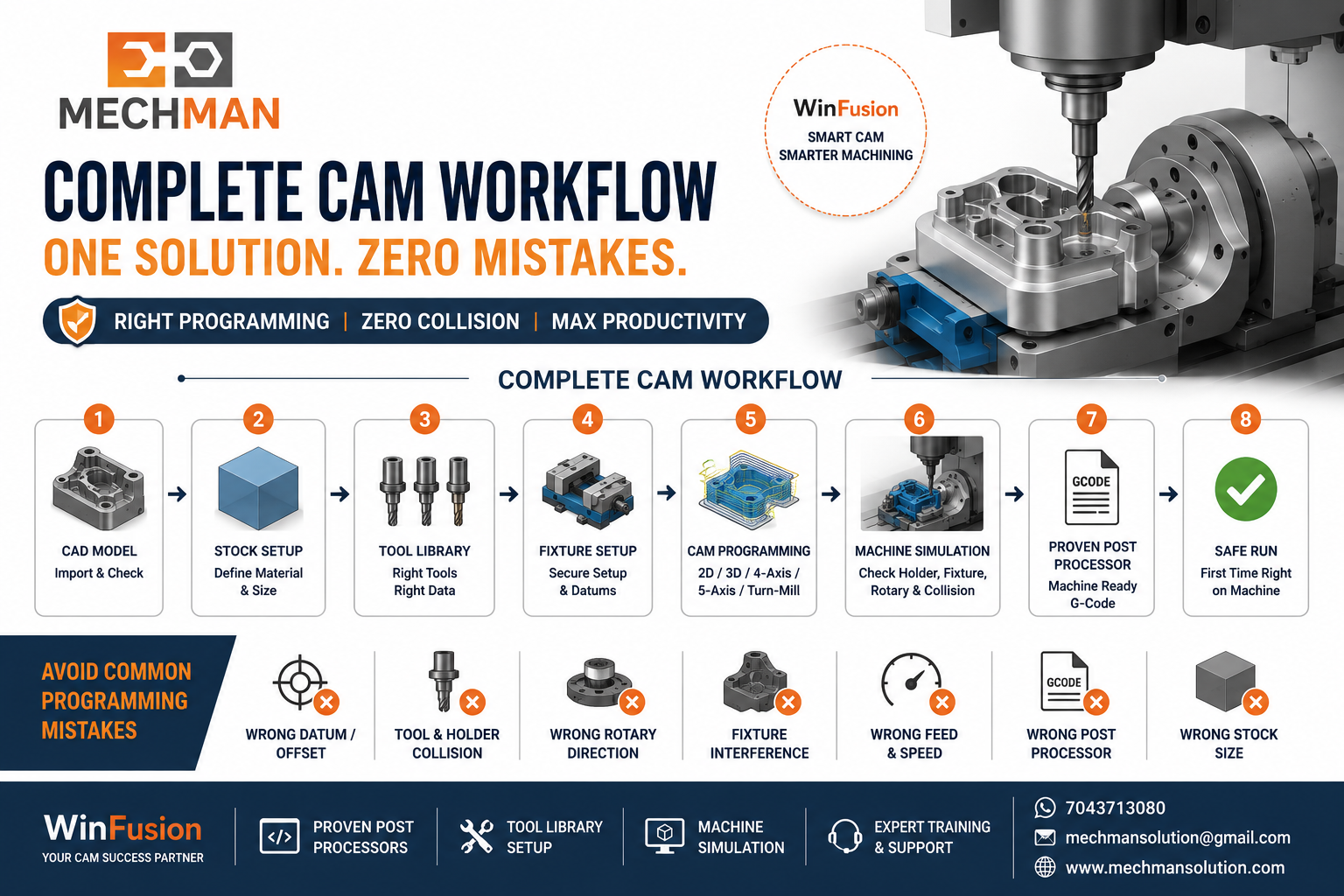
Tool library + machine simulation + proven post = complete workflow. Most mistakes automatically avoid hoti hain!
WinFusion — Complete CAM Safety Net 🚀
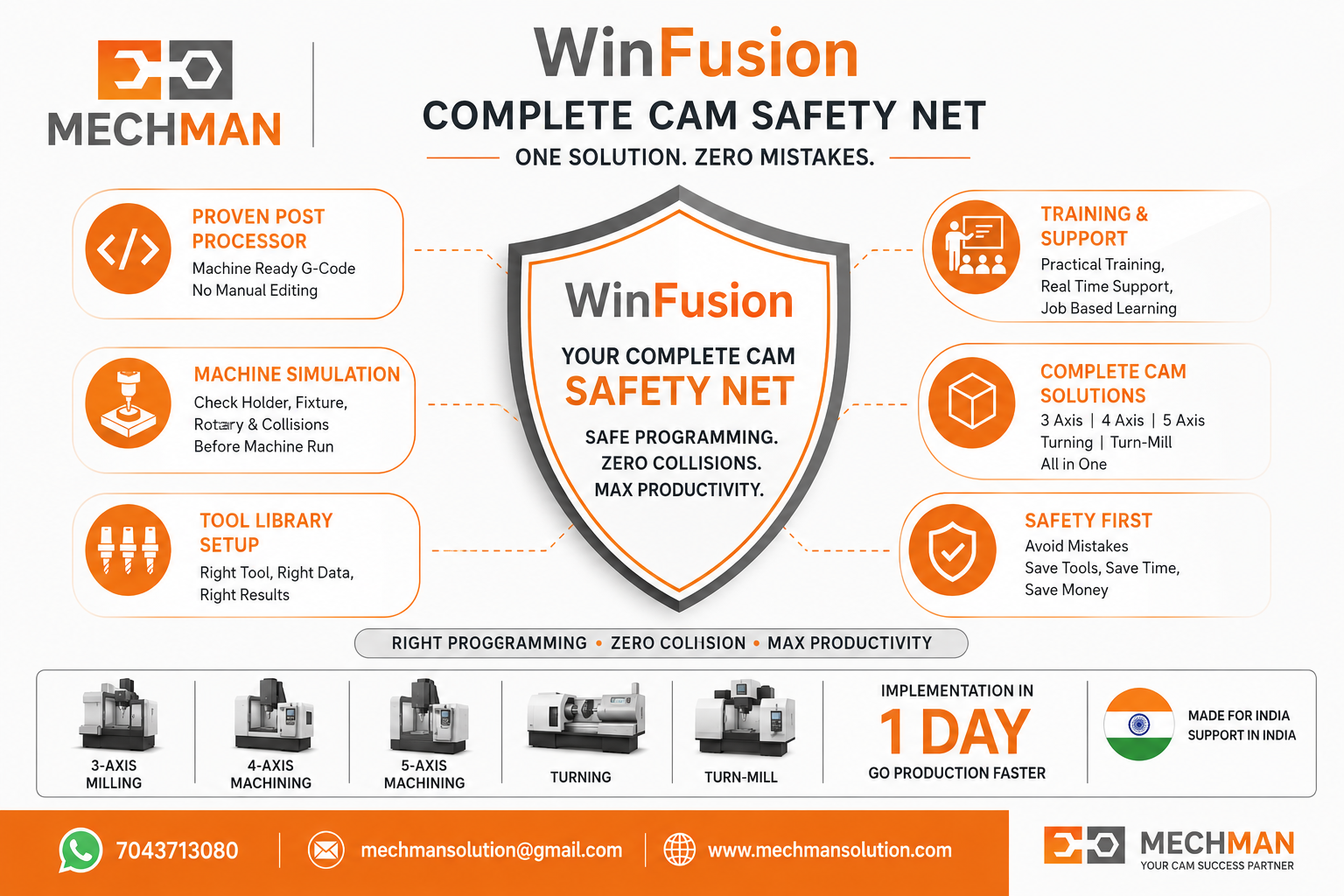
WinFusion — proven post + machine simulation + tool library + training = maximum safety net. Most common CNC programming mistakes automatically avoid!
✅3/4/5-Axis Milling
✅CNC Turning + Turn-Mill
✅Machine-Specific Post Processor
✅Complete Machine Simulation
✅Standard Tool Library Setup
✅CAM Training + Support
✅Fixture + Holder Collision Check
⚡Zero Manual NC Editing Goal!
Conclusion 🎯
Most CNC crashes aur machining problems software ki wajah se nahi — balki incorrect setup, wrong tool data, unsuitable post processor ya insufficient verification ki wajah se hote hain.
Tool Library
Consistent ✅
Agar 3-Axis se 5-Axis ya Turn-Mill ki taraf move kar rahe ho — proven CAM workflow, machine simulation aur machine-specific post processor aur bhi important ho jaata hai! ✅
⚠️
Post Processor | Simulation | Tool Library | CAM Training
Mechman Solutions — WinFusion
Autodesk Authorized Partner | Vadodara, Gujarat | CNC Safety Expert | Since 2015
www.mechmansolution.com
© 2025 Mechman Solutions | WinFusion — Common CNC Programming Mistakes Guide | Vadodara, Gujarat
