⏰
⏰ Programming Errors Guide — WinFusion 2025
Programming Errors That Waste Hours —
CNC Programmers Ki 10 Common Mistakes! ⏰
Wrong Datum | Stock Mismatch | Tool Data | Post Processor | Simulation | First Run
Programming Error Ka Domino Effect:
Error
→
Machine Stop
→
Debug Time ⏰
→
Delivery Delay 💥
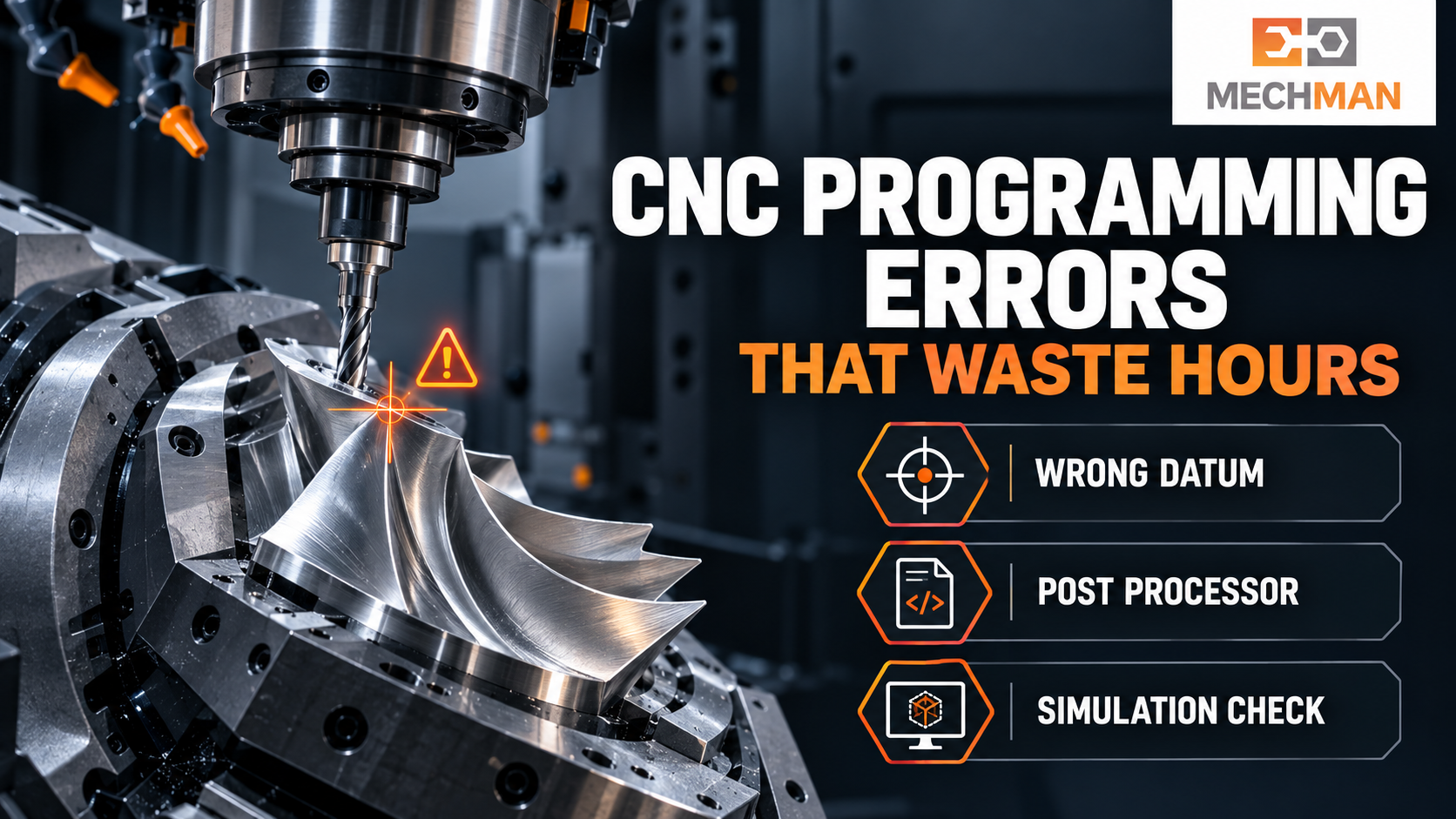
Machine ready hai, operator program load karta hai — aur cycle start se pehle doubt: “Tool yahan kyun ja raha hai?” Programmer CAM kholte hain, operator offset check karta hai, production wait karti hai. Ye sab prevent ho sakta tha — agar programming checks pehle ho jaatein!
Programming errors sirf machining time waste nahi karti — machine downtime, tool damage aur delivery delay ka reason bhi ban sakti hain! Wrong datum, galat tool data, unsafe retract ya wrong post — ye sab chhoti chhoti mistakes hours waste kara deti hain! WinFusion workflow se in 10 common mistakes ko systematically check karo aur production mein confidence rakho!
“Error aksar ek chhote mismatch se shuru hoti hai — CAM datum aur machine zero alag, library tool actual cutter se match nahi karta, ya posted NC file expected behaviour nahi deti. In 10 checks se yeh sab pehle pakad sakte hain!” ✅
WinFusion goal: Sirf toolpath banana nahi — CAD model se tool library, simulation, post processor aur machine prove-out tak process properly verify karna! Same job baar baar troubleshoot nahi karni padegi! ✅
⏰ 10 Common Mistakes—Identify & Fix Karo!
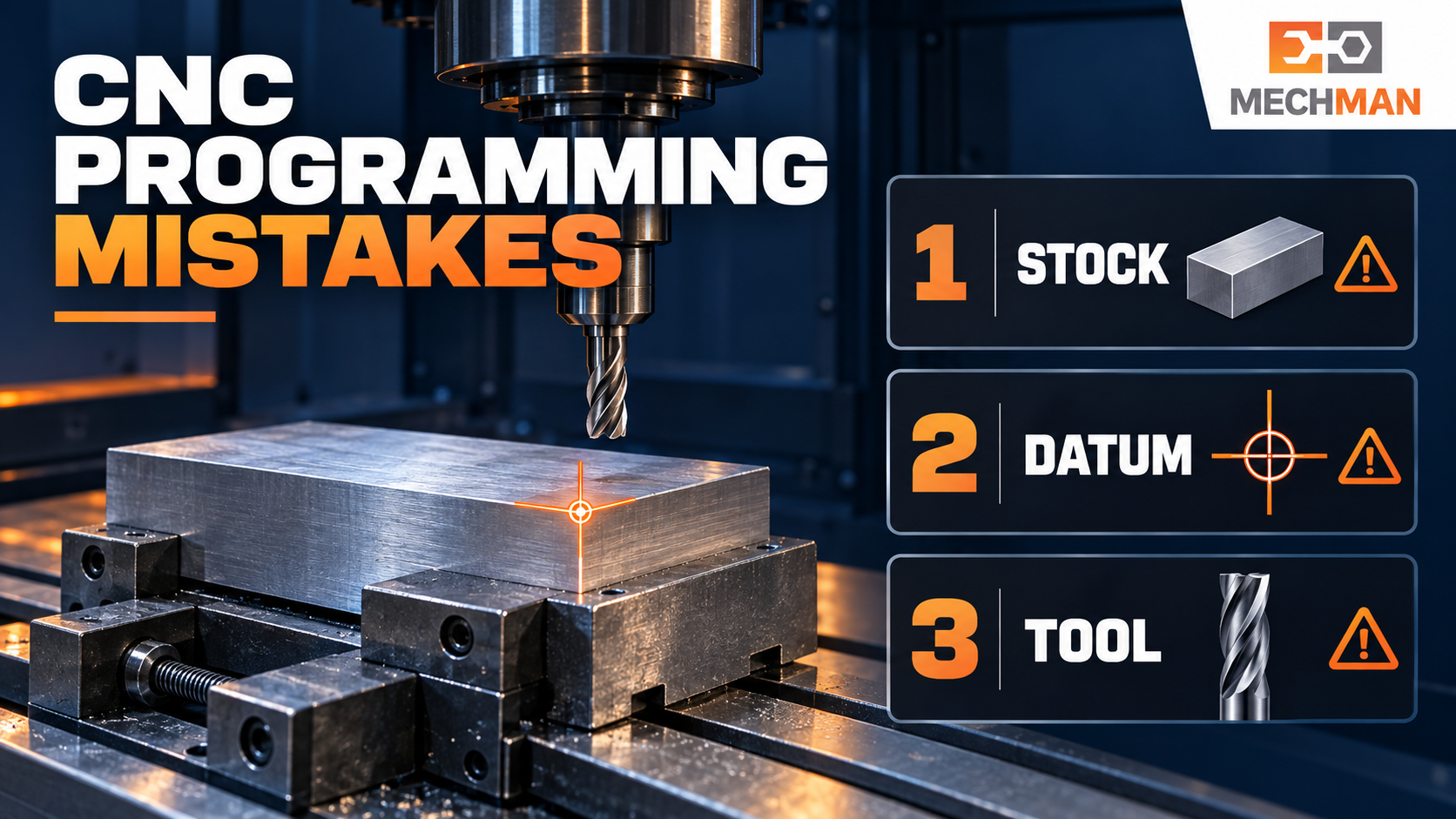
Programming mistakes ka starting point: CAM stock, datum, tool data ya post — ek jagah bhi mismatch ho to hours waste guaranteed! WinFusion se systematically verify karo!
CAM mein origin part ke top centre par — machine par G54 fixture corner par! Toolpath screen par sahi, machine par poora program wrong position mein.
Check: Drawing + CAM setup + machine par X,Y,Z zero match karein. 5-axis mein rotary centre + fixture reference bhi verify karein! ⭐⭐
2
Actual Stock Se Different CAM Stock ⭐
CAM mein 50mm stock, machine par 55mm blank! Tool expected depth se pehle material touch karta hai. Casting + forging jobs mein common!
Check: Raw material measure karo aur CAM mein actual stock size + position enter karo. Drawing, se assume mat karo! ⭐
3
Wrong Cutter Ya Holder Dimensions ⭐⭐
Tool library mein diameter, corner radius, flute length ya holder size galat → simulation actual tool assembly represent nahi karti!
Library mein: 12mm, R0.5
Machine par: 12mm, R1.0 loaded ⚠️
≠
✅ Fix: Library se machine match
Stick-out + holder verify karo! ⭐⭐
4
Tool Number Aur Length Offset Mismatch ⭐
Program T05 H05 use karta hai, lekin machine par intended cutter alag pocket mein hai ya length offset update nahi hua!
Check: NC program + setup sheet + machine tool table ek saath compare karo. Tool change ke baad first approach carefully observe karo! ⭐
5
Clearance Height Bahut Low Rakhna ⭐⭐
Cutting path safe — lekin linking rapid move fixture ke bahut close! 5-axis mein rotary movement se pehle insufficient retract bhi problem create karta hai!
Check: Sirf cutting moves nahi — linking moves, retracts aur rotary repositioning bhi simulate karo. Fixture simulation mein include karo! ⭐⭐
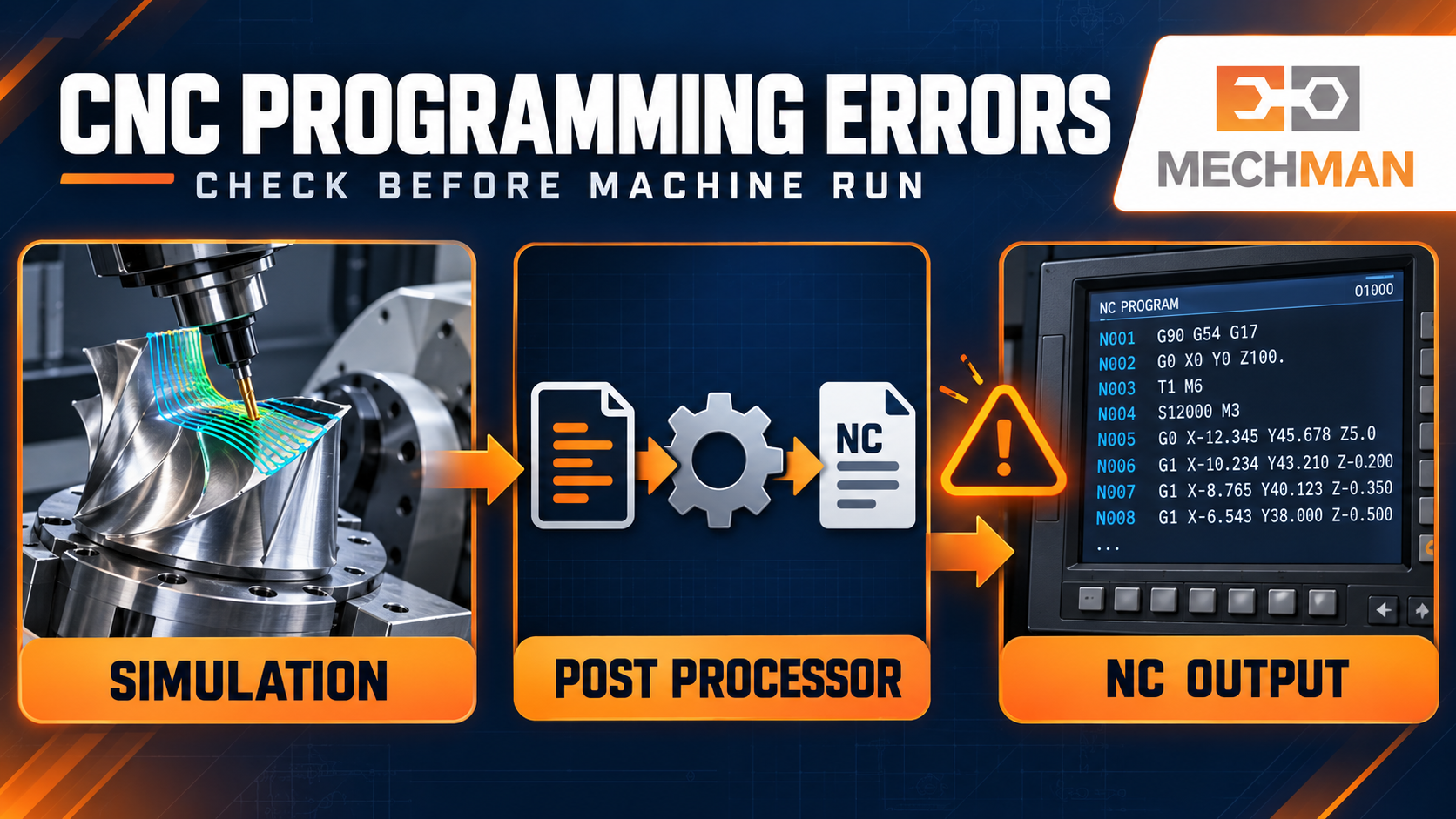
WinFusion simulation + NC code review: Tool orientation, machine limits, post output aur retract moves — errors production se pehle pakdo!
6
Wrong Tool Orientation — 5-Axis Mein ⭐⭐
5-AXIS ⭐⭐
Blade surface par tool tip path sahi — lekin tool axis angle holder ko blade ya fixture ke close le jaata hai. Kabhi rotary axis limit bhi hit hoti hai!
Check: Tool axis, machine kinematics, rotary limits aur workplane review karo. 3+2 aur simultaneous 5-axis operations separately verify karo! ⭐⭐
7
Wrong Post Processor Select Karna ⭐⭐
CAM toolpath se NC code post processor generate karta hai. Wrong controller, machine config ya post setting → output mein unwanted commands!
Machine model ⭐
Controller confirm ⭐
Rotary config ⭐
Post version ✅
8
Simulation Ko Final Approval Samajhna ⭐
❌ Mistake:
Simulation clear = machine par safe. NC code aur actual setup verify nahi kiya!
→
✅ Reality:
Simulation = first input. NC code + machine setup bhi verify karo! ⭐
9
Machine Par Old Program Bhejna ⭐
CAM file update ho gayi, machine par previous revision loaded! Team ko lagta latest chal raha hai — error identify karne mein hours lagte hain!
Check: Part number + revision + program number ka clear naming system rakhein. Machine par loaded program ko released NC + setup sheet se match karein! ⭐
10
First-Run Corrections Ko Save Na Karna ⭐⭐
Operator ne machine par safe height change ki ya NC edit kiya. Job complete — lekin CAM ya post mein update nahi kiya. Next time wahi error phir aayegi!
Check: Har approved change ka reason document karo. CAM operation ya post mein correction apply karo → revised NC generate + validate karo! ⭐⭐
📋 WinFusion Workflow — Program Machine Par Bhejne Se Pehle!
8-Step verification — sab complete hone ke baad hi release karo:
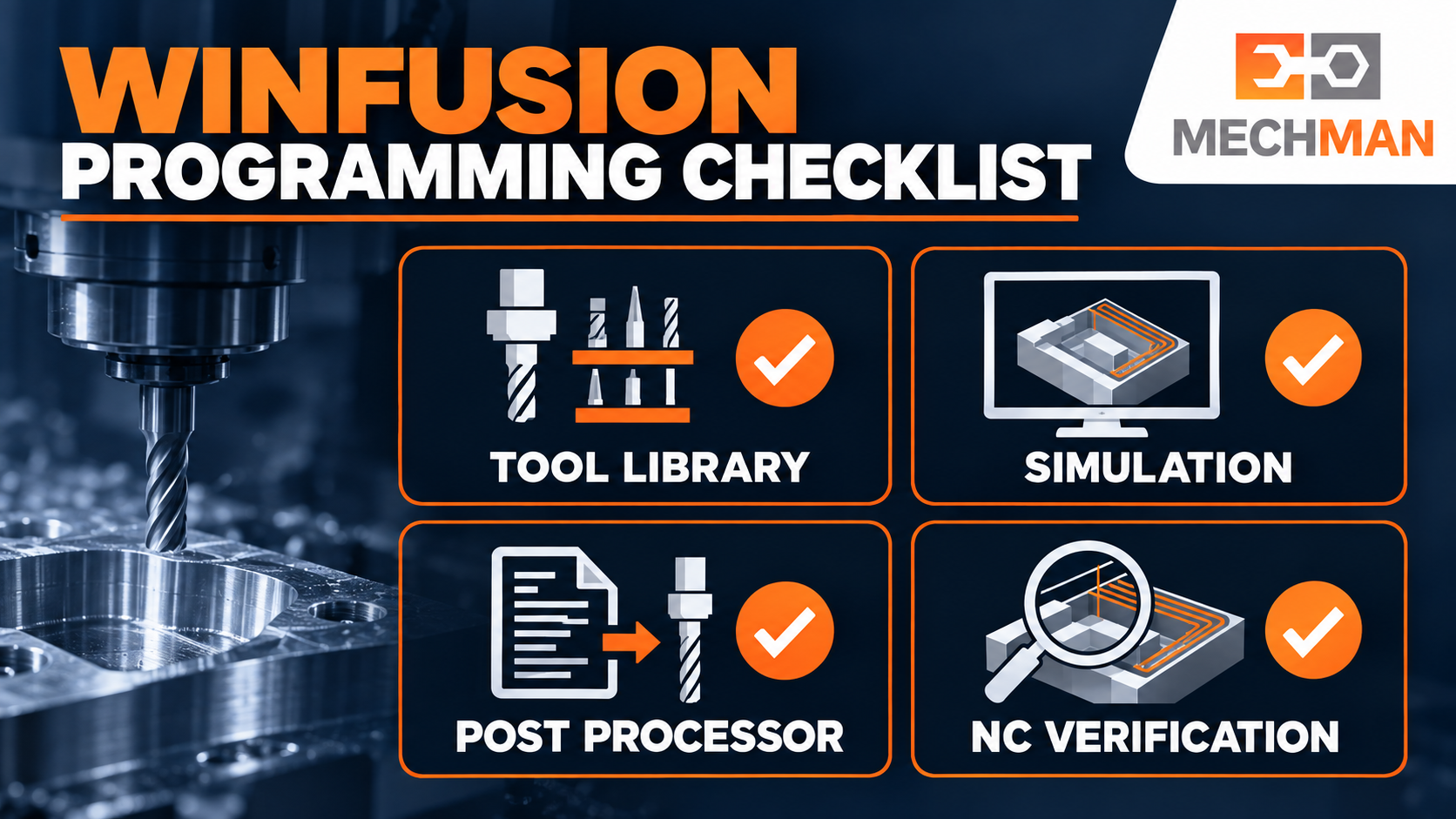
WinFusion: CAD model se tool library, simulation, post processor aur machine prove-out tak — poori chain verify karo. Same job baar baar troubleshoot nahi karni padegi!
CAD Model ⭐
Correct part aur latest revision
Setup ⭐⭐
WCS, actual stock aur fixture position
Tool Library ⭐⭐
Cutter, holder, stick-out aur tool numbers
Toolpath ⭐
Strategy, heights aur linking moves
Simulation ⭐⭐
Stock removal, collision aur machine movement
Post Processor ⭐⭐
Correct machine, controller aur post settings
NC Program ⭐
Offsets, tool changes, retracts aur start/end code
First Run ✅
Actual machine setup par controlled verification
10 Mistakes Avoid Karo — Hours Bachao! ⏰
In 10 common mistakes ko identify karke WinFusion workflow se systematically verify karo — production mein confidence aayega aur troubleshooting time dramatically kam hoga!
WinFusion: CAD → Setup → Tool Library + Simulation → Post + NC Review → First Run = Zero Wasted Hours! ⏰🚀
⏰
Programming Checks | Simulation | Post Processor | Machine Trial
Machine model, controller aur sample job details share karein — programming + post + simulation requirements discuss karein!
Mechman Solutions — WinFusion
Autodesk Authorized Partner | Vadodara, Gujarat | Since 2015
www.mechmansolution.com
© 2025 Mechman Solutions | WinFusion — Programming Errors That Waste Hours | Vadodara, Gujarat
