Fusion 360 Tool Selection Guide
Cutting Tools Kaise Select
Karein? 🔧
10-Step Complete Guide — Material se Simulation Tak
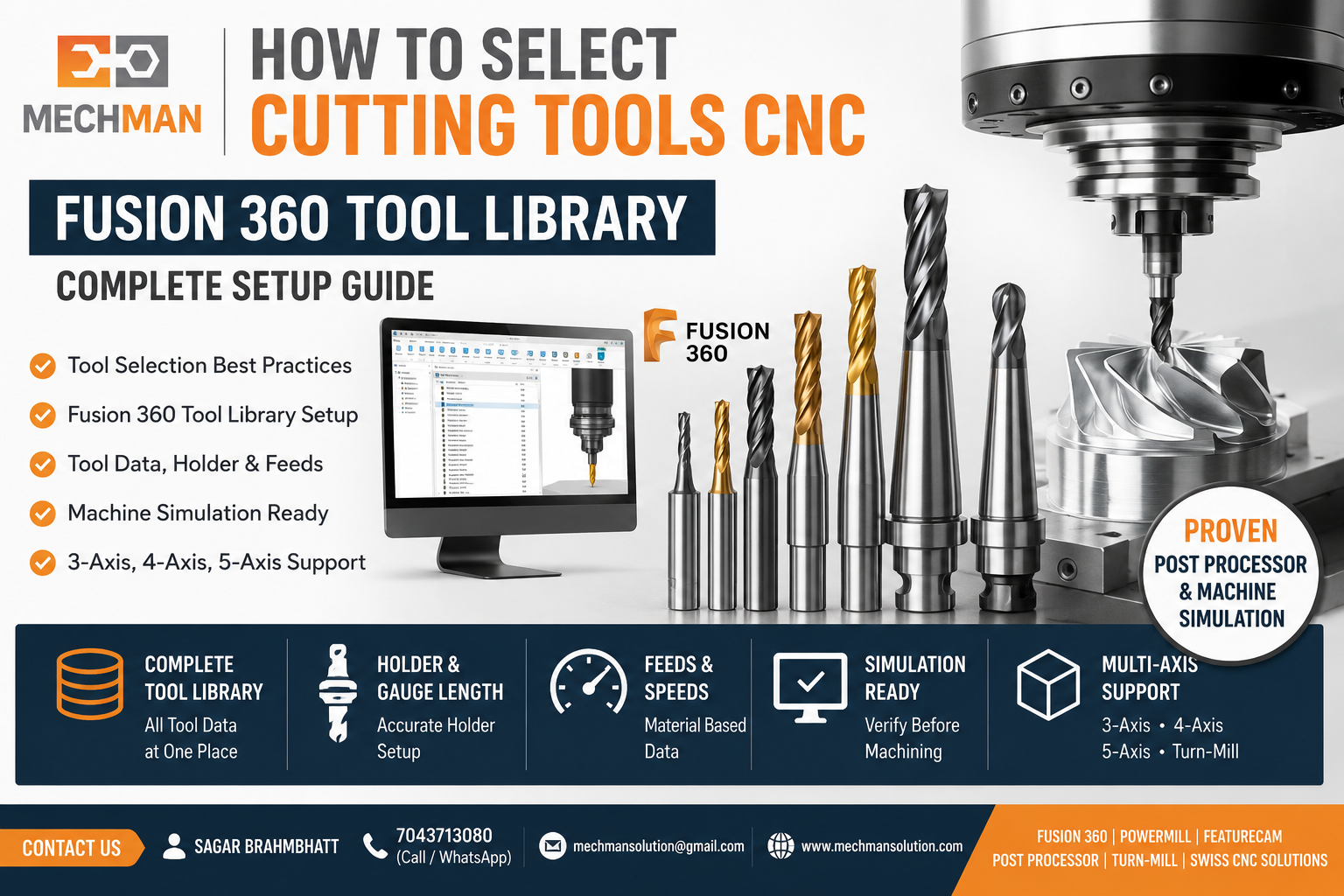
Fusion 360 Tool Library — Yahan sahi tool data store karne se programming fast aur machining accurate hoti hai.
CNC machining mein tool selection sabse important step hai. Agar tool galat select ho gaya to yeh sab problems aa sakti hain:
✗Tool breakage
✗Surface finish kharab
✗Cycle time increase
✗Spindle load high
Fusion 360 CAM mein proper Tool Library, Material Selection aur Toolpath Strategy ki help se sahi cutting tool choose karna bahut easy ho jaata hai.
10-Step Tool Selection Formula 🎯
1
Material Ko Samjho Pehle 🔬
Tool select karne se pehle material identify karo. Har material ke liye tool geometry, coating, speed aur feed alag hoti hai.
🥈 Aluminum
- High RPM
- Large flute tools
- High feed possible
⭐ Stainless Steel
- Strong carbide tools
- Lower speed
- Stable conditions
Mild Steel
Alloy Steel
Brass
Titanium ⭐
Inconel ⭐
2
Roughing aur Finishing Tool Alag Rakho ⭐
Critical
🔨 Roughing Tools
Max material removal + Short cycle
- Flat End Mill
- Indexable End Mill
- High Feed Cutter
✨ Finishing Tools
Better finish + Final dimensions
- Ball Nose End Mill
- Corner Radius End Mill
- Lollipop Cutter (5-Axis)
Fusion 360: Adaptive Clearing roughing ke liye best strategy hai. ✅
Tool selection part shape par depend karta hai. Har geometry ke liye different tool required hota hai.
Deep Pocket
Long Reach End Mill
3D Surface ⭐
Ball Nose Tool
Steep Walls
Taper End Mill
Undercut ⭐
Lollipop Cutter
Fusion 360 Machine Simulation se verify karo ki tool part ke har area tak pahunch raha hai ya nahi.
4
Tool Diameter Ka Selection 📏
🔵 Large Diameter
✓ Faster material removal
✓ Better rigidity
✗ Small corners difficult
🔴 Small Diameter
✓ Fine details machine karta hai
✗ More time + breakage risk
Rule: Jitna bada tool safely use kar sakte ho utna use karo.
5
Tool Stick-Out Minimum Rakho 📉
Tool jitna bahar niklega utni vibration increase hogi — chatter, poor finish aur tool breakage.
✓Minimum gauge length
✓Short holder use karo
⭐Fusion 360 — define karo
6
Number of Flutes Select Karo 🌀
7
Tool Material Select Karo 💎
HSS
Low cost
Basic machining
Carbide ⭐
Most common
High speed CNC
Coated Carbide 🔝
Longer life
Heat resistant
8
Fusion 360 Tool Library Ka Use Karo ⭐
Most Powerful
Fusion 360 Tool Library mein sab kuch save karo ek baar—aur baar baar use karo.
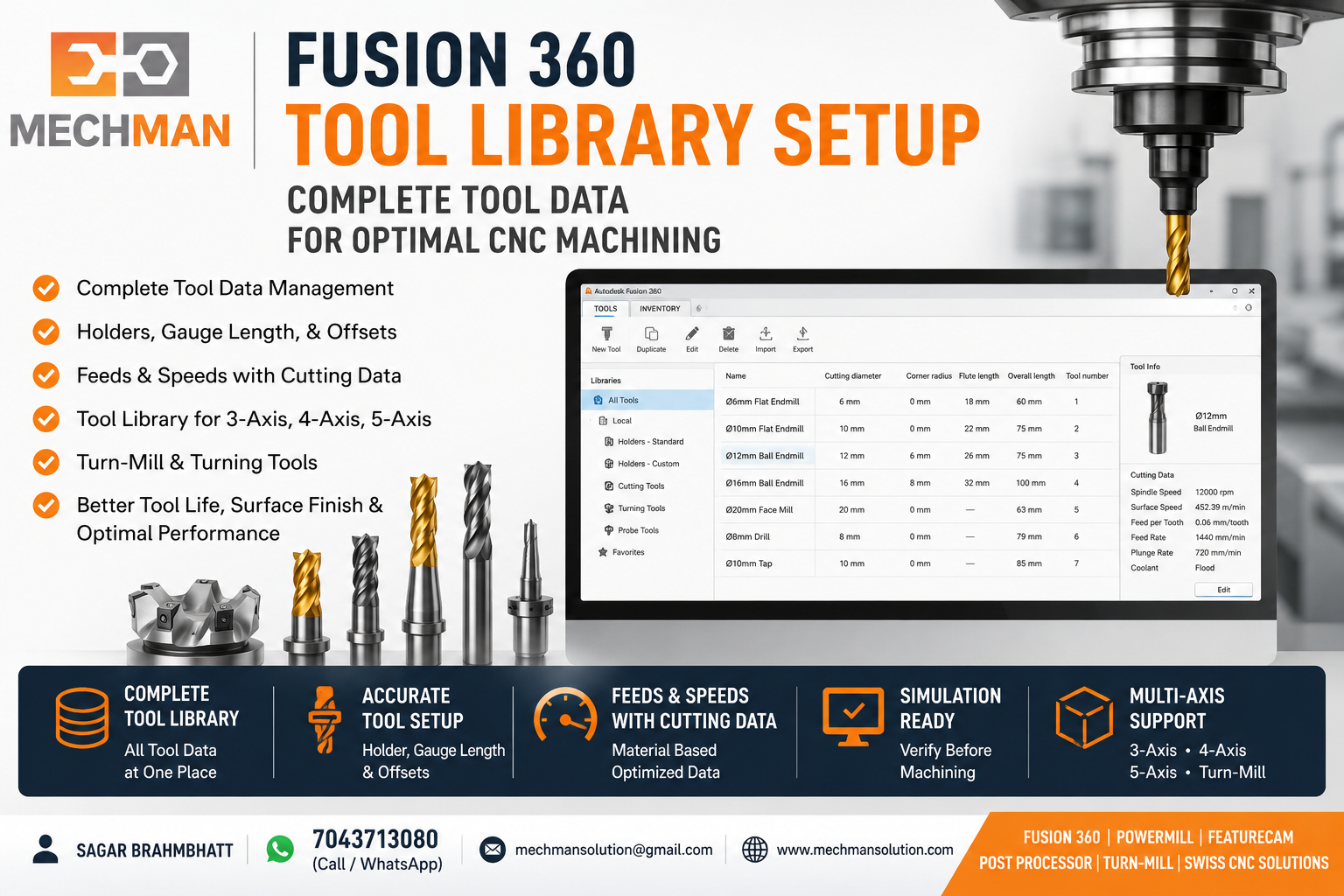
Complete Tool Library — diameter, holder, gauge length, feeds & speeds, vendor data. Ek baar setup = always consistent output.
✅Tool diameter
✅Holder info
✅Gauge length
✅Feeds & Speeds
✅Vendor data
✅Coolant type
9
Machine Simulation Se Verify Karo ⭐
Non-Negotiable
Programming complete hone ke baad Machine Simulation run karo — actual machining se pehle complete verification.
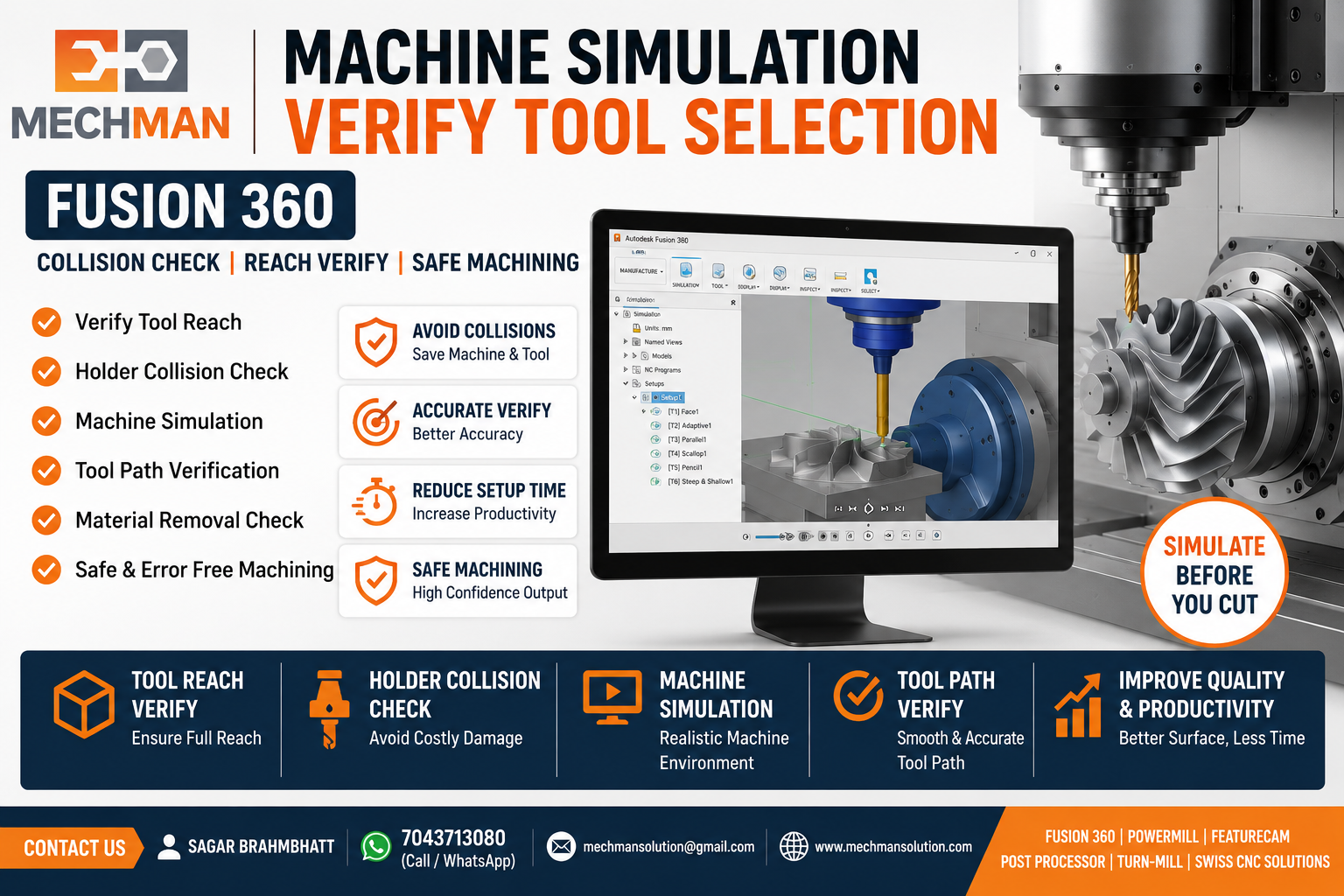
Full Machine Simulation — tool reach, holder collision, stick-out sab screen par verify. Galat tool pehle hi detect hoti hai.
✓Tool reach verify karo
✓Holder collision check
✓Excessive stick-out detect
✓Unmachined areas identify
Machine purchase karne ke baad sabse badi challenge hoti hai correct post processor aur proven tool setup. WinFusion ready-to-run implementation ke saath machine ko production mein jaldi laane mein help karta hai.
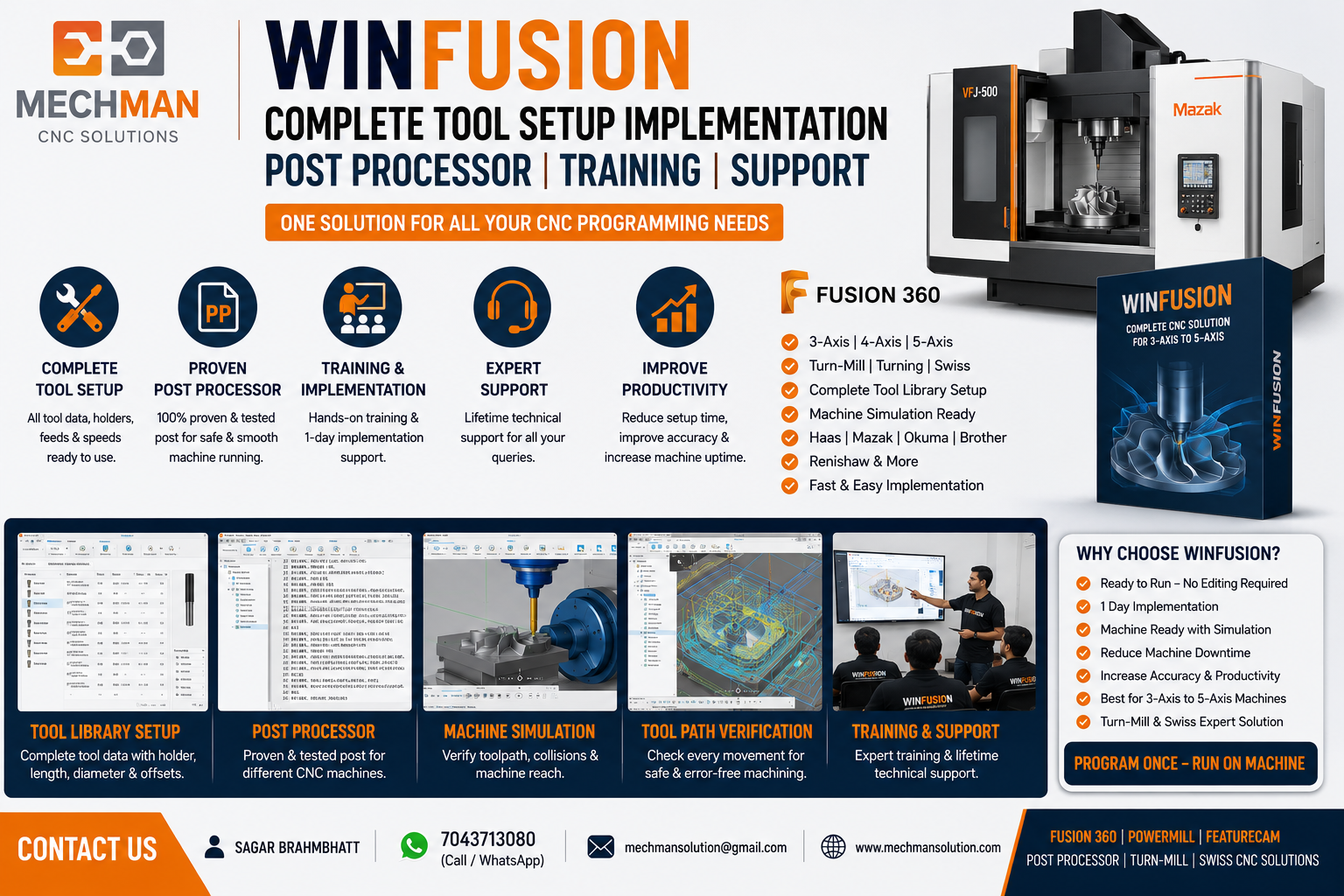
WinFusion implementation—toolpath, tool library, post processor, simulation—sab ek proven package mein.
✔Proven Post Processor
✔Complete Tool Library Setup
✔Machine Simulation Ready
⚡Fast Implementation
Sahi Tool Selection Ka Formula
Material + Geometry + Tool Diameter + Flute Count + Tool Length + Machine Capability
= Successful CNC Machining ✅
Conclusion 🎯
Fusion 360 CAM ki tool library aur Machine Simulation features use karke aap tool life improve kar sakte ho, cycle time reduce kar sakte ho aur machining quality increase kar sakte ho. Sahi tool selection = successful CNC machining. 🚀
🔧
Tool Selection Optimize Karo — WinFusion Se
Mechman Solutions — WinFusion
Fusion 360 | PowerMill | FeatureCAM | Post Processor | 5-Axis | Turn-Mill | Swiss
www.mechmansolution.com
© 2025 Mechman Solutions | WinFusion CAM Solution | Vadodara, Gujarat, India
