⚙️ Machine Library Guide — WinFusion 2025
Machine Library Setup —
Fusion CAM Ka Critical Foundation! ⚙️
CNC Machine Define | Kinematics Setup | Simulation Model | Post Processor Link
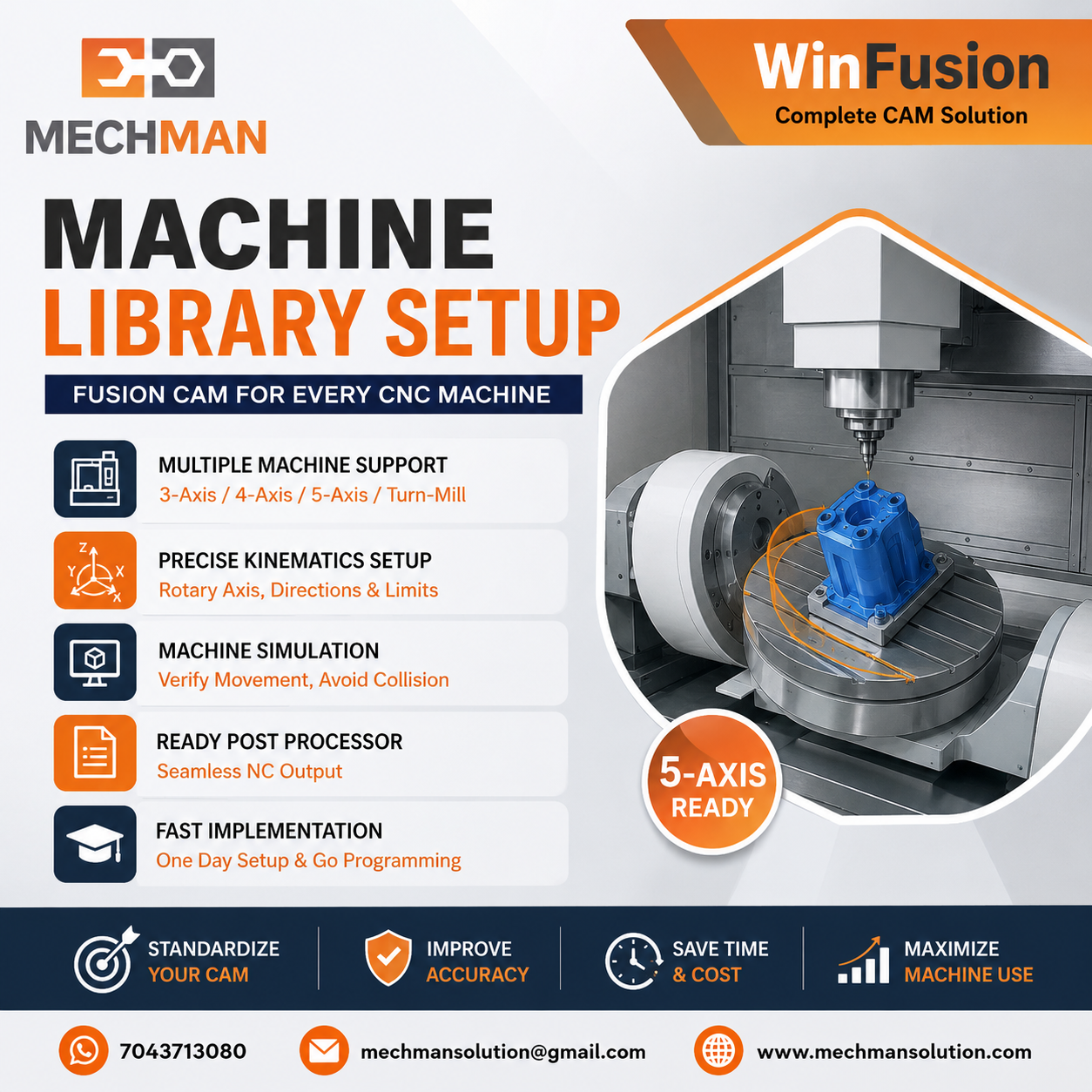
Machine Library = Fusion CAM mein apni actual CNC machine ka complete digital model. Simulation accurate hogi tabhi jab machine ka exact setup — kinematics, axis config, table, spindle — properly define ho!
Bahut CNC programmers Fusion CAM mein toolpath banate hain, simulation run karte hain — lekin simulation mein jo machine dikhti hai woh unki actual CNC machine se bilkul alag hoti hai! Result? Virtual simulation sahi nahi dikhti — real machine par problems!
Machine Library properly setup karna matlab — Fusion mein teri actual CNC machine ka exact digital twin create karna! Simulation accurate → Collision check reliable → Production confident!
WinFusion implementation mein Machine Library setup ek critical step hai — especially 4-Axis, 5-Axis aur Turn-Mill machines ke liye!
🤔 Machine Library Kya Hota Hai?
Simple Language Mein: Fusion CAM ka ek module jahan aap apni actual CNC machine ka complete digital model define karte ho!
❌ Bina Proper Machine Library:
- Generic machine model simulation
- Actual machine ka table nahi
- Rotary configuration wrong
- Spindle limits unknown
- Collision check unreliable ⚠️
✅ Proper Machine Library Se:
- Actual machine simulate ⭐
- Real axis travel limits
- Correct rotary config
- Fixture space accurate
- Reliable collision check ✅
Machine Library = Fusion mein apni machine ka exact digital twin! ✅
📦 Machine Library Mein Kya Define Hota Hai?
Complete Machine Definition — Ye Sab Parameters Correctly Set Karo:
1️⃣ Machine Type + Configuration
→Machine type: Milling / Turning / Turn-Mill
→Axis configuration: 3-Axis / 4-Axis / 5-Axis
⭐Kinematics type (Table-Table / Head-Table etc.)
X Travele.g. ±400mm
Y Travele.g. ±250mm
Z Travele.g. 0–400mm
A/B/C Rotary ⭐e.g. ±100°
3️⃣ Spindle Configuration
Max Spindle Speede.g. 12000 RPM
Spindle Powere.g. 15 kW
Tool Changer ⭐24/32 tools
4️⃣ Post Processor Link ⭐
Machine Library mein correct Post Processor link karna — Critical!
→Fanuc, Siemens, Heidenhain etc.
→Machine-specific proven post
⭐WinFusion proven post! ✅
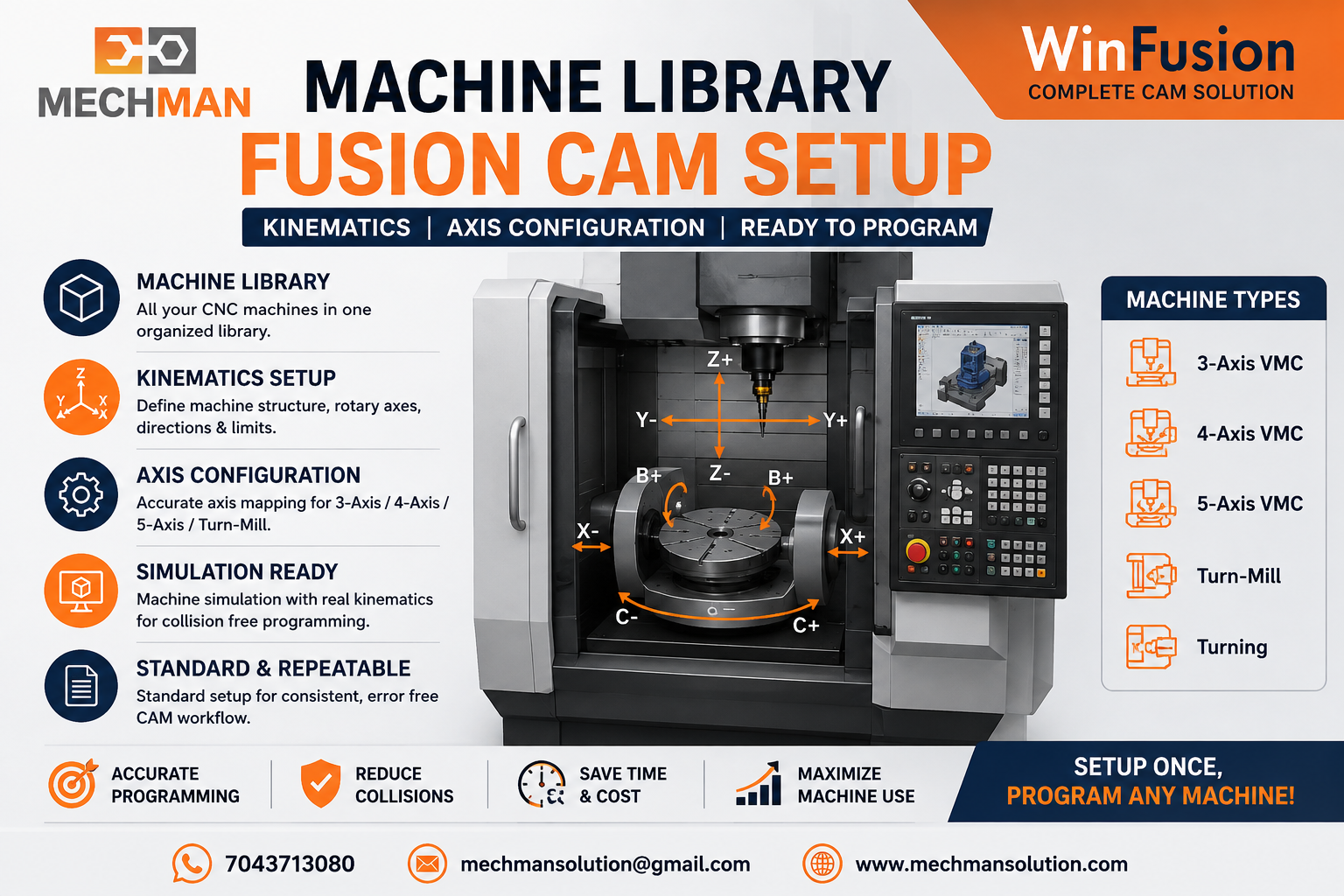
Fusion Machine Library — machine ka axis config, table, spindle, rotary travel limits sab define karo. Simulation accurate tabhi hogi!
🚨 5-Axis Machine Ke Liye Machine Library Kyun Critical Hai?
5-Axis mein galat Machine Library = Complete simulation waste!
Most Critical!
❌ Wrong Config Ka Result:
- Simulation mein no collision
- Actual machine par collision 💥
- Wrong rotary movement
- Overtravel undetected ⚠️
- Expensive machine damage
✅ Correct Config Se:
- Exact machine movement simulate
- Collision virtually detected ⭐
- Rotary limits checked
- Safe production start
- Machine protected ✅
5-Axis Machine Kinematics Types — Kaunsi Hai Aapki?
Table-Table
Both rotary on table
Head-Head ⭐
Both on spindle head
Head-Table ⭐
1 head + 1 table
Machine-specific kinematics galat define karo → Post Processor NC code wrong → Machine crash! WinFusion yahi correctly setup karta hai! ✅
🔄
Turn-Mill Machine Library — Sabse Complex Setup!
Turn-Mill mein ek machine mein multiple components hoti hain — sab define karna zaroori hai:
→Main Spindle configuration
→Sub Spindle setup
⭐Milling Spindle (Live Tooling)
⭐Turret configuration
→C-Axis indexing setup
⭐Synchronization define ✅
Turn-Mill Machine Library galat = Simulation mein collisions nahi dikhenge → Real machine par catastrophic! WinFusion isi ko prevent karta hai! ✅
📋 Machine Library Setup — Step by Step Process
WinFusion Machine Library Setup — Actual Implementation Process:
1
Machine Make + Model + Controller Identify Karo
Mazak, Haas, DMG Mori, Fanuc controller — machine ka nameplate + manual check karo
First Step
2
Machine Configuration Type Select Karo
Milling / Turning / Turn-Mill — Machine type define karo
Machine Type
3
Axis Travel Limits Enter Karo ⭐
X, Y, Z, A, B, C — machine spec sheet se exact limits
Limits ⭐
4
Spindle + Rapid Speed Configure Karo
Max RPM, feed rates, rapid speed — actual machine specs
Spindle
5
5-Axis Kinematics Define Karo ⭐
Head-Table / Table-Table / Head-Head — machine ka actual build match karo
Kinematics ⭐
6
3D Machine Model (Optional but Recommended)
Machine manufacturer se 3D model milta hai — simulation visual realistic hoti hai
3D Model
7
Proven Post Processor Link Karo ⭐
Machine Library se correct post link → NC code generate → Machine production!
Post ⭐
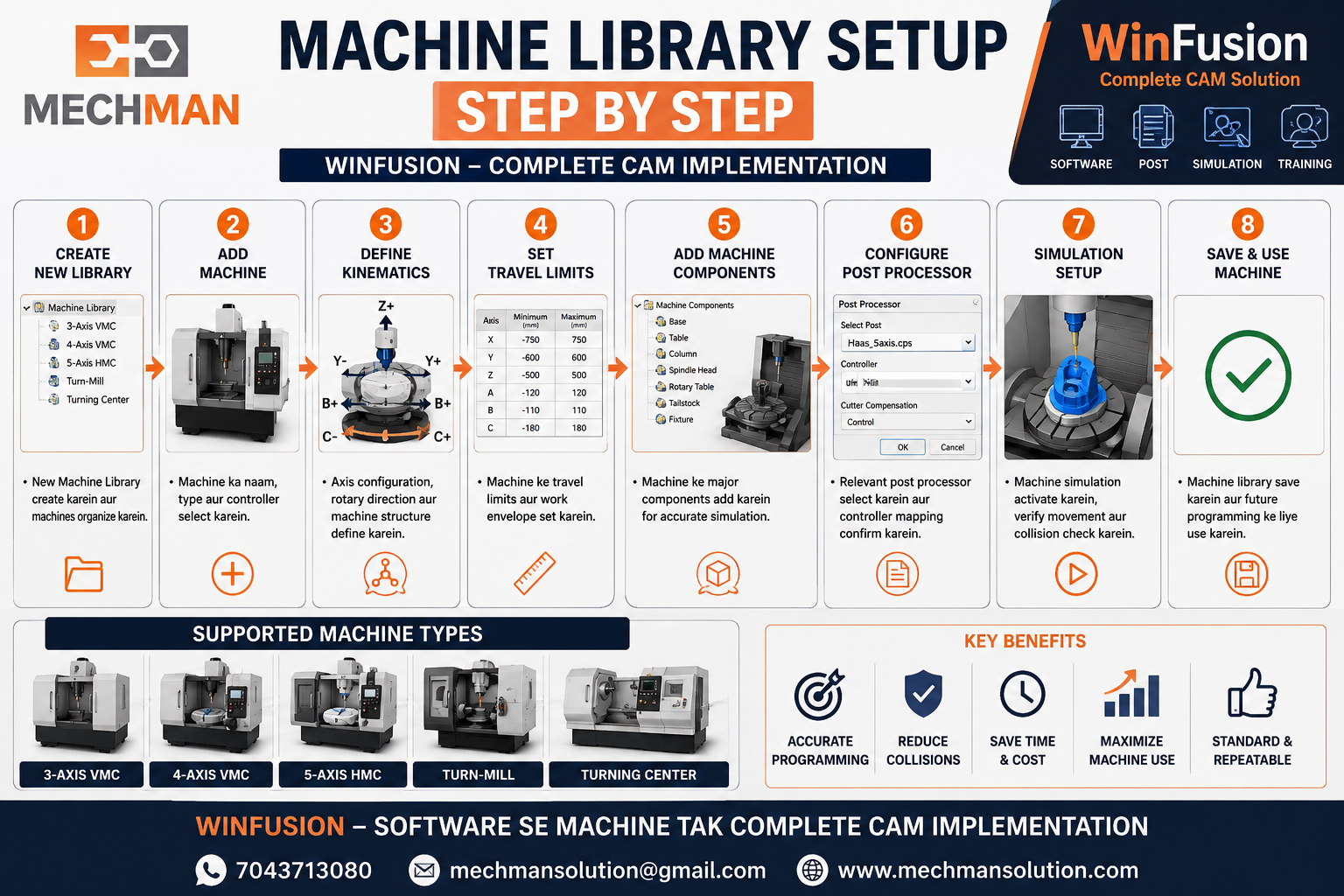
Correct machine library = Accurate simulation = Production confidence. WinFusion yahi systematically setup karta hai — machine install hote hi!
🏭 WinFusion — Common CNC Machines ka Library Setup
| Machine |
Type |
Controller |
Post Type |
| Haas VF Series VMC |
3-Axis |
Haas Control |
Proven Haas ✅ |
| Mazak 5-Axis |
5-Axis ⭐ |
Mazatrol |
Mazak Proven ✅ |
| Fanuc VMC |
3/4-Axis |
Fanuc 0i/30i |
Fanuc Proven ✅ |
| Jyoti CNC |
Turning/Milling |
Fanuc/Siemens |
Proven ✅ |
| WinFusion Support: |
Mazak | Haas | DMG Mori | Okuma | Brother | Fanuc | Siemens | Heidenhain ⭐ |
Machine Library → Simulation → Production Confidence — Complete Chain! ⭐
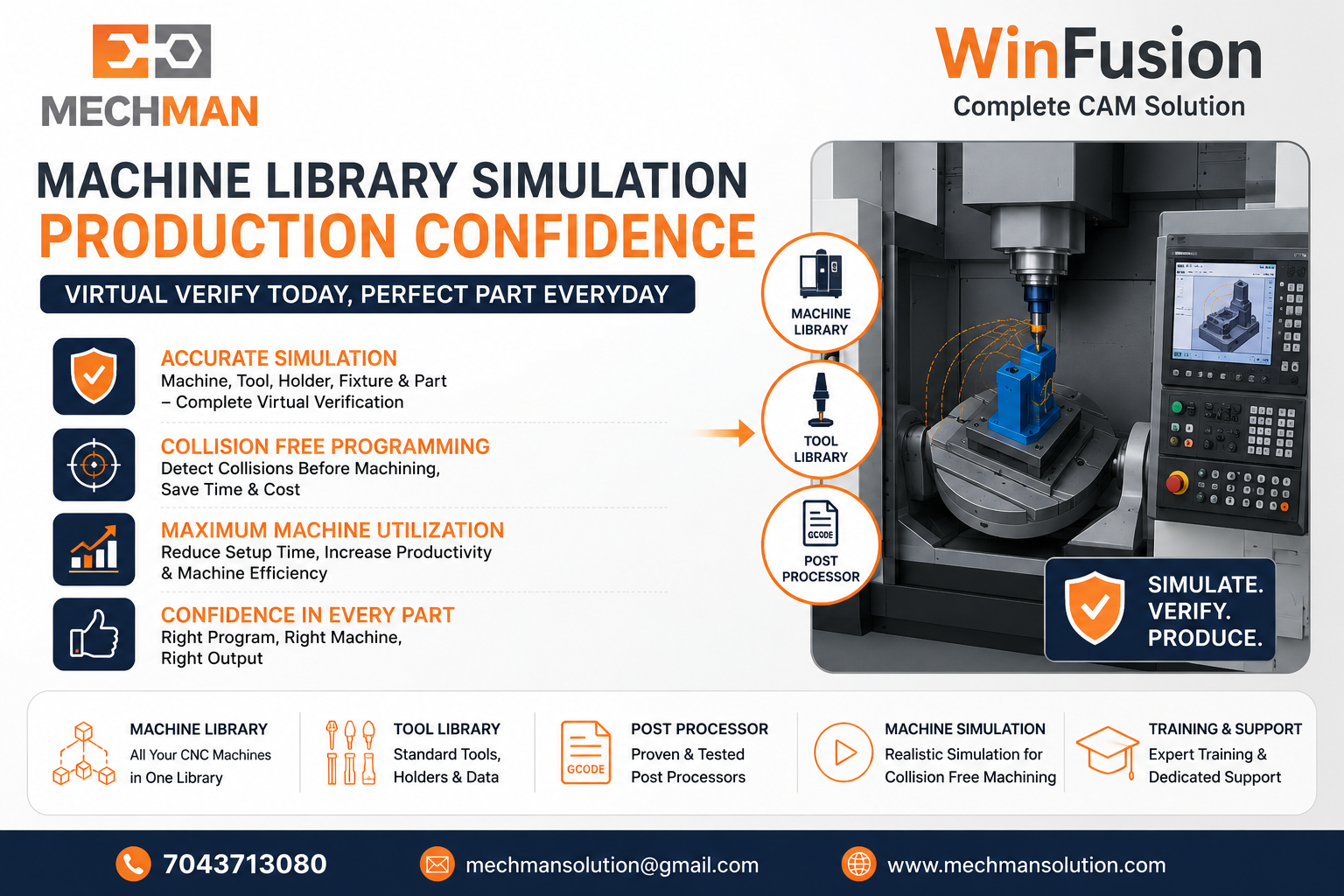 Machine Library + Tool Library + Proven Post = Complete simulation. Virtual mein verify → Real machine par confident → Day 1 production!
Machine Library ⭐
+
Tool Library ⭐
+
Proven Post ⭐
=
Reliable CNC Production! ✅
WinFusion — Machine Library + Complete Implementation 🚀
✅Machine Library Setup
✅Proven Post Processor
✅5-Axis Kinematics Config
✅Machine Simulation
✅Tool Library Integration
✅Turn-Mill Full Setup ⭐
✅Training + Support
⚙️Day 1 Productive!
Final Thought ⚙️
Machine Library properly setup karna ek time investment hai — lekin yahi investment simulation accurate banata hai, production safe karta hai aur machine ka ROI faster deliver karta hai!
Machine make + model + controller WinFusion ke saath share karo — Machine Library + Proven Post + Simulation — complete setup ho jayega! ⚙️🚀
⚙️
Machine Library | Post Processor | Simulation | Training
Mechman Solutions — WinFusion
Autodesk Authorized Partner | Vadodara, Gujarat | Since 2015
Machine make + model + controller + axis config share karo → WinFusion Machine Library setup karega!
www.mechmansolution.com
© 2025 Mechman Solutions | WinFusion — Machine Library Setup Guide | Vadodara, Gujarat
