🎯 Tool Axis Guide — WinFusion 2025
Tool Axis Control —
WinFusion Mein 5-Axis Ka Secret Weapon! 🎯
Lead & Lean | From/To Point | From/To Curve | Collision Avoid | Multi-Axis Tilt
WinFusion Tool Axis Control Methods:
Vertical
Lead & Lean ⭐
From Point
To Point ⭐
From Curve ⭐
To Curve
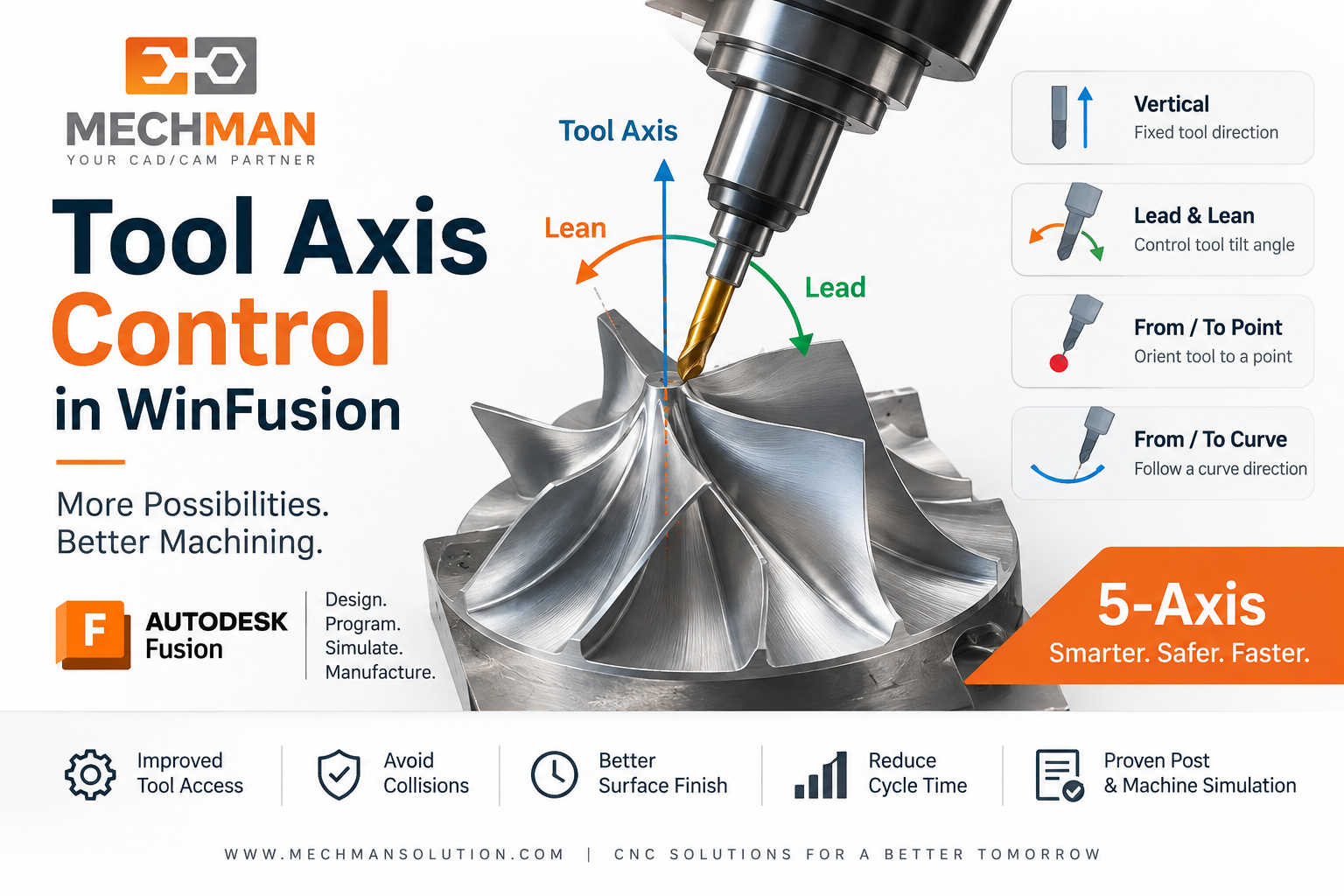
Tool Axis Control = CAM software ko batana ki machining ke time cutting tool kis direction aur angle mein rahega. 5-Axis CNC programming mein ye sabse critical setting hai — galat angle = collision, sahi angle = perfect machining!
3-axis mein tool hamesha ek fixed direction mein (normally Z-axis along) rehta hai — lekin 5-axis mein har machining point par software decide karta hai ki tool ka angle kya hona chahiye! Yahi hai Tool Axis Control — aur WinFusion mein iska complete control programmer ke haath mein hota hai!
“Tool Axis Control means controlling the cutting tool’s direction and tilt angle during multi-axis CNC machining — complex surfaces reach karo, collision avoid karo, better finish pao!” ✅
WinFusion = Fusion CAM + Tool Axis Control + Machine Simulation + Proven Post Processor + Tool Library + Training/Implementation — Complete 5-Axis Solution! ✅
🎯 Tool Axis Control Kyun Chahiye?
Aerospace deep curved wall example — bina Tool Axis Control ke kya hota hai:
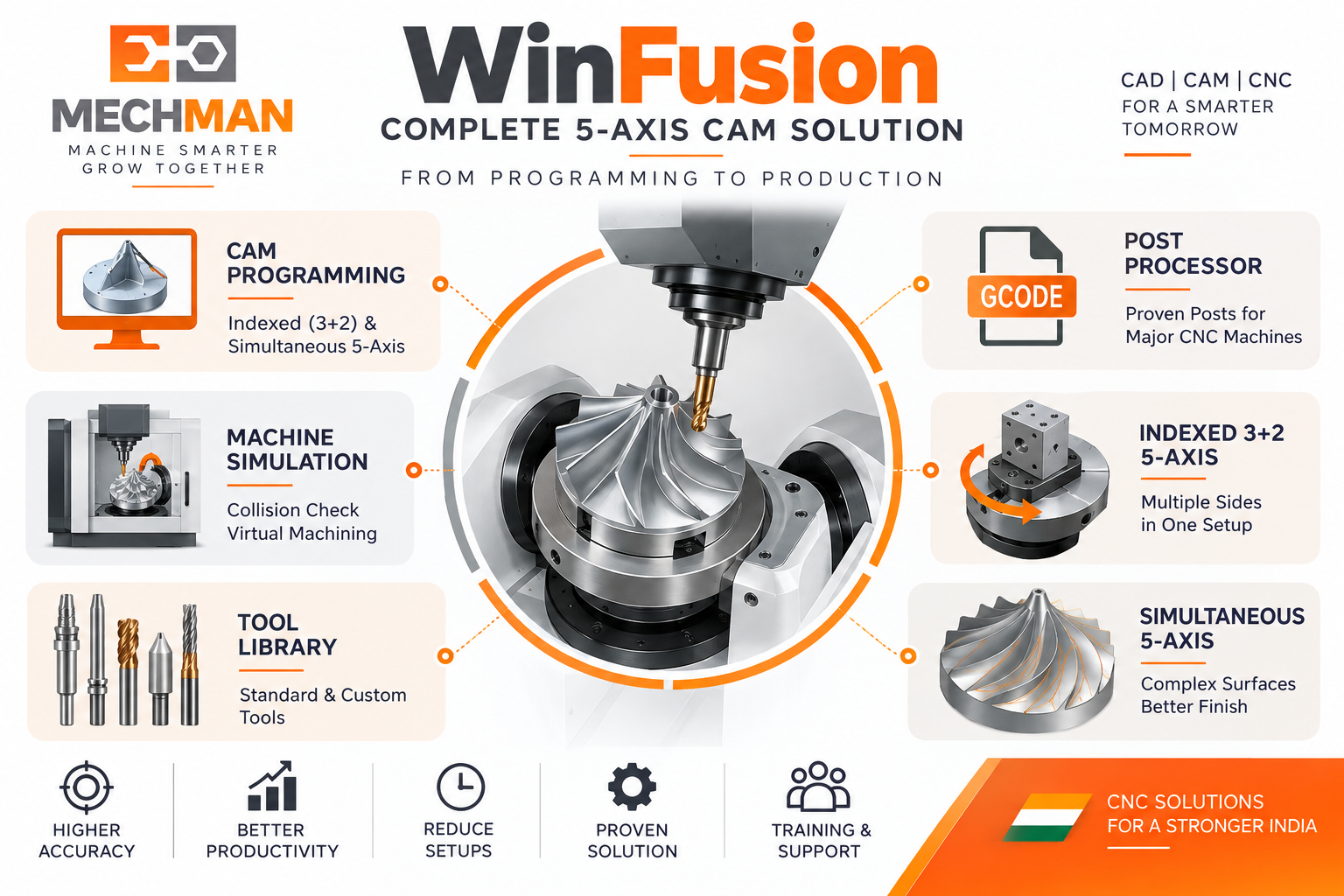
Tool Axis Control ka need: Complex curved wall, deep cavity, blade surface — bina correct tool angle ke holder part se collide karega ya surface properly machine nahi hogi. Correct tilt karo → collision avoid + better access + superior finish!
❌ Without Tool Axis Control:
- Holder → Component collision 💥
- Long tool = vibration ⚠️
- Poor surface access
- Multiple setups needed
- Poor surface finish ⚠️
✅ With Tool Axis Control:
- Holder safely away ⭐
- Shorter tool possible
- Full surface accessible
- Fewer setups needed ✅
- Superior surface finish!
Tool Axis Control = Collision avoid + Better access + Shorter tool + Superior finish! ✅
⚙️ WinFusion Mein 6 Tool Axis Control Methods!
1
Vertical — Default Z-Axis Orientation
Tool hamesha vertical (machine Z-axis ke along) rehta hai. Standard 3-axis machining jaisa behavior — simple operations ke liye default choice. ✅ Basic machining ke liye fine!
2
Lead & Lean — Most Used 5-Axis Method! ⭐⭐
Lead Angle ⭐
Cutting direction mein forward/backward tilt. Ball nose ko tilt karke center-point cutting avoid karo → better effective cutting!
Lean Angle ⭐
Cutting direction ke perpendicular — sideways tilt. Holder clearance improve karo ya side-cutting conditions optimize karo!
Most common method — mould finishing, blade surface, complex curved walls ke liye! ✅
3
From Point / To Point — Point-Guided Orientation ⭐
From Point:
Tool axis defined point se AWAY orient hogi. Ek pivot point define karo → tool hamesha usse door tilt karega!
To Point:
Tool axis defined point ki TARAF orient hogi. Point ko target banao → sab toolpath points wahan point karenge!
4
From Curve / To Curve — Advanced Blade & Impeller! ⭐⭐
Selected line ya curve tool-axis movement ko guide karti hai — blade, impeller aur difficult-access geometry ke liye!
From Curve ⭐
Curve se tool axis continuously away orient hogi — complex blade leading edge!
Autodesk: blower blade guiding curve example!
To Curve ⭐
Curve ko target banao — tool axis uski taraf point karegi. Impeller, turbine, aerospace complex geometry!
Most advanced — blade, impeller, turbine jaise continuously changing geometry ke liye! ✅
📐 3+2 Machining Mein Tool Axis Set Karna
Indexed 3+2 mein tool orientation face/plane se define hoti hai — ye bhi Tool Axis Control ka part hai!
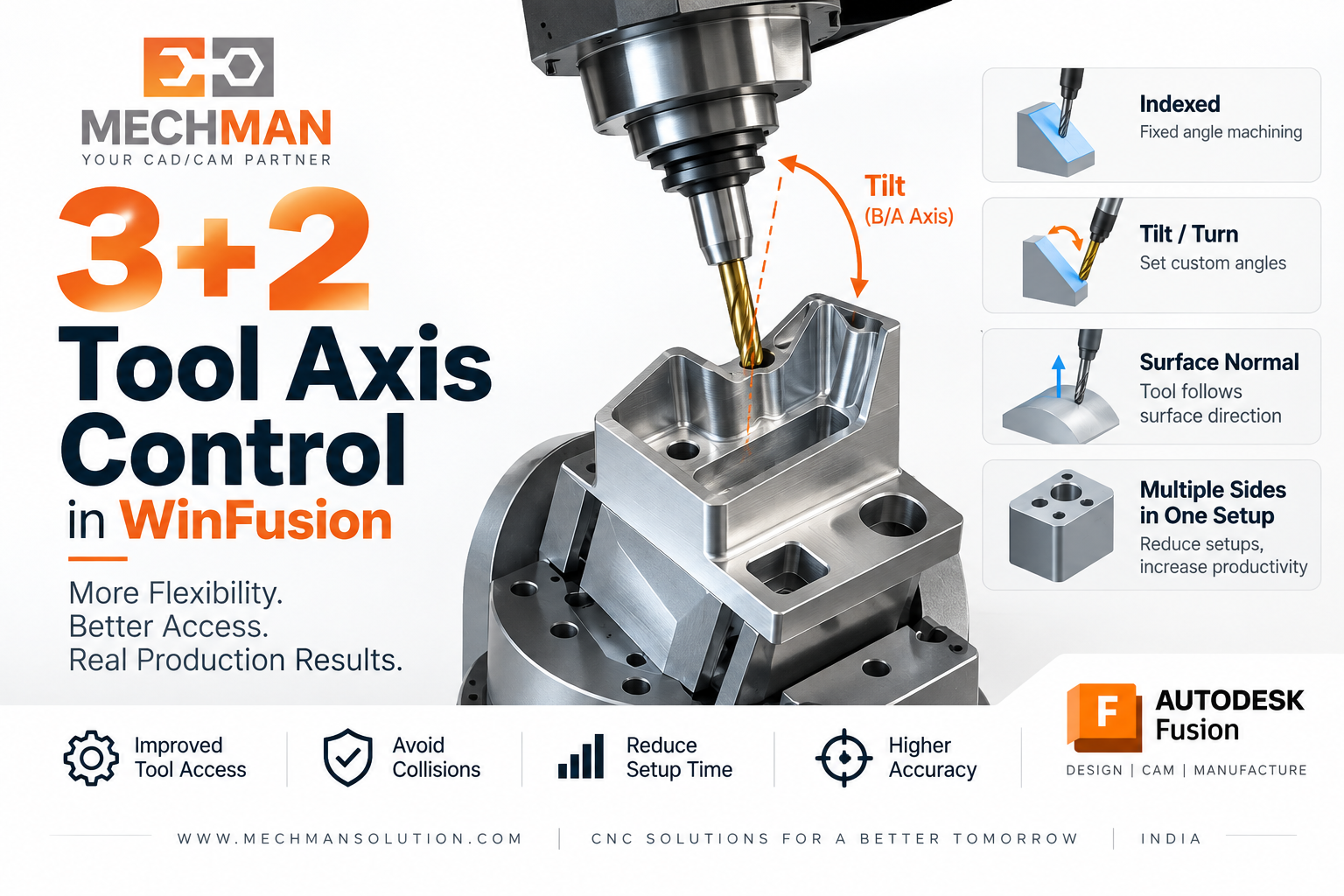
3+2 mein: Face se Z-axis + Edge se X-axis define karo → rotary axes position ho jate hain → XYZ machining start. Tilt, Turn, Align to View, Surface Normal — multiple orientation options!
→Face se Z-Axis Define ⭐
→Edge se X-Axis Define
→Tilt + Turn Options ⭐
→Surface Normal ⭐
→Align to View
⭐Auto from Geometry! ✅
🛡️ Tool Axis Control + Collision Avoidance — Together!
🛡️
Sirf angle define karna enough nahi — Collision avoid bhi karo! ⭐
Fusion advanced multi-axis = automatic collision avoidance + smooth tilting motion!
Tool Axis Controls: ⭐
- Min/Max tilt limits ⭐
- Smooth tilting motion
- Lead/Lean fine-tuning
- Axis limit management ✅
Auto Collision Avoid: ⭐
- Holder → Part avoidance ⭐
- Fixture clearance
- Auto tilt to avoid ⭐
- Machine limits safe ✅
CAM screen par toolpath sahi dikhna ≠ Machine par automatically safe — Machine Simulation + Proven Post se verify karo! ✅
Machine Simulation + Proven Post = Tool Axis Control Ka Real-World Proof!
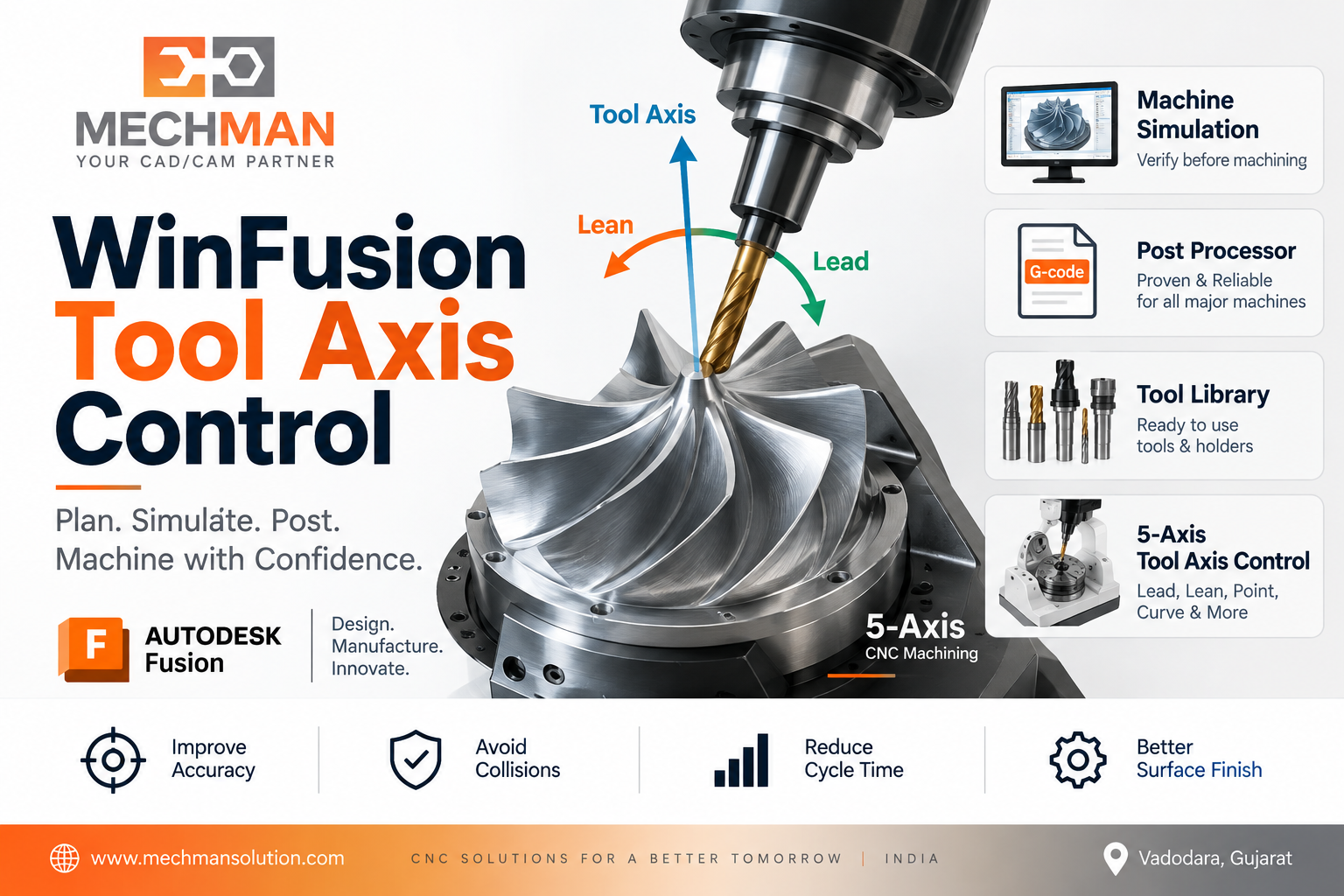
WinFusion: Correct tool axis define karo → Machine Simulation se rotary movement verify karo → Proven Post Processor se machine-specific correct NC code → CNC Machine par safe production start!
Tool Axis Define ⭐
→
Toolpath Generate
→
Simulation ⭐
→
Proven Post
→
NC → CNC ✅
🏭 Tool Axis Control Kahan Sabse Critical Hai?
✅Blade / Impeller Machining ⭐
✅Turbine Blade Aerospace ⭐
✅Complex Mould/Die Surface
✅Deep Cavity + Undercuts ⭐
✅Port Machining ⭐
✅Swarf Machining
✅3+2 Multi-Face Operations ⭐
🎯Any 5-Axis Job!
Tool Axis Control — 5-Axis CNC Ka Foundation! 🎯
Tool Axis Control sirf ek software setting nahi — ye 5-axis machining ki asli power hai! Sahi angle = collision avoid + better access + shorter tool + superior finish!
Surface Access
🎯 Complete!
Finish Quality
✨ Superior!
WinFusion: Tool Axis Control + Machine Simulation + Proven Post = 5-Axis Production Excellence! 🎯🚀
🎯
Tool Axis Control | 5-Axis CAM | Post Processor | Simulation
Mechman Solutions — WinFusion
Autodesk Authorized Partner | Vadodara, Gujarat | Since 2015
www.mechmansolution.com
© 2025 Mechman Solutions | WinFusion — Tool Axis Control Guide | Vadodara, Gujarat
